
Key takeaways
- There is no single best image AI model: choose by the job, whether that is photorealism, illustration, typography or editing a photo you upload.
- Tangra AI Image Generator puts 20+ models in one account, from OpenAI, Google, Black Forest Labs, ByteDance, Stability AI and Tangra itself.
- To edit or restyle a picture, pick a model that accepts reference images, such as GPT Image, Nano Banana 2 or Seedream.
- In our 2025 comparison, DALL·E 3 rated highest for image quality and Flux Pro for textured text. Since then, GPT Image has taken over from DALL·E 3 and Nano Banana 2 from Google Imagen in Tangra AI.
AI image generating models have revolutionized the way we create visual content. But with a myriad of options like OpenAI's DALL·E, Flux, Google's Imagen, Stable Diffusion, and DeepSeek's Janus-Pro, choosing the right model is crucial to achieve your desired outcomes. Whether you're an artist, a marketer, a hobbyist, or a tech enthusiast, understanding the strengths and limitations of each model can make or break your project. In this article, we'll delve into the unique features of each AI image generator to help you make an informed decision. Additionally, we've put together a comparison between the models. We've compared the models on features and capabilities our users find most important. At the end, you will be able to choose the right Gen AI model for your visuals. If you're just starting your AI-driven creativity journey, welcome! We'll do our best to make it easy and enjoyable.
Updated October 2026Image models move fast. Since this guide first ran, GPT Image has taken over from DALL·E 3 and Nano Banana 2 from Google Imagen in Tangra AI. The first section covers today's lineup; the rest is our original 2025 review.
Which image AI model should you use in 2026?
Pick by the job. For photorealism on a budget, start with Tangra's own models. To edit or restyle a picture you already have, use a model that accepts reference images, such as GPT Image, Nano Banana 2 or Seedream. For text inside the picture, try the Text model or the Flux family. Here is the lineup in Tangra AI Image Generator today.
| Models | Made by | Good to know |
|---|---|---|
| Photorealistic, Photorealistic 2, Fictional, Text, Fast | Tangra | Tangra’s own models, with unlimited generations on the Premium and Ultimate plans. |
| GPT Image, GPT Image Pro, GPT Image Mini | OpenAI | OpenAI’s successor to DALL·E 3. Edits and builds on reference images you upload. |
| Nano Banana 2, 4K Pro | Edit and restyle with up to 14 reference images per picture. | |
| Flux, Flux 2, Flux 2 Pro, Flux 2 Flex | Black Forest Labs | From the makers of Flux Pro, our 2025 pick for textured text. |
| Seedream 4.0, Seedream 4.5 | ByteDance | Accept reference images for editing and restyling. |
| Stable Diffusion XL | Stability AI | Open source, balancing speed and quality. |
| Krea, HiDream Full, Titan 2 | Krea, HiDream.ai, Amazon | More looks to compare on the same prompt. |
Not sure which one fits? Type the same prompt into two or three models and keep the picture you like. The model selector shows each model's credit cost before you press Create.
DALL·E 3: detailed and precise
DALL-E 3 by OpenAI is great for creating highly detailed and accurate images from text descriptions, making it perfect for artists and designers who need precision. However, it's not the best choice if you're in a hurry, as it can be a bit slow and meticulous.
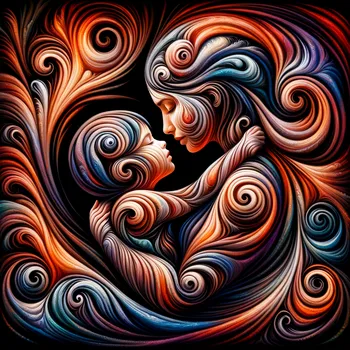 Maternal Symphony
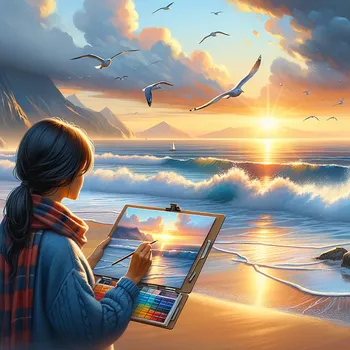 Sunset Artist Serenity
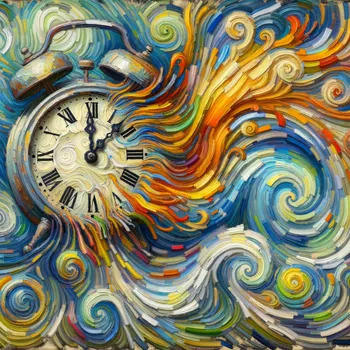 Melting Time
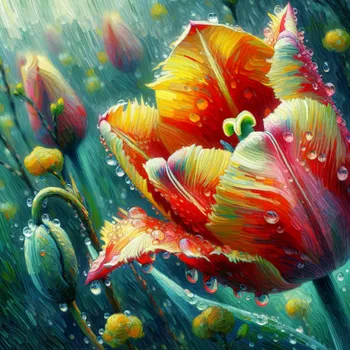 Springs First Bloom
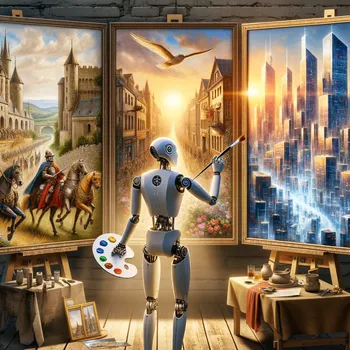 Robot Artist
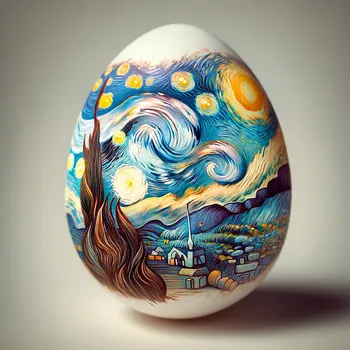 Eggstravagant Art
 Beachside Anime Girl
UpdateDALL·E 3 is no longer offered in Tangra AI. GPT Image, OpenAI's newer image model, takes its place.
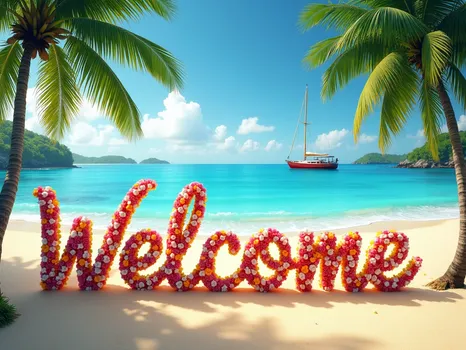
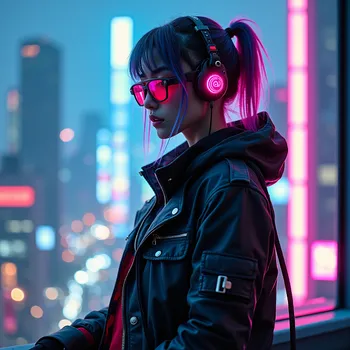
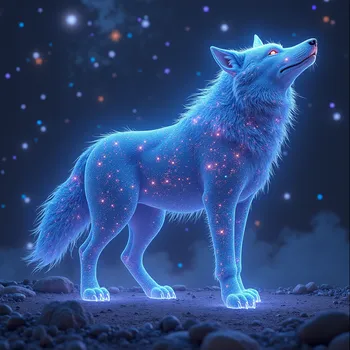
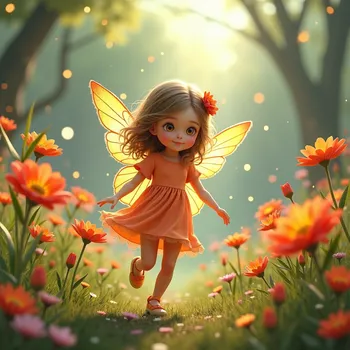
Flux Pro: fast, with complex compositions and textured text
Flux Pro is fantastic for generating images quickly and handling complex compositions with ease. Therefore, it is ideal for those who need to churn out visuals fast. But it might not be the best pick for highly detailed or nuanced artwork. On the other hand, it excels at rendering intricate typography effects, making it a top choice for AI-generated text with depth and texture.
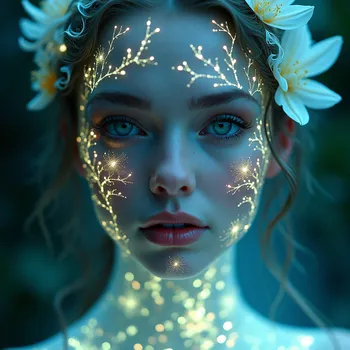
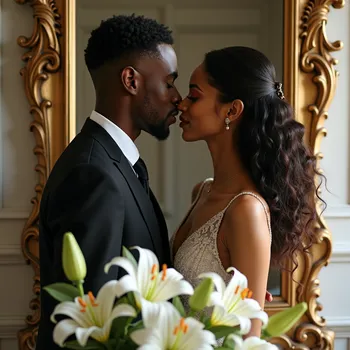



Google Imagen 3: impressive and true to the prompt
Google Imagen 3 is designed to produce images that are not only stunning in quality but also deeply connected to the provided text prompts. Perfect for projects where you need images that are both visually impressive and contextually spot-on. However, it can be a bit over-engineered for simpler tasks, where a more straightforward model might suffice.
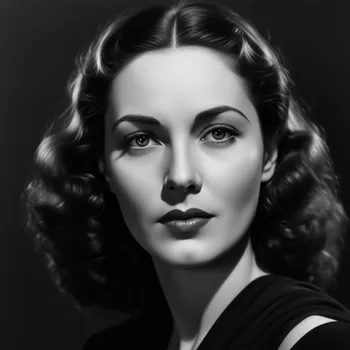 Timeless Grace Portrait
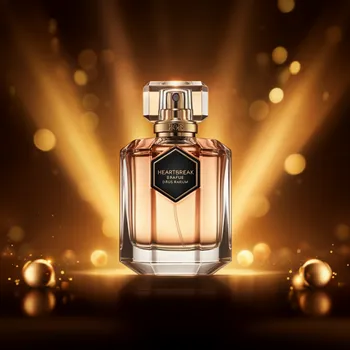 Heartbreak Perfume Elegance
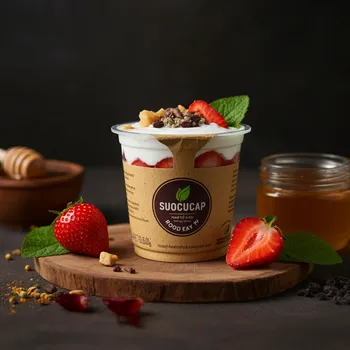 Eco-Friendly Berry-Yogurt Cup
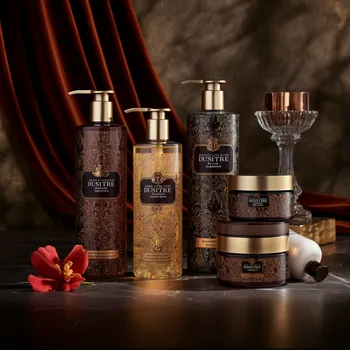 Luxury Cosmetics Display
 Google Logo Explosion
UpdateGoogle Imagen has been retired in Tangra AI. Google's Nano Banana 2 and 4K Pro take its place.
Stable Diffusion XL: the middle ground
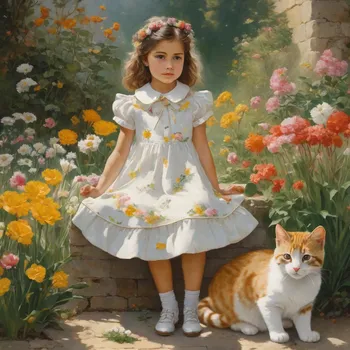
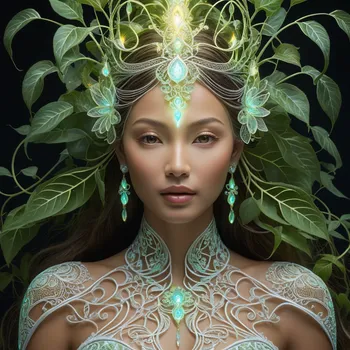
Stable Diffusion XL is the middle ground, balancing speed and quality. It's great for generating high-quality images without breaking a sweat, making it a favorite among hobbyists and professionals alike. However, it can sometimes miss the mark on very specific details.

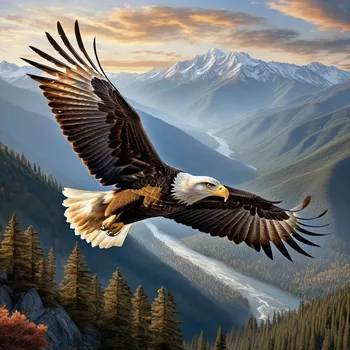

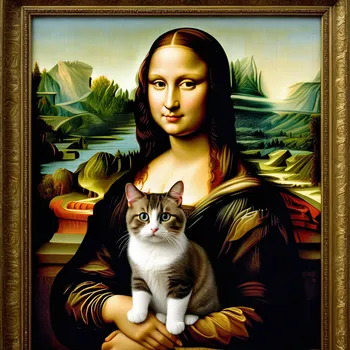

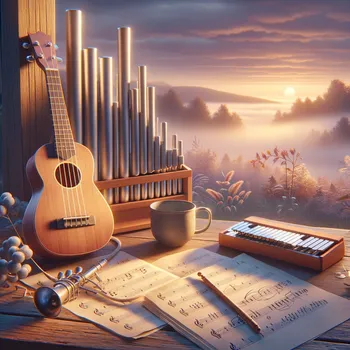
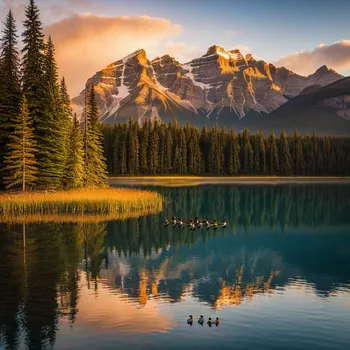
DeepSeek Janus-Pro: the newcomer
Janus-Pro-7B is the new kid on the block, aiming to outperform its rivals with superior image quality and accuracy. If you want the latest in AI image generation, definitely give it a try. But being new, it still has some kinks to work out. So, you've been warned!
UpdateJanus-Pro is no longer offered in Tangra AI.
So many image AI models: which one to choose?
Each AI model brings its unique flair to the table, so whether you're looking for speed, detail, or contextual brilliance, there's a model tailored to your needs. Try out different models, art styles, effects, and techniques until you find your own style. Additionally, keep looking at what others are doing – you'll find amazing prompts and techniques to learn from.
With Tangra AI Image Generator you can select the model you'd like to use. Start by browsing through what our users have created and see for yourself which model works for your needs. Check it out today!
Image AI models compared (2025)
Below is a comparison of the most popular image AI models, based on key functionalities, use cases, and user feedback. Our insights come from millions of images created in Tangra AI and from tens of thousands of users and their feedback. We've also pinpointed the most popular categories for each model and factored in likes, shares, and other interaction data to build a clearer picture.
| Feature | DALL-E 3 | Flux Pro | Google Imagen 3 | Stable Diffusion XL | Janus-Pro-7B |
|---|---|---|---|---|---|
| Image Quality | Very high | High | High | Medium | Low |
| Max Size (px) | 1024×1024 | 4096×4096 | 1024×1024 | 2048×2048 | 384×384 |
| Speed | Moderate | Fast | Moderate | Very fast | Moderate |
| Landscape, Portrait | Yes | Yes | No | Yes | No |
| Custom Size | No | No | Yes | No | No |
| Editing Support | Yes | Yes | Yes | Yes | Limited |
| Has Seeds | No | No | Yes | Yes | No |
| Most Distinctive | Nuanced prompts | High-quality realism | Artistic diversity | Open source | Multimodal capabilities |
| Known for | Creative outputs | Realistic and detailed | Photorealistic and vibrant | Good for artistic styles | Much less refined |
| Best for | Art, concept art, illustrations | Textured text, photo-realistic portraits and landscapes | Photography, product images | Photo-realistic portraits, fantasy and sci-fi scenes | TBD |
| Company | OpenAI | Black Forest Labs | Stability AI | DeepSeek | |
| Rating | 4.5 / 5 | 4 / 5 | 3.5 / 5 | 3 / 5 | 2 / 5 |
As we know, Gen AI models move at lightning speed, constantly refining and redefining what's possible. By the time you read this, the landscape may have already shifted.
If image AI models were cities...
If AI image models were cities, each would have its own architectural style, rhythm, and personality. Let's explore which city best represents each model.
- DALL·E 3 would be Paris - elegant, artistic, and meticulously designed, but takes its time to perfect every detail.
- Flux Pro is so much New York City - fast-paced, always moving, producing impressive results instantly.
- Google Imagen 3 fits Tokyo best - high-tech, sophisticated, and deeply connected to user prompts with precision.
- Stable Diffusion XL reminds of Chicago - a solid mix of efficiency and style, balancing speed and quality.
- DeepSeek Janus-Pro-7B could be Dubai - the ambitious newcomer aiming for cutting-edge excellence.
Gen AI brings unique flavor to your visuals
Watching this technology unfold is nothing short of mesmerizing. Even more astonishing? Seeing how individuals and organizations embrace it, supercharging creativity, productivity, and uniqueness like never before. The future of AI artistry is already here and the sooner you embrace it, the faster you'll start reaping its benefits.
Got any specific projects or ideas you want to brainstorm with these models? Always happy to help! Get in touch with us and let us help you boost your creativity!