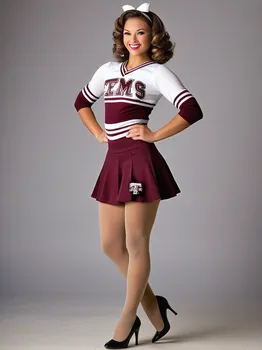
1970s LSU Cheerleader - AI Generated Image with Photorealistic

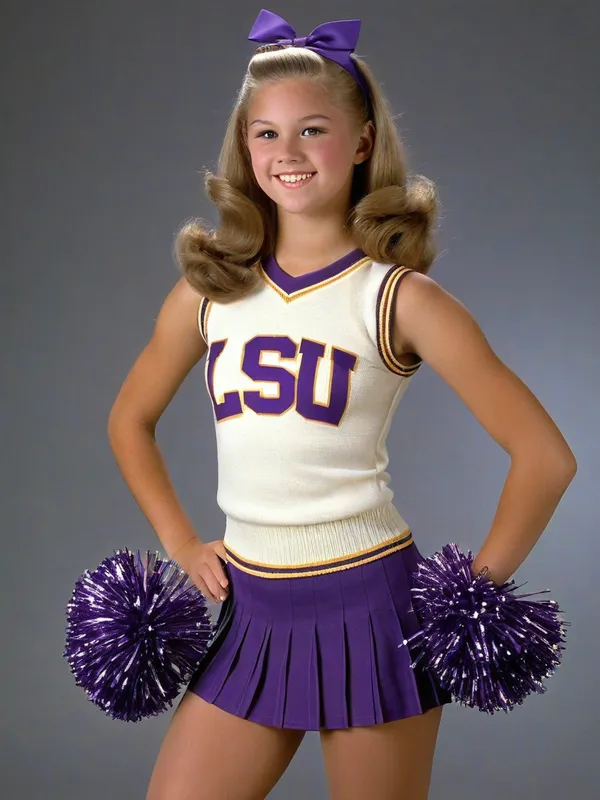
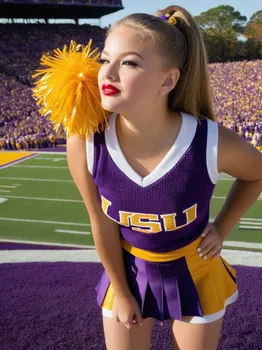
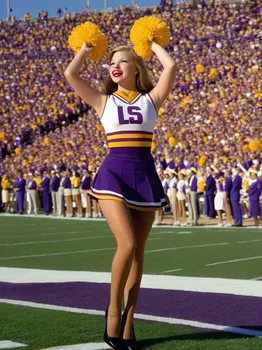
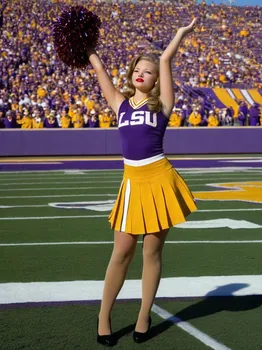
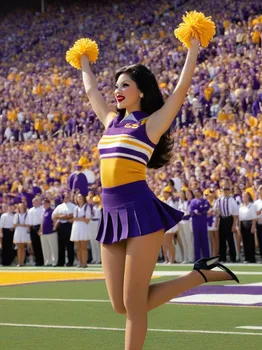
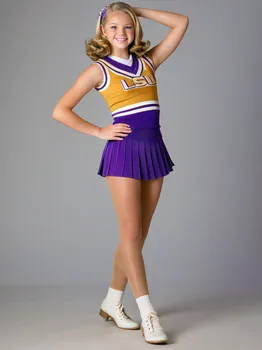
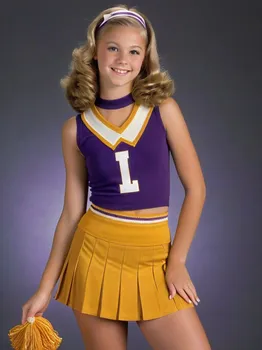
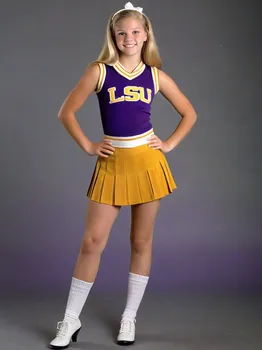
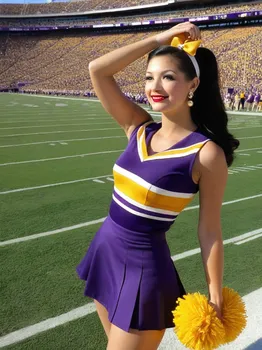
1970s LSU Cheerleader - High school cheerleader in a 1970s-era LSU cheerleader uniform with a knitted top and pleated miniskirt, posing in full body with crystal clear details. She's wearing super sheer shiny shimmering silky smooth tan pantyhose and 5 inch black high heels. Holding pompoms, she is cheering at Tiger Stadium, sporting pink lipstick, long sparkling earrings, and a bouffant hairstyle. 9:16 aspect ratio. - AI image generated with Photorealistic

1970s LSU Cheerleader

High school cheerleader in a 1970s-era LSU cheerleader uniform with a knitted top and pleated miniskirt, posing in full body with crystal clear details. She's wearing super sheer shiny shimmering silky smooth tan pantyhose and 5 inch black high heels. Holding pompoms, she is cheering at Tiger Stadium, sporting pink lipstick, long sparkling earrings, and a bouffant hairstyle. 9:16 aspect ratio.

Photorealistic, Size: 768 x 1024
 0 Likes
 40 Views
⭐⭐⭐⭐⭐

Stunning photorealistic visuals

It takes only a few seconds of browsing through the images already created by others to see the quality. I was specifically interested in portraits that are super realistic, almost like photographs. And the ones I'm able to create in Tangra are amazing! Just search up “portrait” and you’ll see what I mean.

Similar AI-Generated Images

Discover more images created with similar styles, themes, and AI models


Frequently Asked Questions

Can I use the AI-generated images commercially?

Yes. All images created with Tangra AI are copyright-free and fully approved for commercial use, with no attribution required.

What AI models are used to create these images?

Tangra AI uses a curated mix of the best-performing industry models like Flux, DALL·E, Imagen, Nano Banana, and Stable Diffusion alongside our own proprietary models to deliver consistently high-quality, production-ready images.

Can I edit the images after they are generated?

Yes. Tangra AI includes powerful editing tools that let you refine and adjust your images after they're generated.