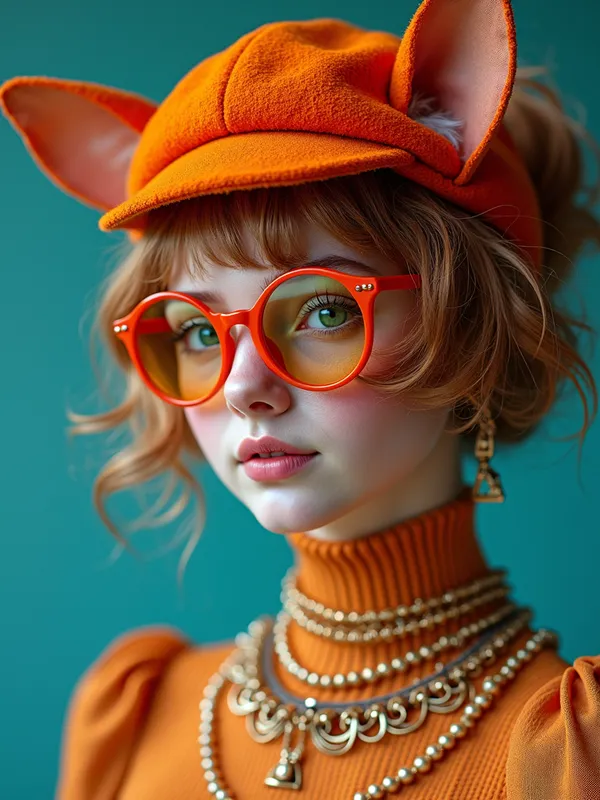
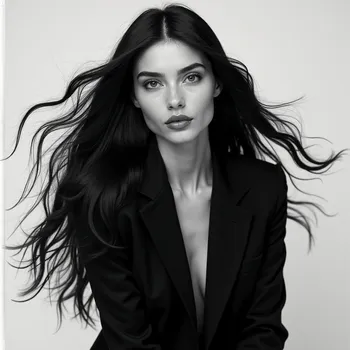
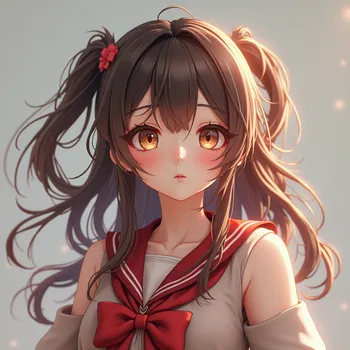
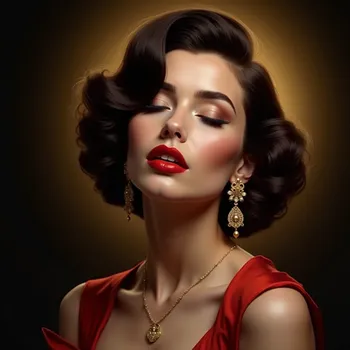
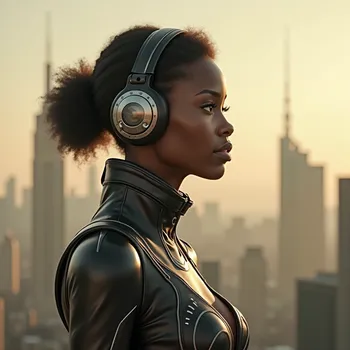
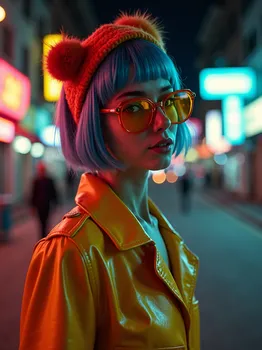
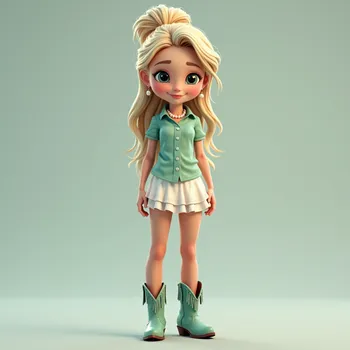
60's Fashion Model with Vibrant Attire - AI Generated Image with Photorealistic 2

60's Fashion Model with Vibrant Attire - 60's era fashion model, strange nonsensical material, animal, describe colors, face
wearable, headgear, clothing, full body fashion, hair color, eye colors, glasses or
not, hyperrealistic, vivid and vibrant, 4k - AI image generated with Photorealistic 2

60's Fashion Model with Vibrant Attire

60's era fashion model, strange nonsensical material, animal, describe colors, face wearable, headgear, clothing, full body fashion, hair color, eye colors, glasses or not, hyperrealistic, vivid and vibrant, 4k

Photorealistic 2, Size: 768 x 1024
 0 Likes
 30 Views
⭐⭐⭐⭐⭐

Above AND Beyond

In the beginning...I wasn't to sure if this thing was gonna fly! Then I thought about the Wright Brothers. they weren't sure they were gonna get off the ground either. but once I finally got off the tarmac onto runway 1 and was cleared to go my status quickly went from Student pilot, right on up to Astronaut! 'Tangra AI Image Generator' Has proven its self to me, to be way ABOVE and BEYOND, any other AI Image Generator ever created. And I have tried a bunch! I tip my hat to the 'support team'. They are quicker to respond than my Mustang is at the strip (and its FAST). What I'm try'n to say is get the app. you will NOT REGRET IT.

Similar AI-Generated Images

Discover more images created with similar styles, themes, and AI models


Frequently Asked Questions

Can I use the AI-generated images commercially?

Yes. All images created with Tangra AI are copyright-free and fully approved for commercial use, with no attribution required.

What AI models are used to create these images?

Tangra AI uses a curated mix of the best-performing industry models like Flux, DALL·E, Imagen, Nano Banana, and Stable Diffusion alongside our own proprietary models to deliver consistently high-quality, production-ready images.

Can I edit the images after they are generated?

Yes. Tangra AI includes powerful editing tools that let you refine and adjust your images after they're generated.