Astronaut Bear and Friends in Rocket - AI Generated Image with Imagen 4 Ultra

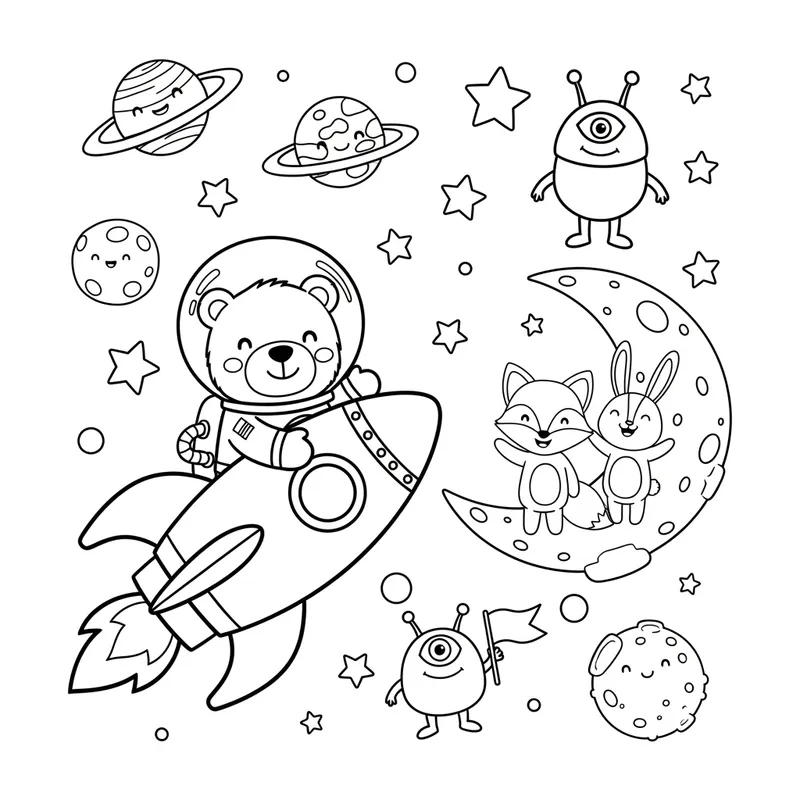
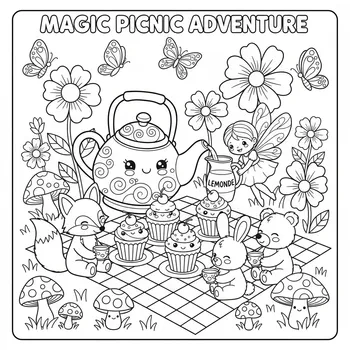
Astronaut Bear and Friends in Rocket - Bold, kawaii black and white cartoon coloring page for children aged 6–8. 
Depicts a cute astronaut bear flying in a rocket with a fox and rabbit waving from a moon base, surrounded by smiling planets, stars, and a friendly alien. 
Clean bold outlines, no shading, no color, no background, white margins. 
Portrait 8.5x11 inch layout at 300 DPI, perfect for KDP coloring book.
 - AI image generated with Imagen 4 Ultra

Astronaut Bear and Friends in Rocket

Bold, kawaii black and white cartoon coloring page for children aged 6–8. Depicts a cute astronaut bear flying in a rocket with a fox and rabbit waving from a moon base, surrounded by smiling planets, stars, and a friendly alien. Clean bold outlines, no shading, no color, no background, white margins. Portrait 8.5x11 inch layout at 300 DPI, perfect for KDP coloring book.

Imagen 4 Ultra, Size: 1024 x 1024
 11 Likes
 141 Views
⭐⭐⭐⭐⭐
As a small business owner, I don't have a large budget for graphic design. Tangra AI Image Generator has been a game-changer for me! I can create beautiful images in seconds for all my marketing needs, from social media posts to event flyers, holiday cards, and slides. Highly recommend it to anyone who wants their brand to stand out!

Similar AI-Generated Images

Discover more images created with similar styles, themes, and AI models


Frequently Asked Questions

Can I use the AI-generated images commercially?

Yes. All images created with Tangra AI are copyright-free and fully approved for commercial use, with no attribution required.

What AI models are used to create these images?

Tangra AI uses a curated mix of the best-performing industry models like Flux, DALL·E, Imagen, Nano Banana, and Stable Diffusion alongside our own proprietary models to deliver consistently high-quality, production-ready images.

Can I edit the images after they are generated?

Yes. Tangra AI includes powerful editing tools that let you refine and adjust your images after they're generated.