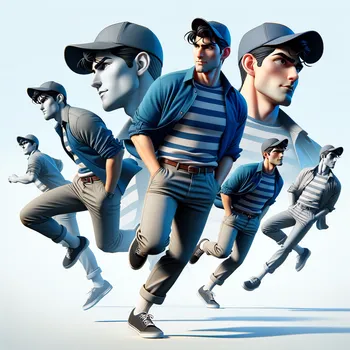
Benny Bunny's Kitchen Adventure - AI Generated Image with Art

Benny Bunny's Kitchen Adventure - Scene 1: Introduction to Benny Bunny
Description:
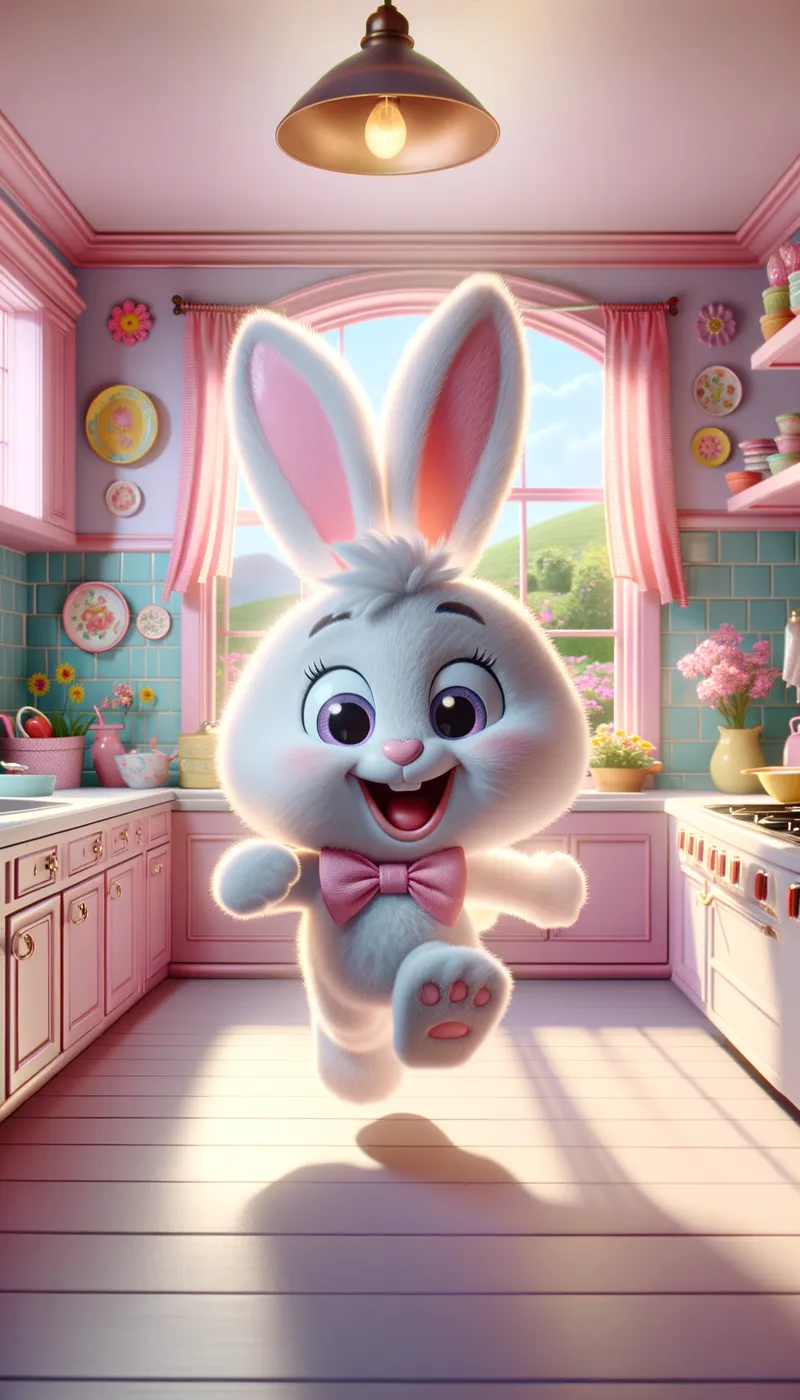
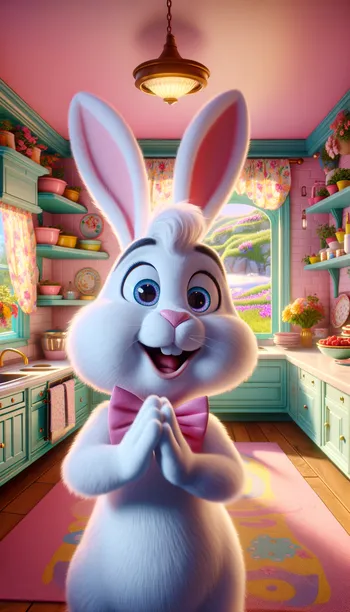
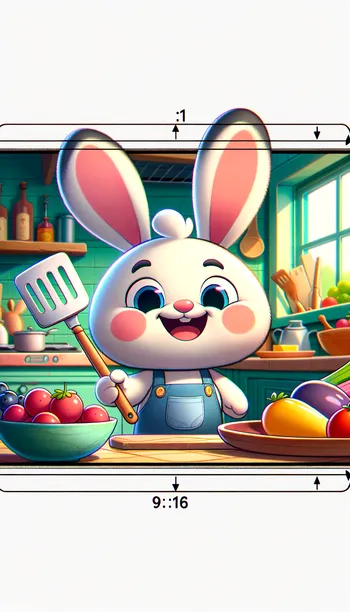
Benny Bunny hops into the kitchen, full of energy and excitement. The camera zooms in on his cheerful face as he introduces himself.

Hyper-Detailed Prompt:

Setting: A bright, sunny kitchen with pastel pink walls and colorful decorations. A large window shows a garden filled with flowers.
Benny Bunny: Animated character with fluffy white fur, large expressive eyes, and a pink bow tie. His ears flop around as he hops.
Body Language: Benny jumps up and down, clapping his paws together, with a huge smile. His ears perk up when he starts talking.
Dialogue: “Hi, friends! I’m Benny Bunny, and today we’re going to hop into the kitchen and make Bunny Berry Pancakes!”
Visual Elements: Bright colors, soft lighting, and playful animations to create an inviting atmosphere. - AI image generated with Art

Benny Bunny's Kitchen Adventure

Scene 1: Introduction to Benny Bunny Description: Benny Bunny hops into the kitchen, full of energy and excitement. The camera zooms in on his cheerful face as he introduces himself. Hyper-Detailed Prompt: Setting: A bright, sunny kitchen with pastel pink walls and colorful decorations. A large window shows a garden filled with flowers. Benny Bunny: Animated character with fluffy white fur, large expressive eyes, and a pink bow tie. His ears flop around as he hops. Body Language: Benny jumps up and down, clapping his paws together, with a huge smile. His ears perk up when he starts talking. Dialogue: “Hi, friends! I’m Benny Bunny, and today we’re going to hop into the kitchen and make Bunny Berry Pancakes!” Visual Elements: Bright colors, soft lighting, and playful animations to create an inviting atmosphere.

Art, Size: 1024 x 1792
 9 Likes
 87 Views
⭐⭐⭐⭐⭐

Stunning photorealistic visuals

It takes only a few seconds of browsing through the images already created by others to see the quality. I was specifically interested in portraits that are super realistic, almost like photographs. And the ones I'm able to create in Tangra are amazing! Just search up “portrait” and you’ll see what I mean.

Similar AI-Generated Images

Discover more images created with similar styles, themes, and AI models


Frequently Asked Questions

Can I use the AI-generated images commercially?

Yes. All images created with Tangra AI are copyright-free and fully approved for commercial use, with no attribution required.

What AI models are used to create these images?

Tangra AI uses a curated mix of the best-performing industry models like Flux, DALL·E, Imagen, Nano Banana, and Stable Diffusion alongside our own proprietary models to deliver consistently high-quality, production-ready images.

Can I edit the images after they are generated?

Yes. Tangra AI includes powerful editing tools that let you refine and adjust your images after they're generated.