Charming Woodcut Flyer Design - AI Generated Image with Photorealistic 2

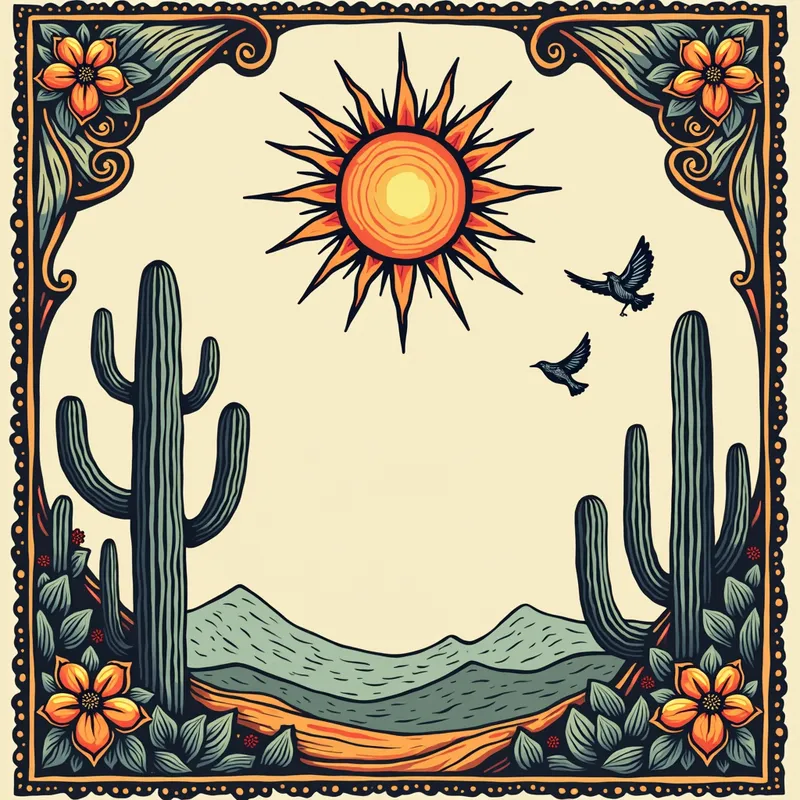
Charming Woodcut Flyer Design - 👉 Main characteristics of woodcut details:
	•	Marked and irregular strokes → nothing too "perfect," the charm lies in the imperfections.
	•	Wood texture → the drawing usually has hatching (parallel lines) and scratches that give depth.
	•	Simplified shapes → the sun, cacti, cowboy, and birds appear in a stylized form, almost like symbols.
	•	Strong contrast → usually light background and dark lines, or vice versa.
	•	Ornaments → can be frames with simple arabesques, flowers, broken lines.

👉 In a flyer, these details can appear as:
	•	Frame around the content (imitating a cordel cover).
	•	Decorative icons → sun, mandacaru, accordion, leather hat, birds, all in woodcut style.
	•	Section dividers → instead of straight lines, use "cracked" or hatched lines, reminiscent of woodcut. - AI image generated with Photorealistic 2

More like this

Charming Woodcut Flyer Design

👉 Main characteristics of woodcut details: • Marked and irregular strokes → nothing too "perfect," the charm lies in the imperfections. • Wood texture → the drawing usually has hatching (parallel lines) and scratches that give depth. • Simplified shapes → the sun, cacti, cowboy, and birds appear in a stylized form, almost like symbols. • Strong contrast → usually light background and dark lines, or vice versa. • Ornaments → can be frames with simple arabesques, flowers, broken lines. 👉 In a flyer, these details can appear as: • Frame around the content (imitating a cordel cover). • Decorative icons → sun, mandacaru, accordion, leather hat, birds, all in woodcut style. • Section dividers → instead of straight lines, use "cracked" or hatched lines, reminiscent of woodcut.

Photorealistic 2, Size: 1024 x 1024
 3 Likes
 285 Views

Make your own version

Start from this image's prompt and change anything you like.

Photorealistic 2
⭐⭐⭐⭐⭐
“I was creating poster designs on Canva and couldn't find the right images to use. I browsed through the App Store on there and found your app which is where I heard of you. I also used google to look up the best AI image generators.”
— Paul R.

Frequently Asked Questions

Can I use the AI-generated images commercially?

Yes. All images created with Tangra AI are copyright-free and fully approved for commercial use, with no attribution required.

What AI models are used to create these images?

Tangra AI uses a curated mix of the best-performing industry models, alongside our own proprietary models to deliver consistently high-quality, production-ready images.

Can I edit the images after they are generated?

Yes. Tangra AI includes powerful editing tools that let you refine and adjust your images after they're generated.

Can I generate images in a specific brand style?

Yes. You can guide the AI with brand logos, reference images, brand colors and visual aesthetics to produce images that align with a brand's identity.

Can I generate images in different styles and formats?

Absolutely. Tangra AI supports a wide range of styles, from realistic to futuristic, and you can choose from various formats to suit your needs.

Can I generate images in different resolutions?

Yes. Tangra AI allows you to generate images in various resolutions, including high-resolution options suitable for print and digital media.

Do I need design experience to create professional-quality images?

No. Tangra AI is designed for marketers, entrepreneurs, and business users. Simply describe what you want, and the AI generates professional-quality visuals from your instructions.

Are there any restrictions on the types of images I can generate?

Tangra AI has guidelines to ensure responsible use. You cannot generate content that is illegal, harmful, or violates the rights of others.