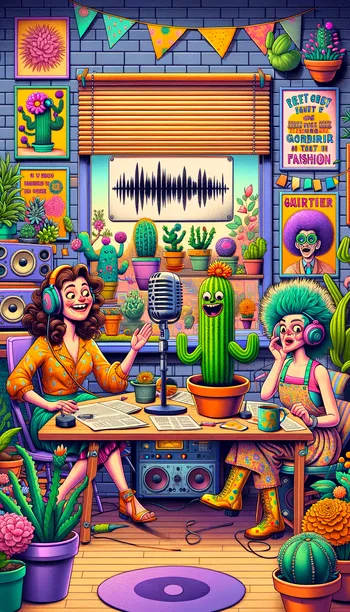
Contrasting Conversations: Studio & Home - AI Generated Image with Photorealistic 2

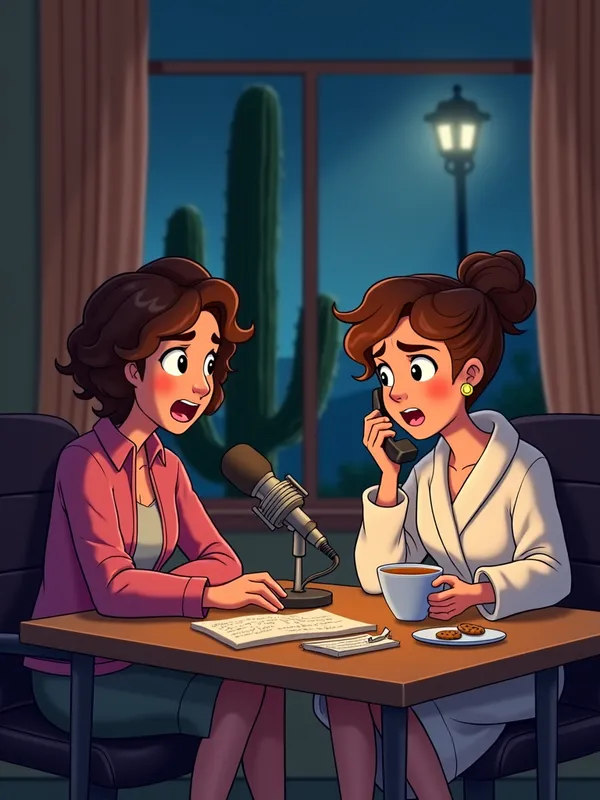
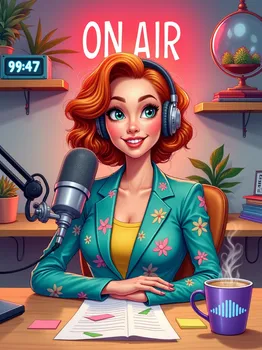
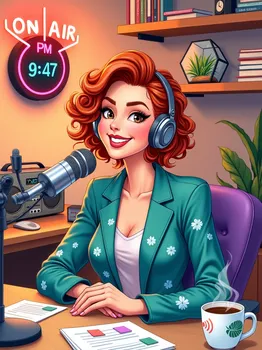
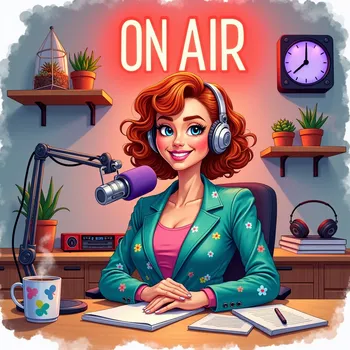
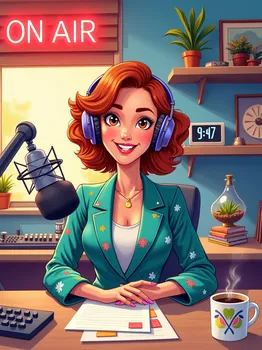
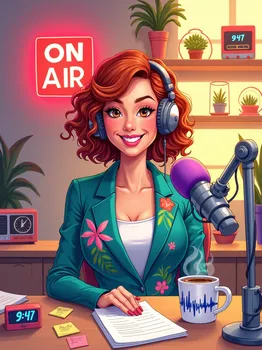
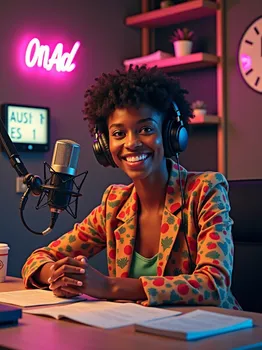
Contrasting Conversations: Studio & Home - Referencing this scene: https://tangra.link/images/VibrantRadioHostStudio806 , please create a new image using the following information: Split-screen visual: On the left, Jackie is leaning forward toward the microphone with an amused and intrigued expression, her eyebrows raised. On the right, Karen is sitting in her dimly lit kitchen, nervously holding a phone to her ear. Karen looks flustered, with messy hair, wearing a bathrobe and mismatched slippers. On the table next to her is a half-empty mug of tea, a plate of cookies, and a notepad with doodles of cacti. Through the window behind her, a faint silhouette of a tall cactus can be seen in her neighbor’s garden, ominously lit by a streetlamp.
 - AI image generated with Photorealistic 2

Contrasting Conversations: Studio & Home

Referencing this scene: https://tangra.link/images/VibrantRadioHostStudio806 , please create a new image using the following information: Split-screen visual: On the left, Jackie is leaning forward toward the microphone with an amused and intrigued expression, her eyebrows raised. On the right, Karen is sitting in her dimly lit kitchen, nervously holding a phone to her ear. Karen looks flustered, with messy hair, wearing a bathrobe and mismatched slippers. On the table next to her is a half-empty mug of tea, a plate of cookies, and a notepad with doodles of cacti. Through the window behind her, a faint silhouette of a tall cactus can be seen in her neighbor’s garden, ominously lit by a streetlamp.

Photorealistic 2, Size: 768 x 1024
 0 Likes
 1 Views
⭐⭐⭐⭐⭐

The easiest to use GenAI app

Love that it's super easy to get started. No complicated UI or overwhelming screens. Just entered my prompt, added a few of the predefined effects, and that was it. I got several ideas to choose from, selected a few of the prompts and created beautiful images.

Similar AI-Generated Images

Discover more images created with similar styles, themes, and AI models


Frequently Asked Questions

Can I use the AI-generated images commercially?

Yes. All images created with Tangra AI are copyright-free and fully approved for commercial use, with no attribution required.

What AI models are used to create these images?

Tangra AI uses a curated mix of the best-performing industry models like Flux, DALL·E, Imagen, Nano Banana, and Stable Diffusion alongside our own proprietary models to deliver consistently high-quality, production-ready images.

Can I edit the images after they are generated?

Yes. Tangra AI includes powerful editing tools that let you refine and adjust your images after they're generated.