
Digital Shadows - AI Generated Image

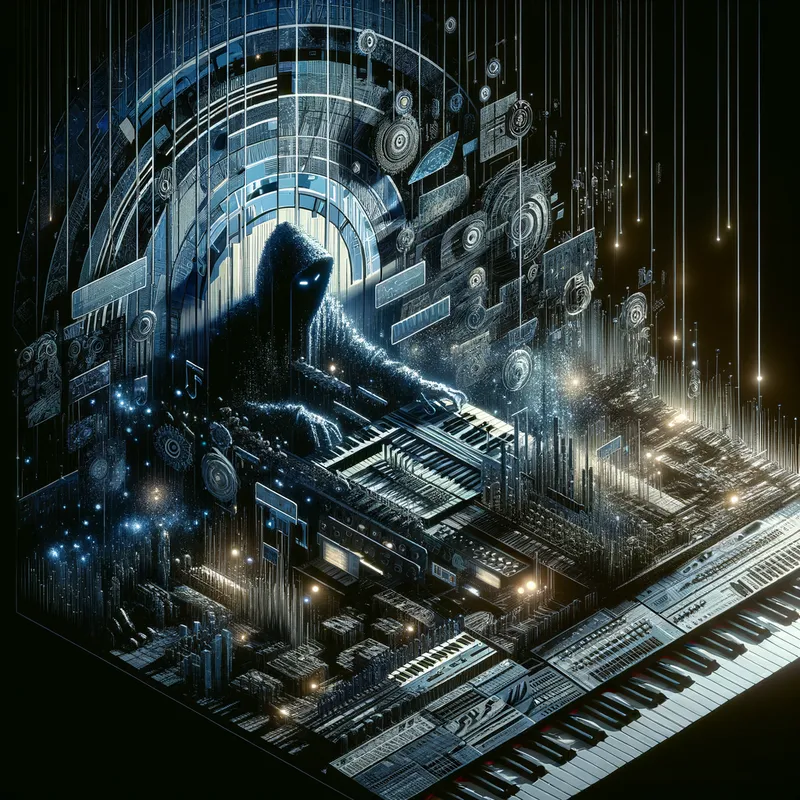
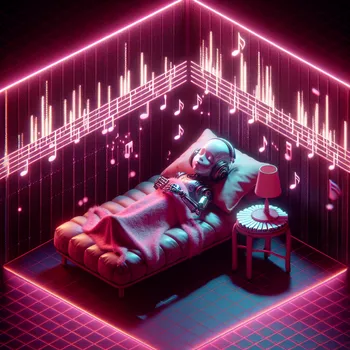
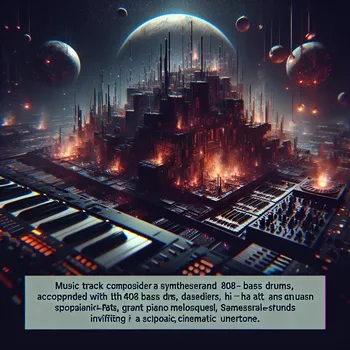
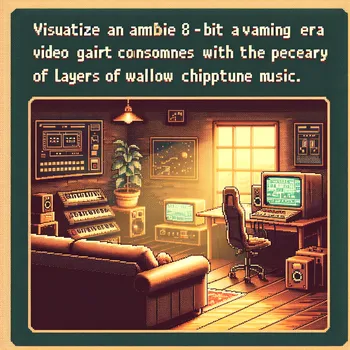
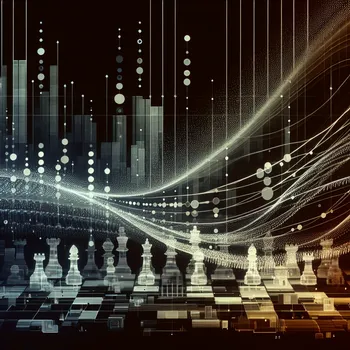
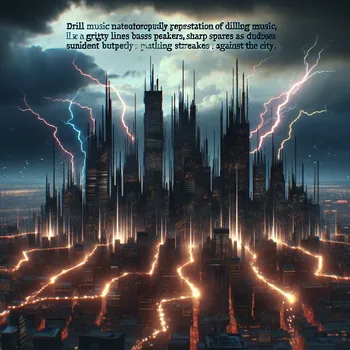
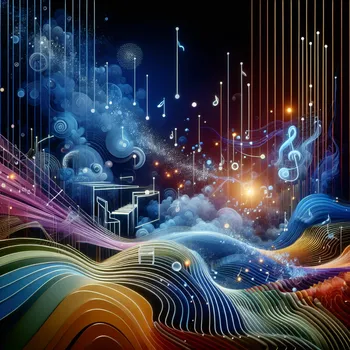
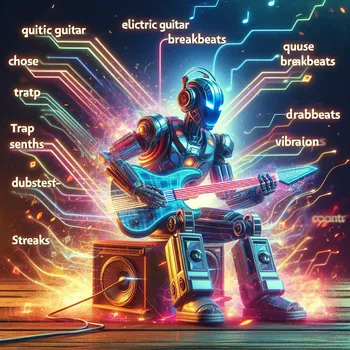
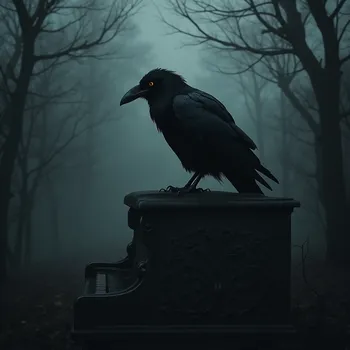
Digital Shadows - Develop an ambient and atmospheric piece reflecting the shadowy world of cyber espionage. Choose instruments like metallic percussion, ambient synths, and bit-crushed piano motifs to convey the high-tech and futuristic feel of hacking. Add layers of murmuring voices and subtle white noise to mimic the constant flow of data. Introduce tension with intermittent dissonant chords and evolving textures that build and release throughout the track.

Digital Shadows

Develop an ambient and atmospheric piece reflecting the shadowy world of cyber espionage. Choose instruments like metallic percussion, ambient synths, and bit-crushed piano motifs to convey the high-tech and futuristic feel of hacking. Add layers of murmuring voices and subtle white noise to mimic the constant flow of data. Introduce tension with intermittent dissonant chords and evolving textures that build and release throughout the track.

Size: 1024 x 1024
 0 Likes
 24 Views
⭐⭐⭐⭐⭐
I was creating poster designs on Canva and couldn't find the right images to use. I browsed through the App Store on there and found your app which is where I heard of you. I also used google to look up the best AI image generators.

Similar AI-Generated Images

Discover more images created with similar styles, themes, and AI models


Frequently Asked Questions

Can I use the AI-generated images commercially?

Yes. All images created with Tangra AI are copyright-free and fully approved for commercial use, with no attribution required.

What AI models are used to create these images?

Tangra AI uses a curated mix of the best-performing industry models like Flux, DALL·E, Imagen, Nano Banana, and Stable Diffusion alongside our own proprietary models to deliver consistently high-quality, production-ready images.

Can I edit the images after they are generated?

Yes. Tangra AI includes powerful editing tools that let you refine and adjust your images after they're generated.