Dystopian Journey - AI Generated Image with Photorealistic 2

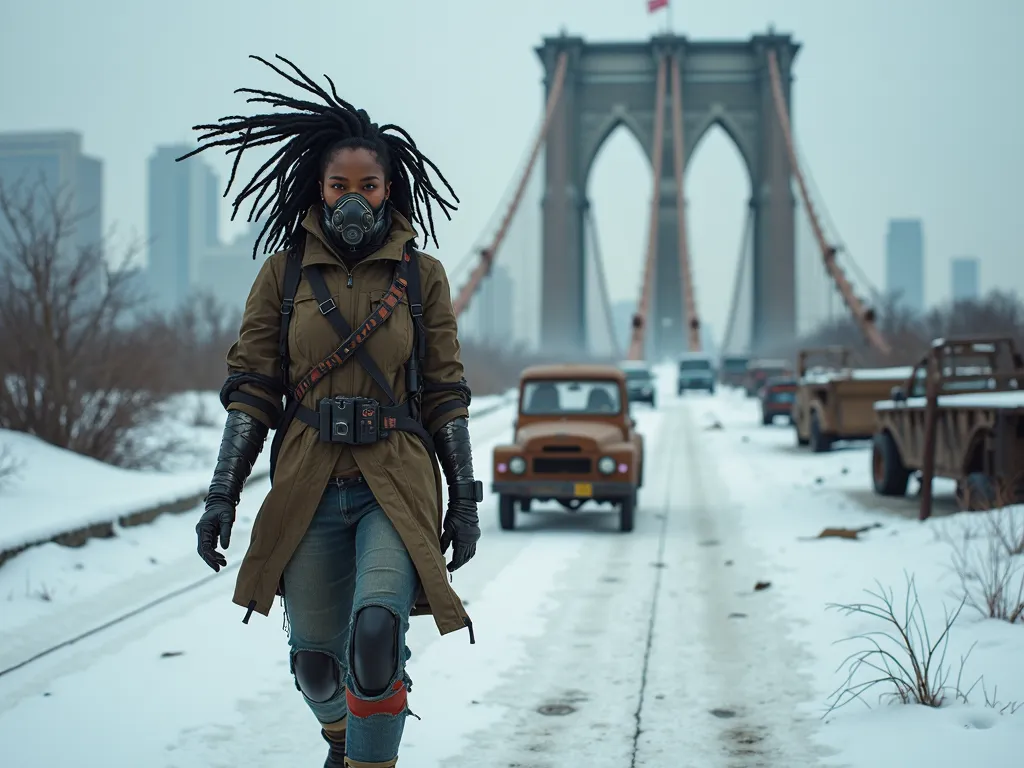
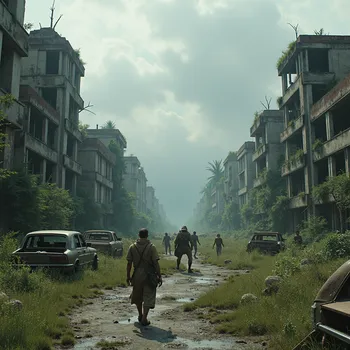
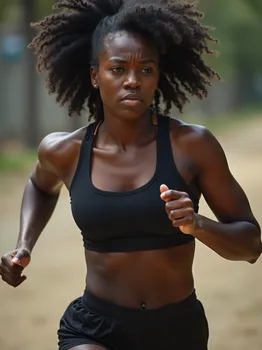
Dystopian Journey - Winter descends over a post-apocalyptic Brooklyn Bridge. A black woman, dressed for survival in layered attire with a breathing apparatus, walks confidently, her cherished dreadlocks flying free. Her mechanical arm uncovered by a torn sleeve gleams as she pulls a sled of scavenged goods. Snow blankets abandoned vehicles and the ruins of a city skyline emerge from the mist, emphasizing her strength and resilience. - AI image generated with Photorealistic 2

Dystopian Journey

Winter descends over a post-apocalyptic Brooklyn Bridge. A black woman, dressed for survival in layered attire with a breathing apparatus, walks confidently, her cherished dreadlocks flying free. Her mechanical arm uncovered by a torn sleeve gleams as she pulls a sled of scavenged goods. Snow blankets abandoned vehicles and the ruins of a city skyline emerge from the mist, emphasizing her strength and resilience.

Photorealistic 2, Size: 1024 x 768
 0 Likes
 34 Views
⭐⭐⭐⭐⭐

Offers unlimited generations and downloads

Other tools I've tried count credits, allocate daily “budgets” or restrict generations in one way or another. Not Tangra AI - when they say “unlimited generations”, they mean it. I’ve created hundreds of pictures already and plan on creating many, many more. ;)

Similar AI-Generated Images

Discover more images created with similar styles, themes, and AI models


Frequently Asked Questions

Can I use the AI-generated images commercially?

Yes. All images created with Tangra AI are copyright-free and fully approved for commercial use, with no attribution required.

What AI models are used to create these images?

Tangra AI uses a curated mix of the best-performing industry models like Flux, DALL·E, Imagen, Nano Banana, and Stable Diffusion alongside our own proprietary models to deliver consistently high-quality, production-ready images.

Can I edit the images after they are generated?

Yes. Tangra AI includes powerful editing tools that let you refine and adjust your images after they're generated.