Efficient Workstation for Data Entry - AI Generated Image with Fictional

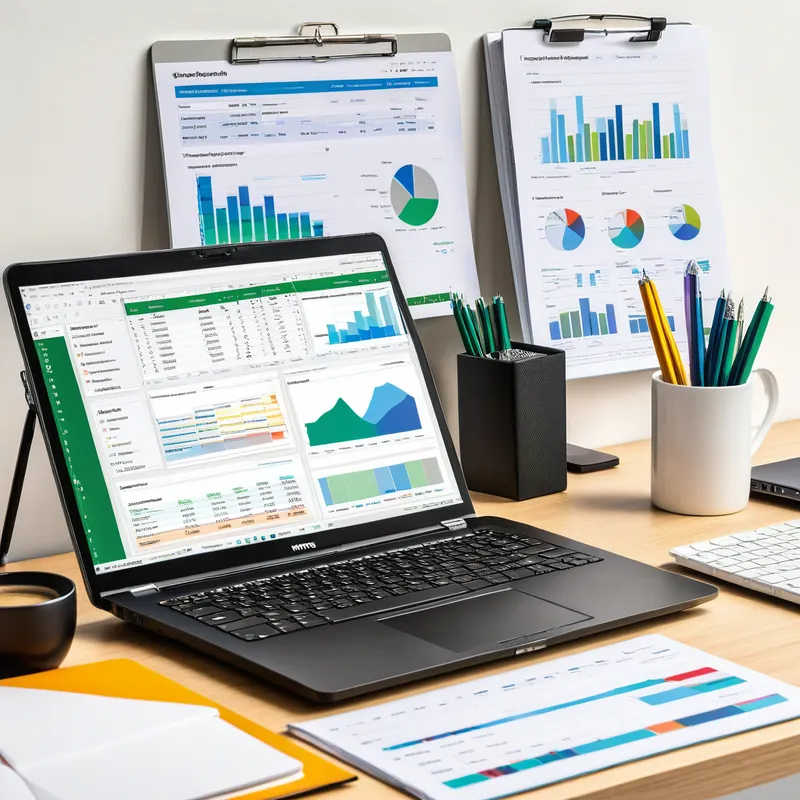
Efficient Workstation for Data Entry - An image depicting a well-organized desk setup for data entry tasks. The laptop showcases spreadsheets and vibrant graphs on the screen. The desk is equipped with essential office supplies such as a notepad, pens, and a steaming cup of coffee. The bright and tidy background conveys productivity and orderliness. - AI image generated with Fictional

More like this

Efficient Workstation for Data Entry

An image depicting a well-organized desk setup for data entry tasks. The laptop showcases spreadsheets and vibrant graphs on the screen. The desk is equipped with essential office supplies such as a notepad, pens, and a steaming cup of coffee. The bright and tidy background conveys productivity and orderliness.

Fictional, Size: 1024 x 1024
 1 Likes
 147 Views

Make your own version

Start from this image's prompt and change anything you like.

Fictional
⭐⭐⭐⭐⭐
“This the app your looking for. It's simply to use, generates amazing art. Lots of options to utilize in the free version. If not the best it should be! Together we can rocket ship the app, the more support the developers receive the more we as consumers will benefit. It's a win win. Leave a 5 star review.”
— Find Leo

Frequently Asked Questions

Can I use the AI-generated images commercially?

Yes. All images created with Tangra AI are copyright-free and fully approved for commercial use, with no attribution required.

What AI models are used to create these images?

Tangra AI uses a curated mix of the best-performing industry models like Flux, DALL·E, Nano Banana 2, and Stable Diffusion alongside our own proprietary models to deliver consistently high-quality, production-ready images.

Can I edit the images after they are generated?

Yes. Tangra AI includes powerful editing tools that let you refine and adjust your images after they're generated.