Emergent Geometric Gradient - AI Generated Image with Photorealistic 2

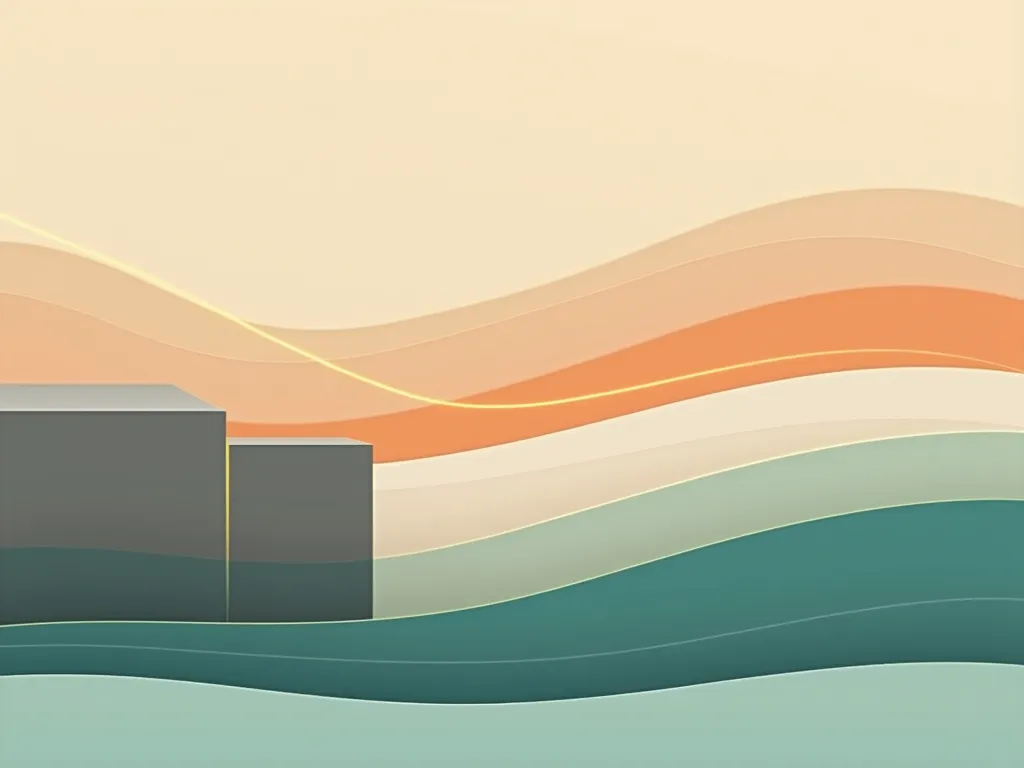
Emergent Geometric Gradient - Background: A soft gradient transitioning from warm earthy tones (like sandy beige) at the bottom to a deep tropical teal or turquoise at the top, creating a subtle horizon effect.

Strate (Volume): Create 3–4 large, smooth, geometric shapes (rectangles or irregular layers) in muted tones (think concrete gray or warm stone) emerging from the bottom, partially hidden behind a semi-transparent horizontal layer or white veil. Each layer should rise higher than the previous, giving a sense of upward emergence.

Flux (Circulation): Add 1–2 curved, flowing lines (soft light trails or thin, glowing strokes) in a contrasting, brighter tropical color — like warm orange or neon green — weaving gently through and around the emerging shapes to imply movement. Keep these lines minimal and smooth.

Horizon (Perspective): Include a faint, converging line or gradient in the upper third of the page to guide the eye toward a subtle vanishing point, enhancing the feeling of depth without overpowering the simplicity - AI image generated with Photorealistic 2

Emergent Geometric Gradient

Background: A soft gradient transitioning from warm earthy tones (like sandy beige) at the bottom to a deep tropical teal or turquoise at the top, creating a subtle horizon effect. Strate (Volume): Create 3–4 large, smooth, geometric shapes (rectangles or irregular layers) in muted tones (think concrete gray or warm stone) emerging from the bottom, partially hidden behind a semi-transparent horizontal layer or white veil. Each layer should rise higher than the previous, giving a sense of upward emergence. Flux (Circulation): Add 1–2 curved, flowing lines (soft light trails or thin, glowing strokes) in a contrasting, brighter tropical color — like warm orange or neon green — weaving gently through and around the emerging shapes to imply movement. Keep these lines minimal and smooth. Horizon (Perspective): Include a faint, converging line or gradient in the upper third of the page to guide the eye toward a subtle vanishing point, enhancing the feeling of depth without overpowering the simplicity

Photorealistic 2, Size: 1024 x 768
 2 Likes
 142 Views
⭐⭐⭐⭐⭐
Hello I purchased Tangra yesterday first time I have ever used an AI generator. Tangra made it so easy for me. Text to image is awesome with more then one pic to chose from. Also the AI assitent anwsered my questions and gave me perfect dirrections on what to do!!! Thank you !!!
Bill Crabb

Similar AI-Generated Images

Discover more images created with similar styles, themes, and AI models


Frequently Asked Questions

Can I use the AI-generated images commercially?

Yes. All images created with Tangra AI are copyright-free and fully approved for commercial use, with no attribution required.

What AI models are used to create these images?

Tangra AI uses a curated mix of the best-performing industry models like Flux, DALL·E, Imagen, Nano Banana, and Stable Diffusion alongside our own proprietary models to deliver consistently high-quality, production-ready images.

Can I edit the images after they are generated?

Yes. Tangra AI includes powerful editing tools that let you refine and adjust your images after they're generated.