Filipino Fantasy Creature - AI Generated Image with Photorealistic 2

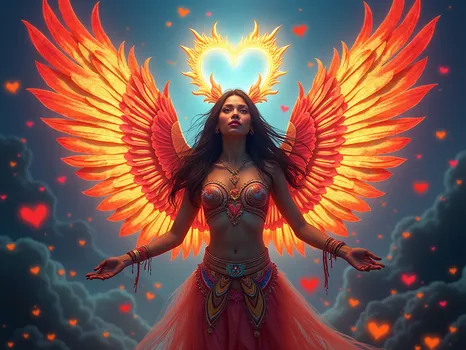
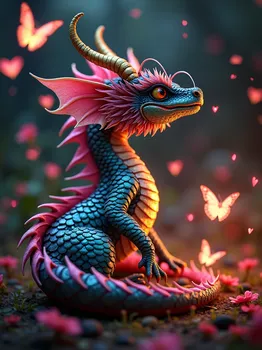
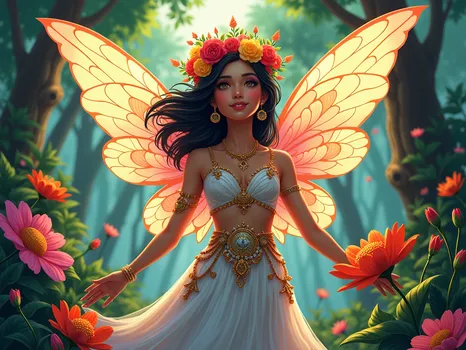
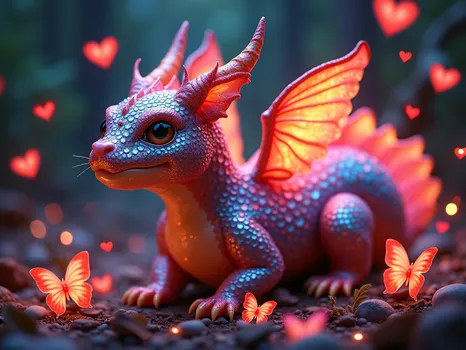
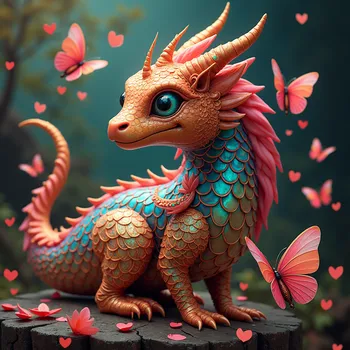
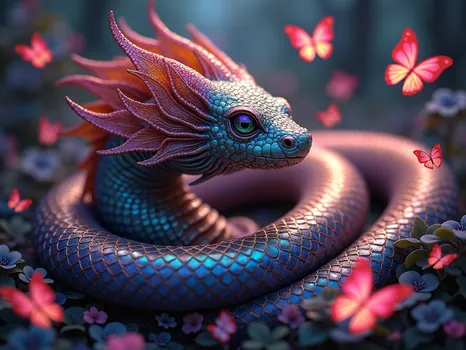
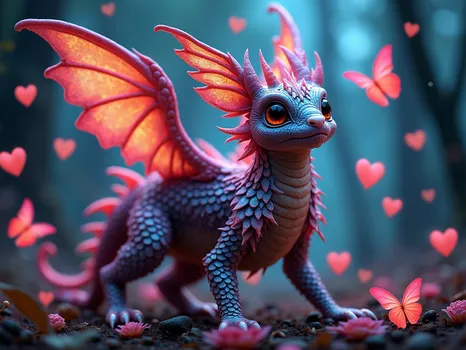
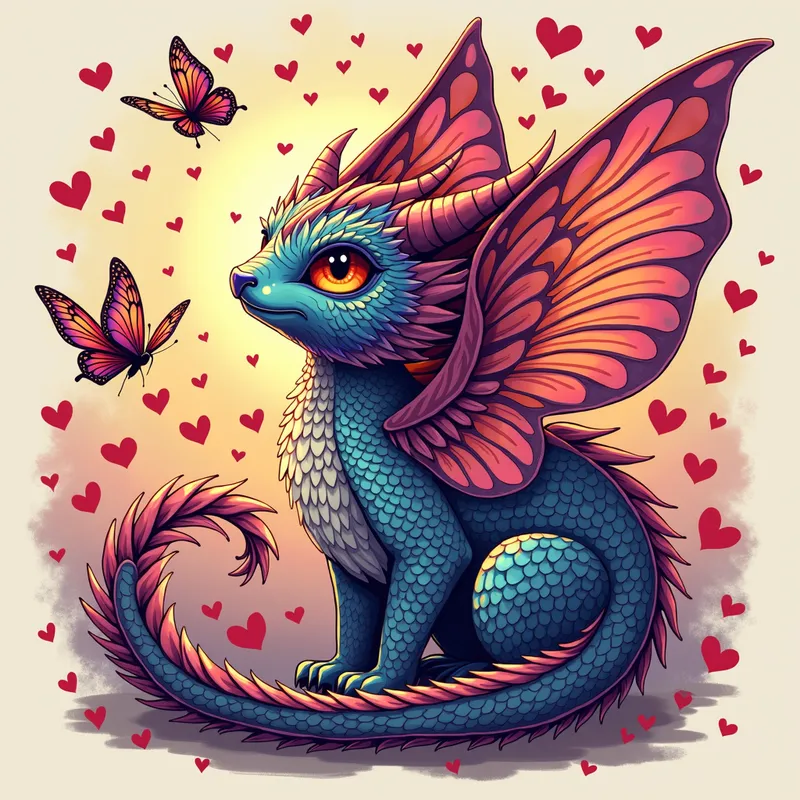
Filipino Fantasy Creature - A fantastical illustration of a Filipino-inspired fantasy creature, surrounded by a swarm of love hearts and butterflies. The creature's scales shimmer with iridescent colors, reflecting the beauty of Filipino jewelry and metalwork. Incorporate subtle Filipino cultural references to add depth to the design, such as traditional Filipino musical instruments or other cultural symbols. The design should be visually striking and showcase the beauty of Filipino culture. - AI image generated with Photorealistic 2

Filipino Fantasy Creature

A fantastical illustration of a Filipino-inspired fantasy creature, surrounded by a swarm of love hearts and butterflies. The creature's scales shimmer with iridescent colors, reflecting the beauty of Filipino jewelry and metalwork. Incorporate subtle Filipino cultural references to add depth to the design, such as traditional Filipino musical instruments or other cultural symbols. The design should be visually striking and showcase the beauty of Filipino culture.

Photorealistic 2, Size: 1024 x 1024
 1 Likes
 6 Views
⭐⭐⭐⭐⭐
You can create something unseen.You can visualize Your fantasies . You want to draw a picture,but you don't have the talent? Tangra AI is the thing you were missing all your life.

Similar AI-Generated Images

Discover more images created with similar styles, themes, and AI models


Frequently Asked Questions

Can I use the AI-generated images commercially?

Yes. All images created with Tangra AI are copyright-free and fully approved for commercial use, with no attribution required.

What AI models are used to create these images?

Tangra AI uses a curated mix of the best-performing industry models like Flux, DALL·E, Imagen, Nano Banana, and Stable Diffusion alongside our own proprietary models to deliver consistently high-quality, production-ready images.

Can I edit the images after they are generated?

Yes. Tangra AI includes powerful editing tools that let you refine and adjust your images after they're generated.