




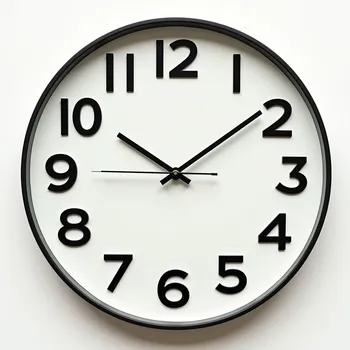


Focus Study Timer - AI Generated Image with Text

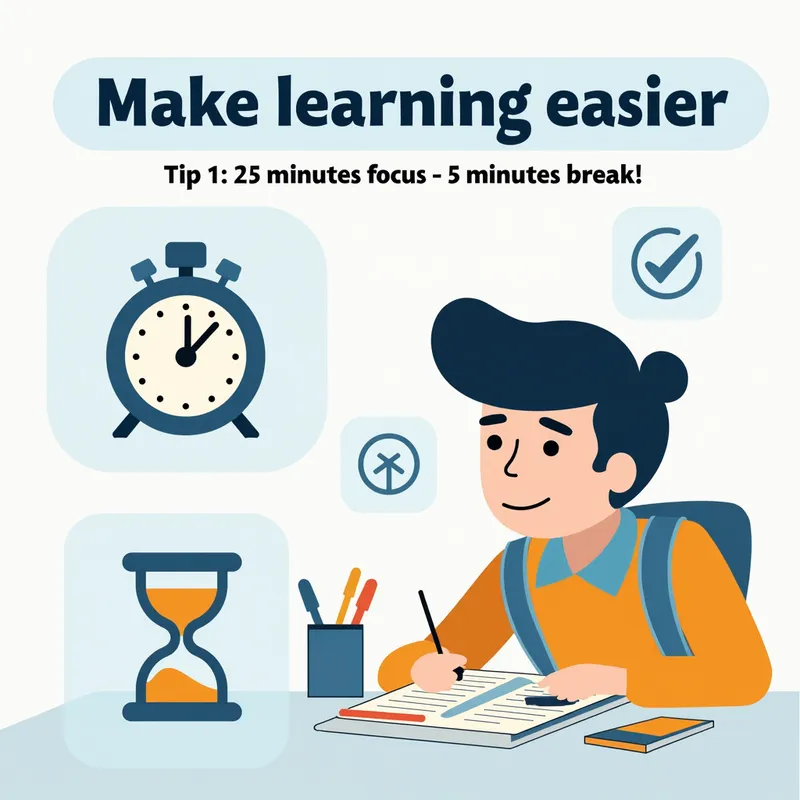
Focus Study Timer - Motif: A student is sitting at a tidy desk, focused with a timer or clock in view. On the desk are study materials such as notebooks and pens.

Color scheme: Light, friendly tones with accents in blue (for trust) and orange (for energy).

Text in the image:

Top left: 💡 "Make learning easier"

Bottom right: 📘 "Tip 1: 25 minutes focus – 5 minutes break!"

Design elements: Use icons like a clock or hourglass to visually support the time structure. - AI image generated with Text

Focus Study Timer

Motif: A student is sitting at a tidy desk, focused with a timer or clock in view. On the desk are study materials such as notebooks and pens. Color scheme: Light, friendly tones with accents in blue (for trust) and orange (for energy). Text in the image: Top left: 💡 "Make learning easier" Bottom right: 📘 "Tip 1: 25 minutes focus – 5 minutes break!" Design elements: Use icons like a clock or hourglass to visually support the time structure.

Text, Size: 1024 x 1024
 1 Likes
 16 Views
⭐⭐⭐⭐⭐
Hello I purchased Tangra yesterday first time I have ever used an AI generator. Tangra made it so easy for me. Text to image is awesome with more then one pic to chose from. Also the AI assitent anwsered my questions and gave me perfect dirrections on what to do!!! Thank you !!!

Similar AI-Generated Images

Discover more images created with similar styles, themes, and AI models


Frequently Asked Questions

Can I use the AI-generated images commercially?

Yes. All images created with Tangra AI are copyright-free and fully approved for commercial use, with no attribution required.

What AI models are used to create these images?

Tangra AI uses a curated mix of the best-performing industry models like Flux, DALL·E, Imagen, Nano Banana, and Stable Diffusion alongside our own proprietary models to deliver consistently high-quality, production-ready images.

Can I edit the images after they are generated?

Yes. Tangra AI includes powerful editing tools that let you refine and adjust your images after they're generated.