G5 Team Spirit - AI Generated Image with Text

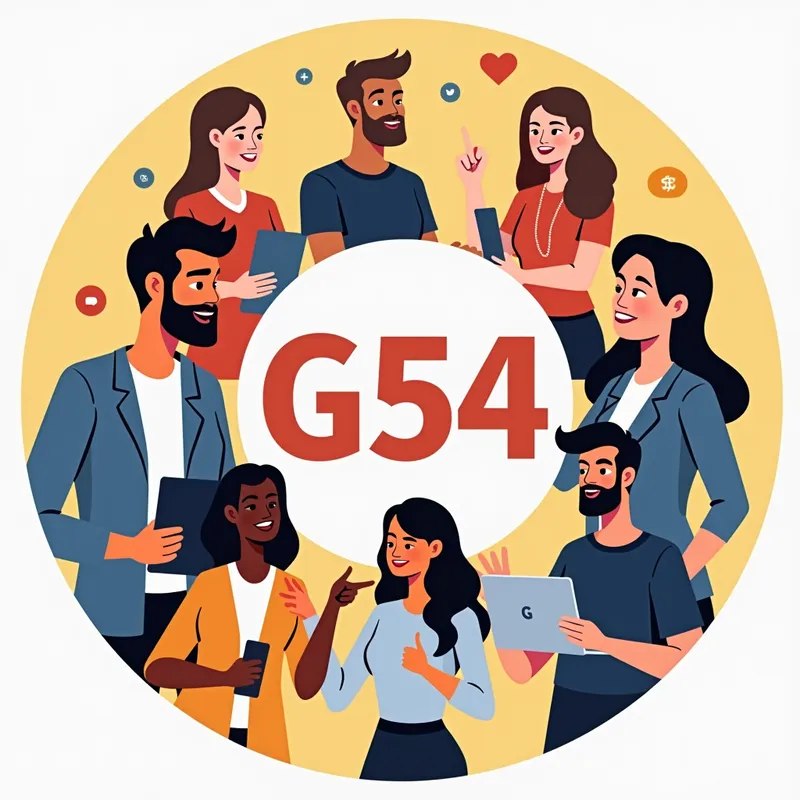
G5  Team Spirit - Create a round profile picture for social media. In the center, place the text 'G54'. Around the text, depict several people, both men and women, portrayed as coworkers. Some of them are talking to each other, one is on the phone, and one person is holding a laptop. Add some stickers that remind of social media, such as a thumbs-up. The image should convey a positive mood and be suitable for social media. - AI image generated with Text

G5 Team Spirit

Create a round profile picture for social media. In the center, place the text 'G54'. Around the text, depict several people, both men and women, portrayed as coworkers. Some of them are talking to each other, one is on the phone, and one person is holding a laptop. Add some stickers that remind of social media, such as a thumbs-up. The image should convey a positive mood and be suitable for social media.

Text, Size: 1024 x 1024
 1 Likes
 96 Views
⭐⭐⭐⭐⭐

The easiest to use GenAI app

Love that it's super easy to get started. No complicated UI or overwhelming screens. Just entered my prompt, added a few of the predefined effects, and that was it. I got several ideas to choose from, selected a few of the prompts and created beautiful images.

Similar AI-Generated Images

Discover more images created with similar styles, themes, and AI models


Frequently Asked Questions

Can I use the AI-generated images commercially?

Yes. All images created with Tangra AI are copyright-free and fully approved for commercial use, with no attribution required.

What AI models are used to create these images?

Tangra AI uses a curated mix of the best-performing industry models like Flux, DALL·E, Imagen, Nano Banana, and Stable Diffusion alongside our own proprietary models to deliver consistently high-quality, production-ready images.

Can I edit the images after they are generated?

Yes. Tangra AI includes powerful editing tools that let you refine and adjust your images after they're generated.