Groundhog Gone Wild in Christmas Town - AI Generated Image with Photorealistic 2

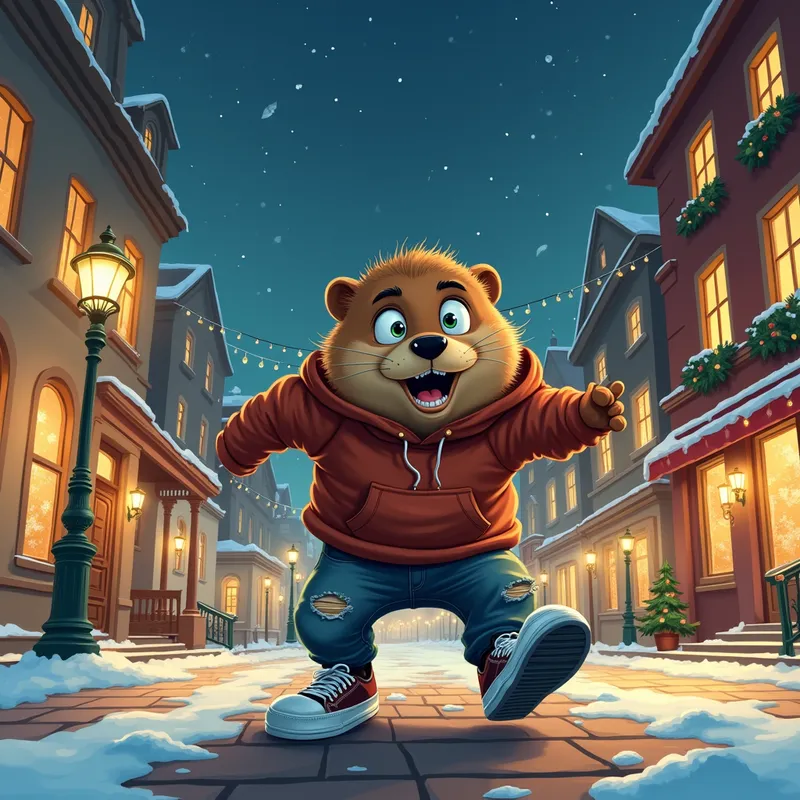
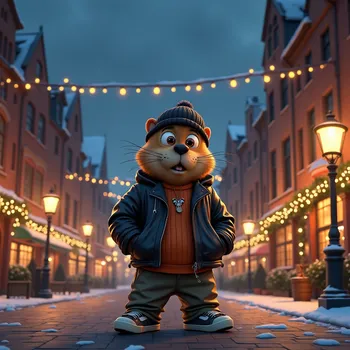
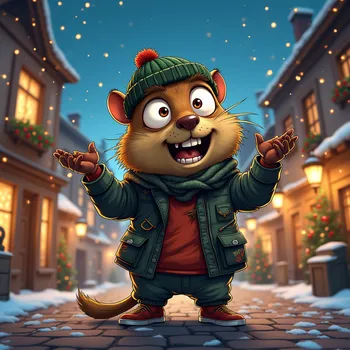
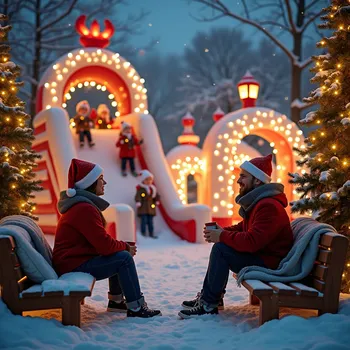
Groundhog Gone Wild in Christmas Town - A big-eyed, bubbly groundhog with a manic expression, wearing edgy urban streetwear—ripped jeans, oversized hoodie, and chunky sneakers—frantically running through a quaint, classical town square. The square is lined with charming old buildings and decorated with glowing Christmas lights strung across lamp posts and storefronts. The night sky adds a magical winter holiday atmosphere. - AI image generated with Photorealistic 2 - vivid colors, night lighting, cartoony

Groundhog Gone Wild in Christmas Town

A big-eyed, bubbly groundhog with a manic expression, wearing edgy urban streetwear—ripped jeans, oversized hoodie, and chunky sneakers—frantically running through a quaint, classical town square. The square is lined with charming old buildings and decorated with glowing Christmas lights strung across lamp posts and storefronts. The night sky adds a magical winter holiday atmosphere.

Vivid colors
Night lighting
Cartoony
Luis Royo
panoramic view
Photorealistic 2, Size: 1024 x 1024
 4 Likes
 127 Views
⭐⭐⭐⭐⭐
It is fantastic that you provide several opportunities to gain credits, because this way users will come back again and again. Especially enjoyable to gain credits via playing, this makes it double fun!

Similar AI-Generated Images

Discover more images created with similar styles, themes, and AI models


Frequently Asked Questions

Can I use the AI-generated images commercially?

Yes. All images created with Tangra AI are copyright-free and fully approved for commercial use, with no attribution required.

What AI models are used to create these images?

Tangra AI uses a curated mix of the best-performing industry models like Flux, DALL·E, Imagen, Nano Banana, and Stable Diffusion alongside our own proprietary models to deliver consistently high-quality, production-ready images.

Can I edit the images after they are generated?

Yes. Tangra AI includes powerful editing tools that let you refine and adjust your images after they're generated.