HTML Code Interface - AI Generated Image with Photorealistic 2

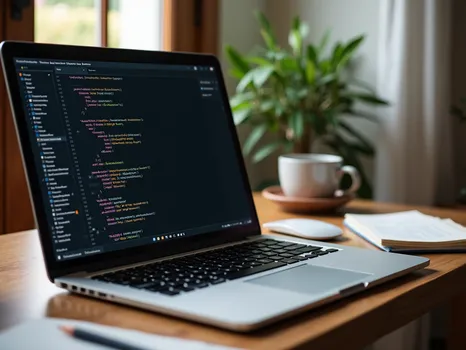
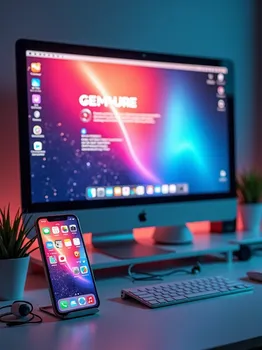
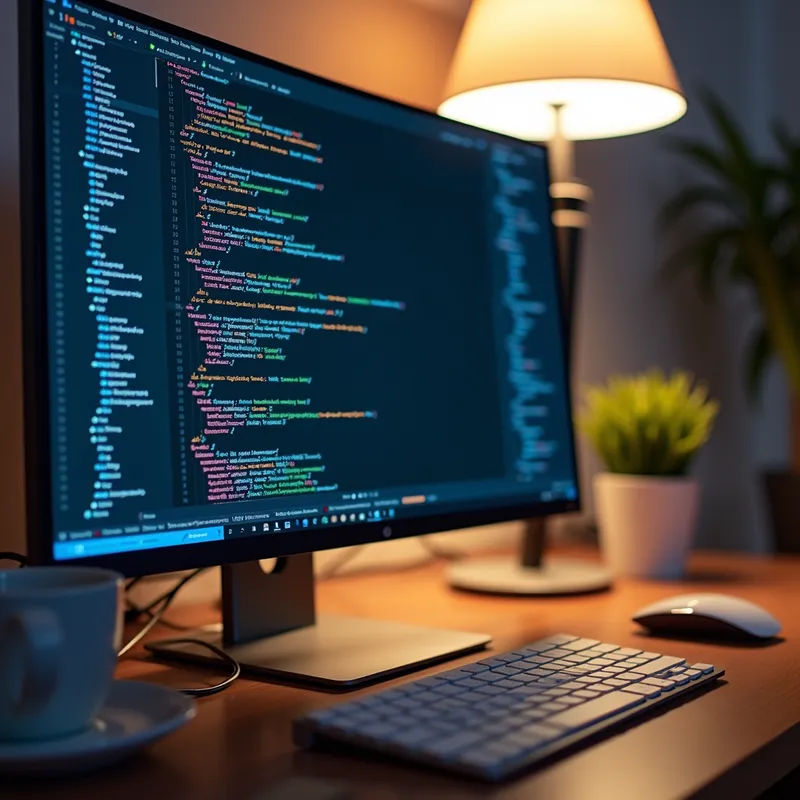
HTML Code Interface - A high-resolution image of a computer screen displaying a clean and modern HTML code interface. The screen shows well-organized HTML tags and elements with colorful syntax highlighting. In the background, there is a sleek workspace with a minimalist design, including a keyboard, mouse, and a cup of coffee. The scene conveys a sense of productivity and focus, perfect for a web developer at work. - AI image generated with Photorealistic 2

HTML Code Interface

A high-resolution image of a computer screen displaying a clean and modern HTML code interface. The screen shows well-organized HTML tags and elements with colorful syntax highlighting. In the background, there is a sleek workspace with a minimalist design, including a keyboard, mouse, and a cup of coffee. The scene conveys a sense of productivity and focus, perfect for a web developer at work.

Photorealistic 2, Size: 1024 x 1024
 1 Likes
 36 Views
⭐⭐⭐⭐⭐

Stunning photorealistic visuals

It takes only a few seconds of browsing through the images already created by others to see the quality. I was specifically interested in portraits that are super realistic, almost like photographs. And the ones I'm able to create in Tangra are amazing! Just search up “portrait” and you’ll see what I mean.

Similar AI-Generated Images

Discover more images created with similar styles, themes, and AI models


Frequently Asked Questions

Can I use the AI-generated images commercially?

Yes. All images created with Tangra AI are copyright-free and fully approved for commercial use, with no attribution required.

What AI models are used to create these images?

Tangra AI uses a curated mix of the best-performing industry models like Flux, DALL·E, Imagen, Nano Banana, and Stable Diffusion alongside our own proprietary models to deliver consistently high-quality, production-ready images.

Can I edit the images after they are generated?

Yes. Tangra AI includes powerful editing tools that let you refine and adjust your images after they're generated.