Moonlit Remembrance - AI Generated Image with Art

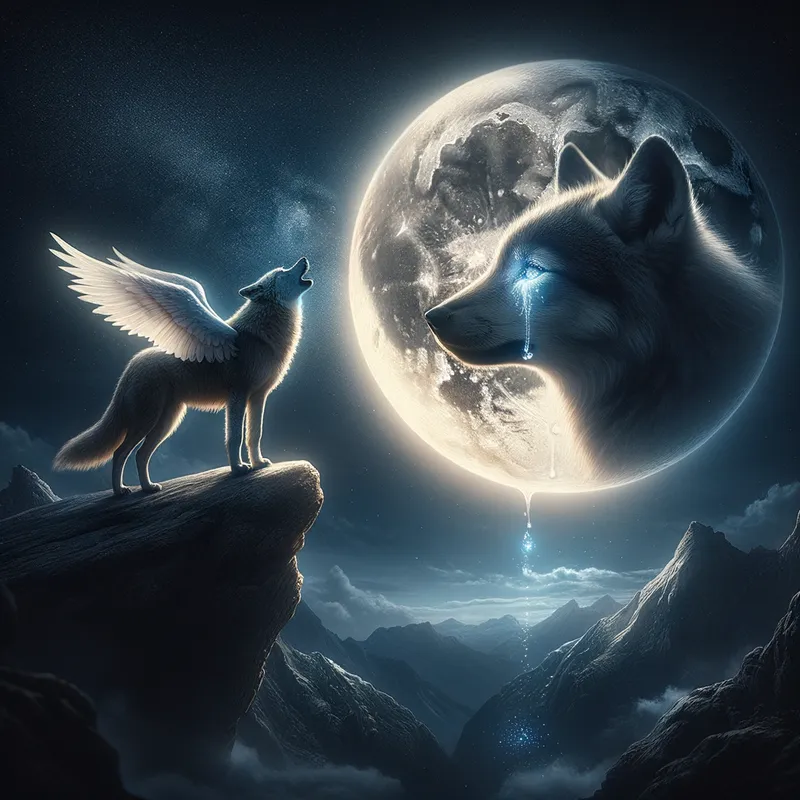
Moonlit Remembrance - A lone wolf stands atop a rocky mountain, howling at the brilliant moon. In the moon’s serene face, a baby wolf with beautiful angel wings watches over, a tear falling from its eye. The tear drop carries the touching words 'I'll always be with you', sparkling gently. - AI image generated with Art

Moonlit Remembrance

A lone wolf stands atop a rocky mountain, howling at the brilliant moon. In the moon’s serene face, a baby wolf with beautiful angel wings watches over, a tear falling from its eye. The tear drop carries the touching words 'I'll always be with you', sparkling gently.

Art, Size: 1024 x 1024
 1 Likes
 163 Views
⭐⭐⭐⭐⭐

Above AND Beyond

In the beginning...I wasn't to sure if this thing was gonna fly! Then I thought about the Wright Brothers. they weren't sure they were gonna get off the ground either. but once I finally got off the tarmac onto runway 1 and was cleared to go my status quickly went from Student pilot, right on up to Astronaut! 'Tangra AI Image Generator' Has proven its self to me, to be way ABOVE and BEYOND, any other AI Image Generator ever created. And I have tried a bunch! I tip my hat to the 'support team'. They are quicker to respond than my Mustang is at the strip (and its FAST). What I'm try'n to say is get the app. you will NOT REGRET IT.

Similar AI-Generated Images

Discover more images created with similar styles, themes, and AI models


Frequently Asked Questions

Can I use the AI-generated images commercially?

Yes. All images created with Tangra AI are copyright-free and fully approved for commercial use, with no attribution required.

What AI models are used to create these images?

Tangra AI uses a curated mix of the best-performing industry models like Flux, DALL·E, Imagen, Nano Banana, and Stable Diffusion alongside our own proprietary models to deliver consistently high-quality, production-ready images.

Can I edit the images after they are generated?

Yes. Tangra AI includes powerful editing tools that let you refine and adjust your images after they're generated.