New York City Center Landscape - AI Generated Image with Photorealistic 2

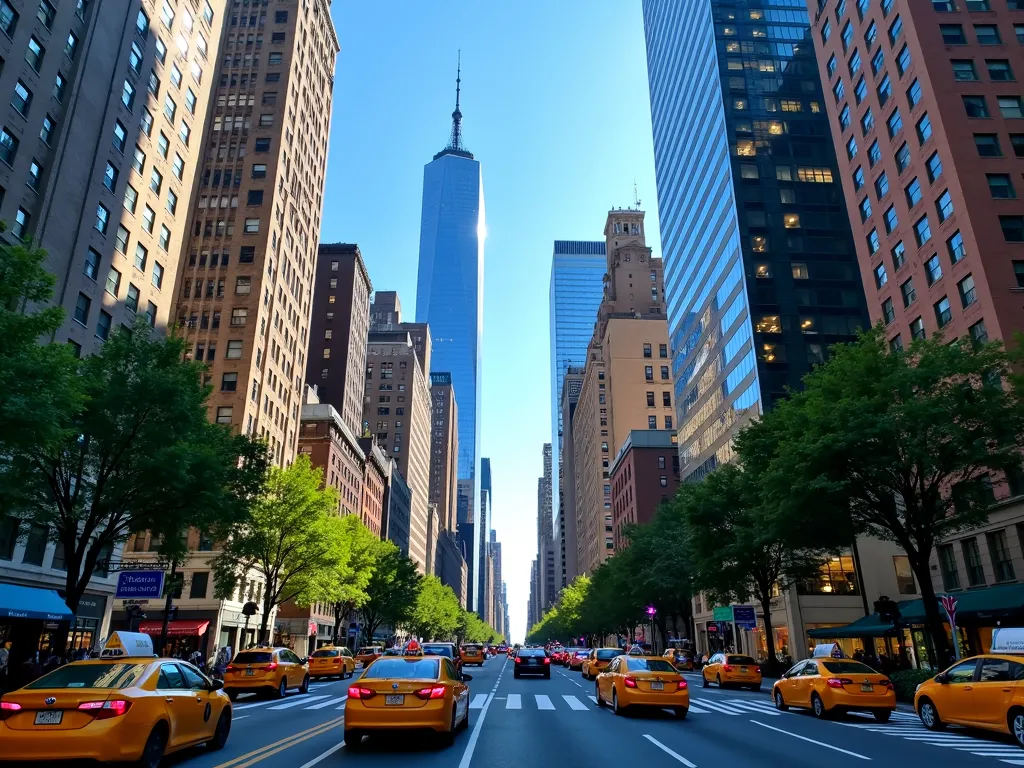
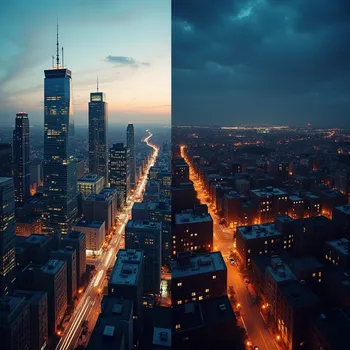
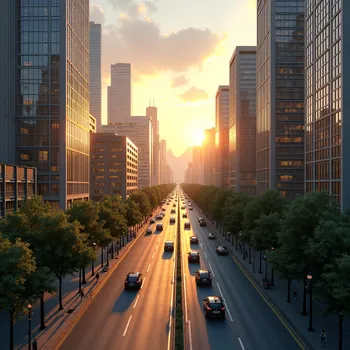
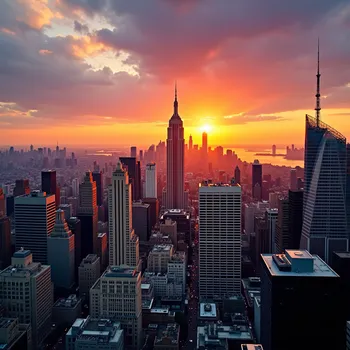
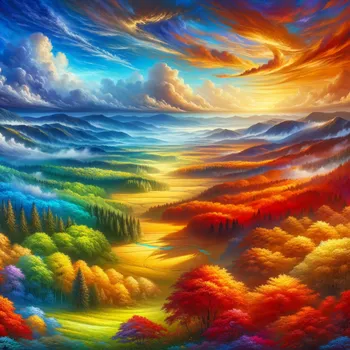
New York City Center Landscape - A stunning landscape view of New York City's bustling center, showcasing its iconic skyline with towering skyscrapers, vibrant streets filled with yellow taxis, and the bright lights reflecting on the glass buildings. The image captures the dynamic energy and architectural grandeur of Manhattan, with a clear blue sky above contrasting with the dense urban scene below. - AI image generated with Photorealistic 2

New York City Center Landscape

A stunning landscape view of New York City's bustling center, showcasing its iconic skyline with towering skyscrapers, vibrant streets filled with yellow taxis, and the bright lights reflecting on the glass buildings. The image captures the dynamic energy and architectural grandeur of Manhattan, with a clear blue sky above contrasting with the dense urban scene below.

Photorealistic 2, Size: 1024 x 768
 6 Likes
 98 Views
⭐⭐⭐⭐⭐
Tangra is an impressive AI-powered image generator that stands out for its versatility and ease of use. It provides copyright-free images, making it a fantastic tool for creatives, marketers, and professionals alike. Available on popular platforms like Microsoft, Canva, and Apple, Tangra ensures accessibility and seamless integration with existing workflows.

Similar AI-Generated Images

Discover more images created with similar styles, themes, and AI models


Frequently Asked Questions

Can I use the AI-generated images commercially?

Yes. All images created with Tangra AI are copyright-free and fully approved for commercial use, with no attribution required.

What AI models are used to create these images?

Tangra AI uses a curated mix of the best-performing industry models like Flux, DALL·E, Imagen, Nano Banana, and Stable Diffusion alongside our own proprietary models to deliver consistently high-quality, production-ready images.

Can I edit the images after they are generated?

Yes. Tangra AI includes powerful editing tools that let you refine and adjust your images after they're generated.