





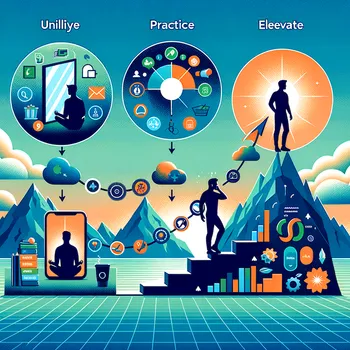
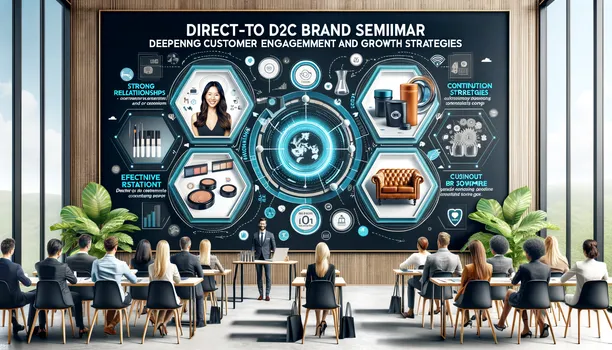

Optics Sales Update - AI Generated Image with Art

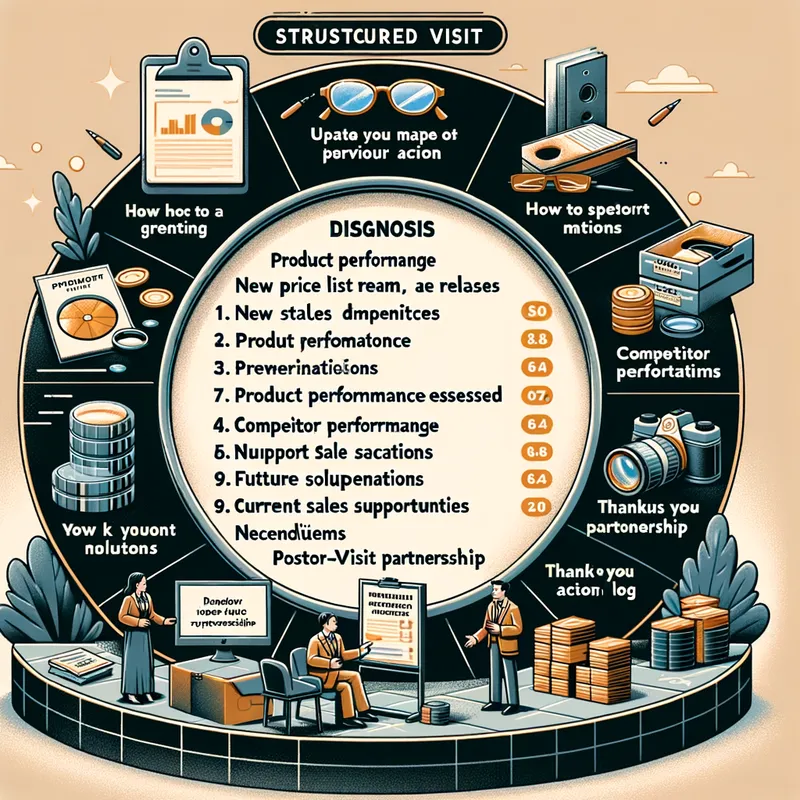
Optics Sales Update - I want to create an image with the following guidelines: Visit Guide: Optics
1. Purpose of the Visit
•	Update the sales team on products and new price list releases.
•	Monitor performance and analyze the results of previous actions.
•	Identify new opportunities to boost sales.
2. Visit Structure
1. Opening (5 Minutes)
•	Greet warmly and create a welcoming environment.
•	Quickly review previous actions or discussions.
2. Diagnosis (5 Minutes)
•	Evaluate product performance at the point of sale.
•	Observe the sales team's technical knowledge of the portfolio.
3. Presentation of Solutions (10 Minutes)
•	Present current promotions, launches, and campaigns.
•	Explore customer numbers using the Pillars spreadsheet and EVE simulator.
•	Conduct a brief training or demonstration of Visioffice, if necessary.
4. Discussion and Alignment (5 Minutes)
•	Listen to the team's feedback on competitors' actions.
•	Align actions for the coming months (such as training, campaigns, challenges).
5. Closing (5 Minutes)
•	Summarize the main points discussed.
•	Leave support materials and align next steps.
•	Thank them for the partnership and reinforce availability for support.
3. Post-Visit
•	Log the visit in C4C.
•	Monitor the implementation of the discussed actions. - AI image generated with Art

Optics Sales Update

I want to create an image with the following guidelines: Visit Guide: Optics 1. Purpose of the Visit • Update the sales team on products and new price list releases. • Monitor performance and analyze the results of previous actions. • Identify new opportunities to boost sales. 2. Visit Structure 1. Opening (5 Minutes) • Greet warmly and create a welcoming environment. • Quickly review previous actions or discussions. 2. Diagnosis (5 Minutes) • Evaluate product performance at the point of sale. • Observe the sales team's technical knowledge of the portfolio. 3. Presentation of Solutions (10 Minutes) • Present current promotions, launches, and campaigns. • Explore customer numbers using the Pillars spreadsheet and EVE simulator. • Conduct a brief training or demonstration of Visioffice, if necessary. 4. Discussion and Alignment (5 Minutes) • Listen to the team's feedback on competitors' actions. • Align actions for the coming months (such as training, campaigns, challenges). 5. Closing (5 Minutes) • Summarize the main points discussed. • Leave support materials and align next steps. • Thank them for the partnership and reinforce availability for support. 3. Post-Visit • Log the visit in C4C. • Monitor the implementation of the discussed actions.

Art, Size: 1024 x 1024
 112 Likes
 511 Views
⭐⭐⭐⭐⭐
I love this app and have been playing with it for 5 hours straight. It is the perfect inspiration.

Similar AI-Generated Images

Discover more images created with similar styles, themes, and AI models


Frequently Asked Questions

Can I use the AI-generated images commercially?

Yes. All images created with Tangra AI are copyright-free and fully approved for commercial use, with no attribution required.

What AI models are used to create these images?

Tangra AI uses a curated mix of the best-performing industry models like Flux, DALL·E, Imagen, Nano Banana, and Stable Diffusion alongside our own proprietary models to deliver consistently high-quality, production-ready images.

Can I edit the images after they are generated?

Yes. Tangra AI includes powerful editing tools that let you refine and adjust your images after they're generated.