Ornate Gem Dragonfly - AI Generated Image with Fictional

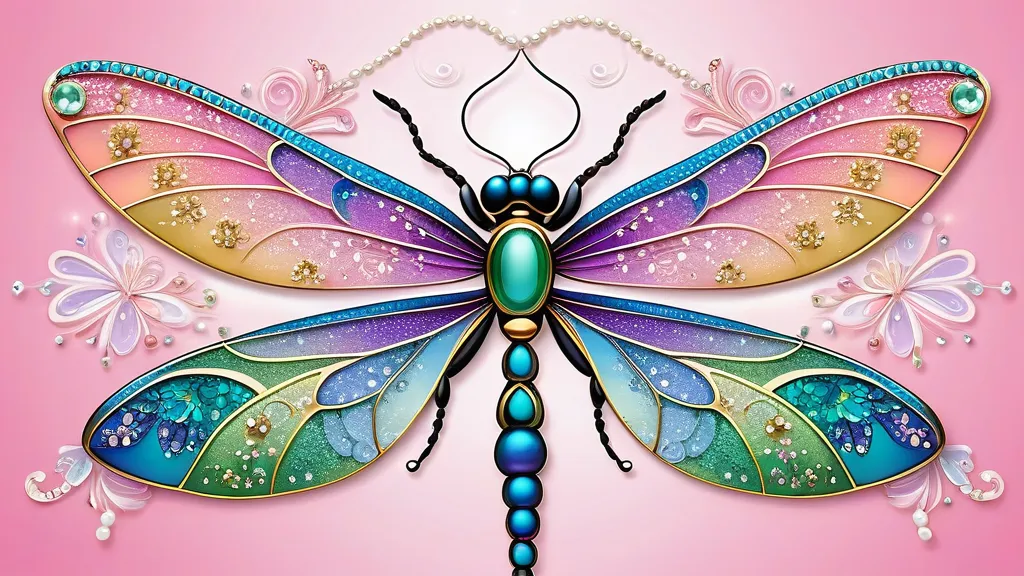
Ornate Gem Dragonfly - Create an image of a symmetrical dragonfly with intricate and ornate wings, intertwined with gems, centered on a white background with a gradient effect, adorned with detailed patterns resembling jewelry in pastel colors, and surrounded by floral elements with pearl-like centers, vibrant and vivid colors, several hanging sparkling stars, and the saying 'HAVE A NICE DAY' on a pink decorated plaque - AI image generated with Fictional

More like this

Ornate Gem Dragonfly

Create an image of a symmetrical dragonfly with intricate and ornate wings, intertwined with gems, centered on a white background with a gradient effect, adorned with detailed patterns resembling jewelry in pastel colors, and surrounded by floral elements with pearl-like centers, vibrant and vivid colors, several hanging sparkling stars, and the saying 'HAVE A NICE DAY' on a pink decorated plaque

Fictional, Size: 1024 x 576
 0 Likes
 22 Views

Make your own version

Start from this image's prompt and change anything you like.

Fictional
⭐⭐⭐⭐⭐

Stunning photorealistic visuals

“It takes only a few seconds of browsing through the images already created by others to see the quality. I was specifically interested in portraits that are super realistic, almost like photographs. And the ones I'm able to create in Tangra are amazing! Just search up “portrait” and you’ll see what I mean.”
— Jade

Frequently Asked Questions

Can I use the AI-generated images commercially?

Yes. All images created with Tangra AI are copyright-free and fully approved for commercial use, with no attribution required.

What AI models are used to create these images?

Tangra AI uses a curated mix of the best-performing industry models like Flux, DALL·E, Nano Banana 2, and Stable Diffusion alongside our own proprietary models to deliver consistently high-quality, production-ready images.

Can I edit the images after they are generated?

Yes. Tangra AI includes powerful editing tools that let you refine and adjust your images after they're generated.