Philanthropy in Motion - AI Generated Image with Photorealistic 2

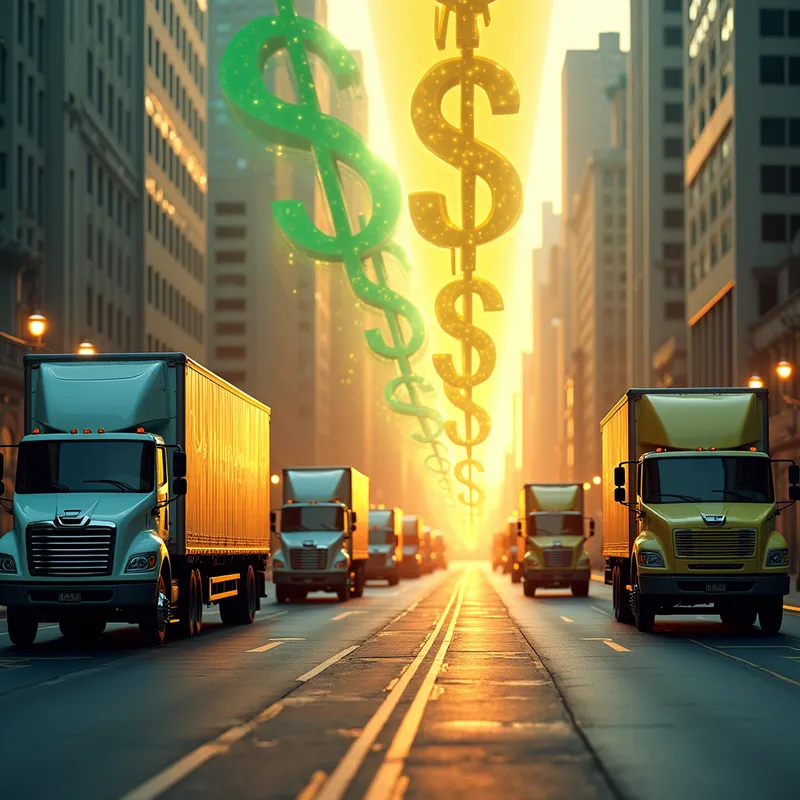
Philanthropy in Motion - A modern, visually impactful scene transitions from a fleet of realistic toothpaste trucks on a city avenue, into radiant NGO banners bearing inspiring phrases. The glowing banners smoothly change into a series of abstract, stylized dollar symbols ($), arranged in a beautiful, cascading configuration that symbolizes prosperity. The image uses a balanced color scheme of gold, yellow, green, and blue, highlighting themes of charitable action and economic growth. - AI image generated with Photorealistic 2

More like this

Philanthropy in Motion

A modern, visually impactful scene transitions from a fleet of realistic toothpaste trucks on a city avenue, into radiant NGO banners bearing inspiring phrases. The glowing banners smoothly change into a series of abstract, stylized dollar symbols ($), arranged in a beautiful, cascading configuration that symbolizes prosperity. The image uses a balanced color scheme of gold, yellow, green, and blue, highlighting themes of charitable action and economic growth.

Photorealistic 2, Size: 1024 x 1024
 1 Likes
 308 Views

Make your own version

Start from this image's prompt and change anything you like.

Photorealistic 2
⭐⭐⭐⭐⭐
“I get more of everything with the paid version - faster downloads, better quality, I get more credits each month. I have compared to other apps and yours is the best!”
— Kelly T.

Frequently Asked Questions

Can I use the AI-generated images commercially?

Yes. All images created with Tangra AI are copyright-free and fully approved for commercial use, with no attribution required.

What AI models are used to create these images?

Tangra AI uses a curated mix of the best-performing industry models like Flux, DALL·E, Nano Banana 2, and Stable Diffusion alongside our own proprietary models to deliver consistently high-quality, production-ready images.

Can I edit the images after they are generated?

Yes. Tangra AI includes powerful editing tools that let you refine and adjust your images after they're generated.