


Saving Passwords on Laptop - AI Generated Image with Photorealistic 2

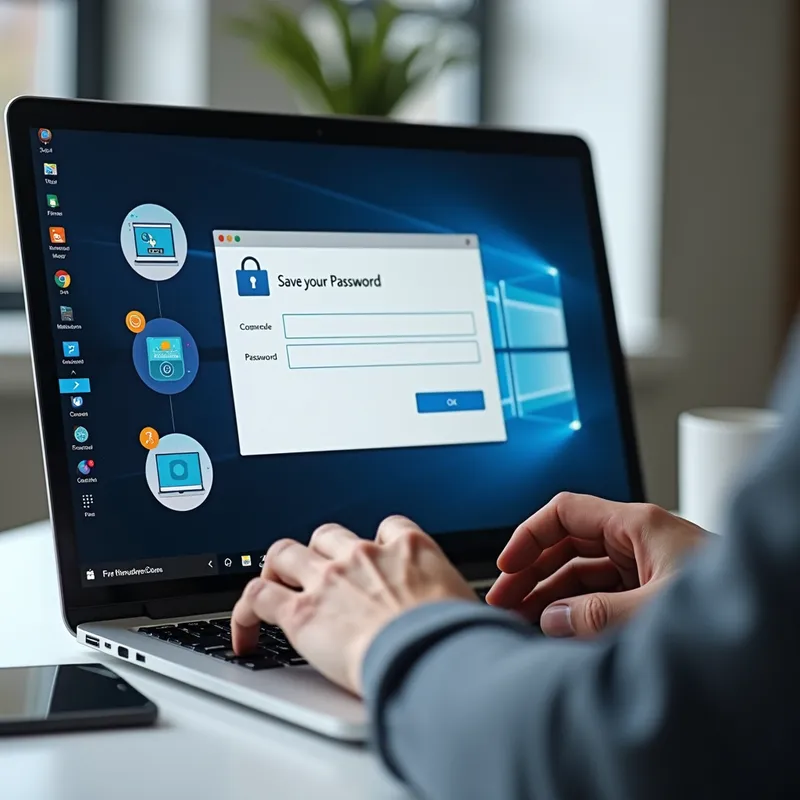
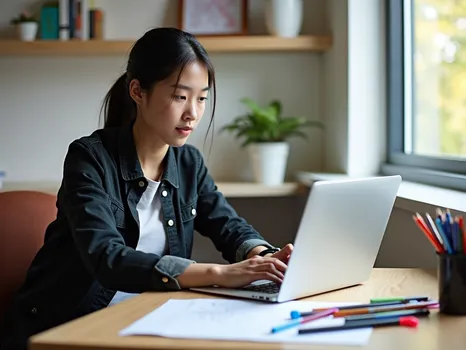
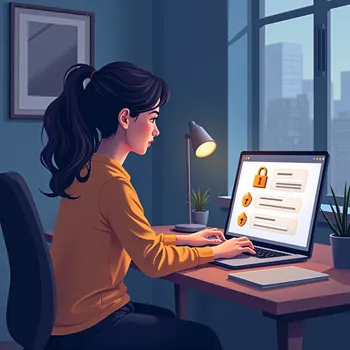
Saving Passwords on Laptop - A person is using a laptop, with various icons and visual elements representing web browsers and password saving. The screen displays a browser window with a pop-up asking to save a password. The user’s hands are on the keyboard, and there is a sense of modern technology with sleek design. Background elements may include a neat workspace with minimalistic décor, emphasizing a secure and organized digital environment. - AI image generated with Photorealistic 2

Saving Passwords on Laptop

A person is using a laptop, with various icons and visual elements representing web browsers and password saving. The screen displays a browser window with a pop-up asking to save a password. The user’s hands are on the keyboard, and there is a sense of modern technology with sleek design. Background elements may include a neat workspace with minimalistic décor, emphasizing a secure and organized digital environment.

Photorealistic 2, Size: 1024 x 1024
 2 Likes
 29 Views
⭐⭐⭐⭐⭐
It is fantastic that you provide several opportunities to gain credits, because this way users will come back again and again. Especially enjoyable to gain credits via playing, this makes it double fun!

Similar AI-Generated Images

Discover more images created with similar styles, themes, and AI models


Frequently Asked Questions

Can I use the AI-generated images commercially?

Yes. All images created with Tangra AI are copyright-free and fully approved for commercial use, with no attribution required.

What AI models are used to create these images?

Tangra AI uses a curated mix of the best-performing industry models like Flux, DALL·E, Imagen, Nano Banana, and Stable Diffusion alongside our own proprietary models to deliver consistently high-quality, production-ready images.

Can I edit the images after they are generated?

Yes. Tangra AI includes powerful editing tools that let you refine and adjust your images after they're generated.