Scene: A giant, brightly colored chessbo - AI Generated Image with Art

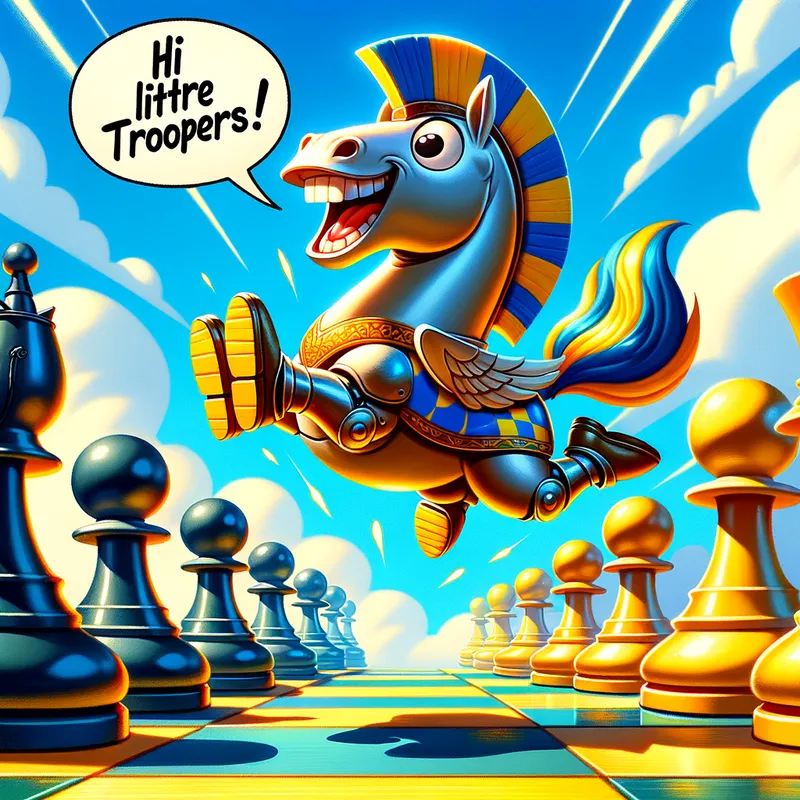
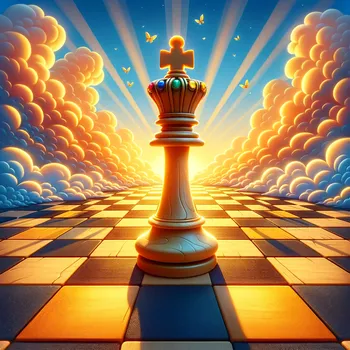
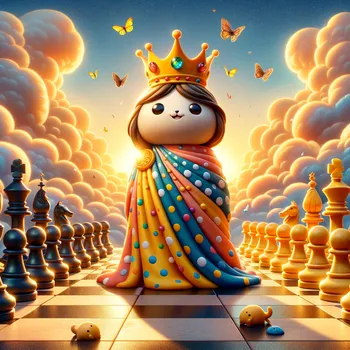
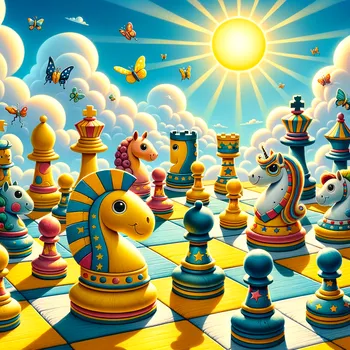
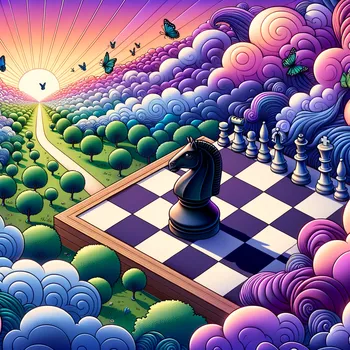
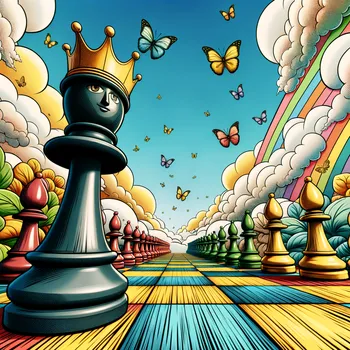
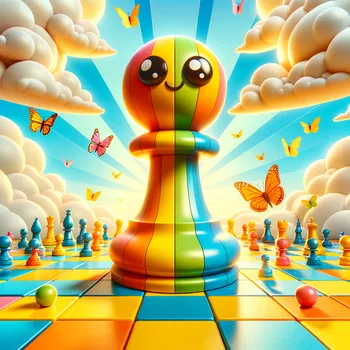
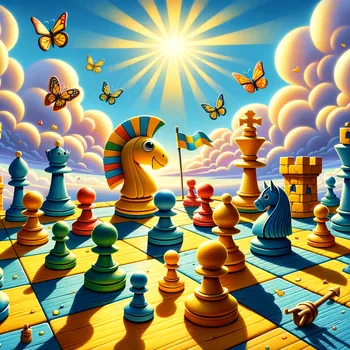
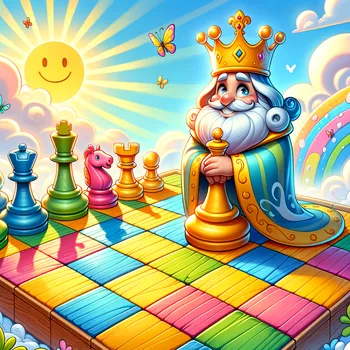
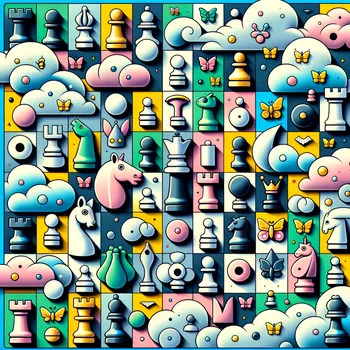
Scene: A giant, brightly colored chessbo - Scene: A giant, brightly colored chessboard fills the cover. Use a cheerful color palette with contrasting squares (like sunshine yellow and sky blue). with a focus on a knight's L-shaped jump. Characters: In the foreground, a knight chess piece (the "horsey guy") is mid-air, clearly showcasing an L-shaped jump. The knight should have a playful expression, perhaps with a wide grin. In the background, a line of pawns stand at attention, looking surprised at the knight's jump. You can show 2-3 pawns to represent the group. Speech Bubble (Optional): A speech bubble pops out from the knight, containing  the text "Hi there little troopers!" in a bold font. The chessboard squares should be visible underneath the characters, but not the ain focus. You can add a simple castle in the distance to hint at the location of the King (optional). Focus: Emphasize the knight's L-shaped jump. Ensure the knight's pose clearly shows the L-shape formed by its body during the jump. Overall Tone: The image should be humorous and capture the playful interaction between the knight and the pawns. Make them short and stout, with big, friendly eyes. They can be made of brightly colored wood with mismatched socks (for a playful touch). Add playful details like fluffy clouds in the sky, butterflies fluttering around the kingdoms, and friendly animals like rabbits hopping between squares. cartoony side view - AI image generated with Art - intricate details

Scene: A giant, brightly colored chessbo

Scene: A giant, brightly colored chessboard fills the cover. Use a cheerful color palette with contrasting squares (like sunshine yellow and sky blue). with a focus on a knight's L-shaped jump. Characters: In the foreground, a knight chess piece (the "horsey guy") is mid-air, clearly showcasing an L-shaped jump. The knight should have a playful expression, perhaps with a wide grin. In the background, a line of pawns stand at attention, looking surprised at the knight's jump. You can show 2-3 pawns to represent the group. Speech Bubble (Optional): A speech bubble pops out from the knight, containing the text "Hi there little troopers!" in a bold font. The chessboard squares should be visible underneath the characters, but not the ain focus. You can add a simple castle in the distance to hint at the location of the King (optional). Focus: Emphasize the knight's L-shaped jump. Ensure the knight's pose clearly shows the L-shape formed by its body during the jump. Overall Tone: The image should be humorous and capture the playful interaction between the knight and the pawns. Make them short and stout, with big, friendly eyes. They can be made of brightly colored wood with mismatched socks (for a playful touch). Add playful details like fluffy clouds in the sky, butterflies fluttering around the kingdoms, and friendly animals like rabbits hopping between squares. cartoony side view

styles-intricate-details
Art, Size: 1024 x 1024
 0 Likes
 5 Views
⭐⭐⭐⭐⭐

Offers unlimited generations and downloads

Other tools I've tried count credits, allocate daily “budgets” or restrict generations in one way or another. Not Tangra AI - when they say “unlimited generations”, they mean it. I’ve created hundreds of pictures already and plan on creating many, many more. ;)

Similar AI-Generated Images

Discover more images created with similar styles, themes, and AI models


Frequently Asked Questions

Can I use the AI-generated images commercially?

Yes. All images created with Tangra AI are copyright-free and fully approved for commercial use, with no attribution required.

What AI models are used to create these images?

Tangra AI uses a curated mix of the best-performing industry models like Flux, DALL·E, Imagen, Nano Banana, and Stable Diffusion alongside our own proprietary models to deliver consistently high-quality, production-ready images.

Can I edit the images after they are generated?

Yes. Tangra AI includes powerful editing tools that let you refine and adjust your images after they're generated.