Steampunk Safari Dreamscape - AI Generated Image with Photorealistic 2

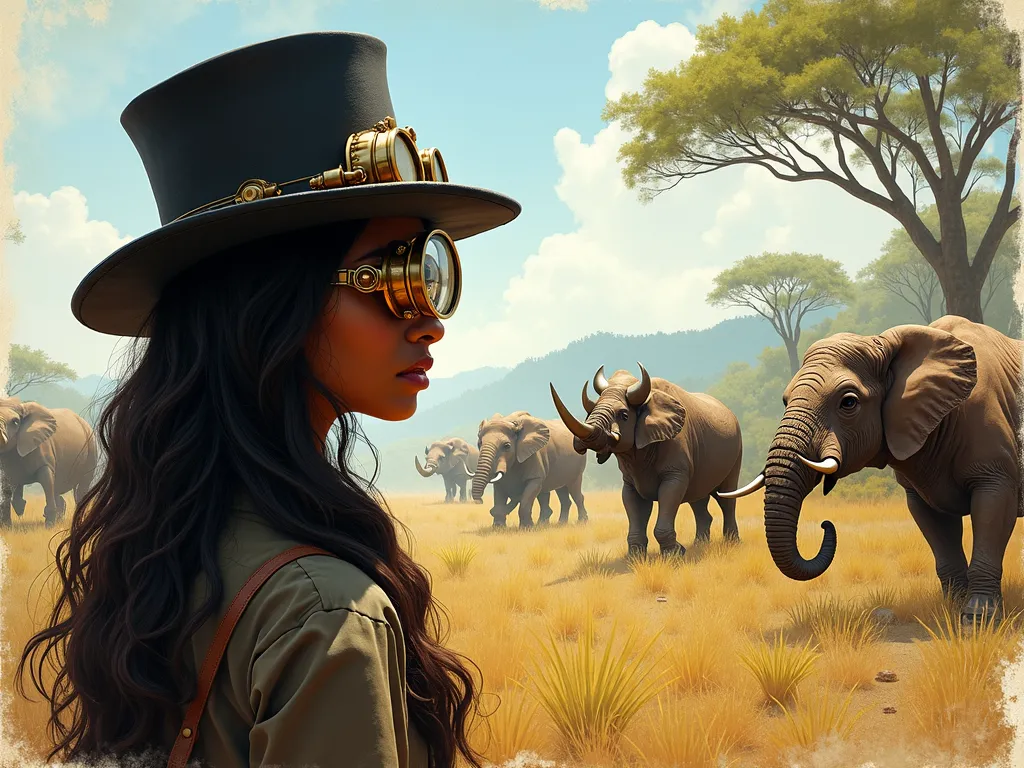
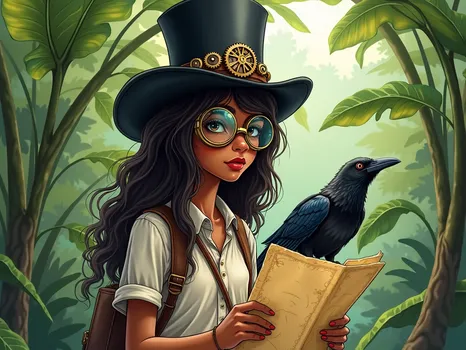
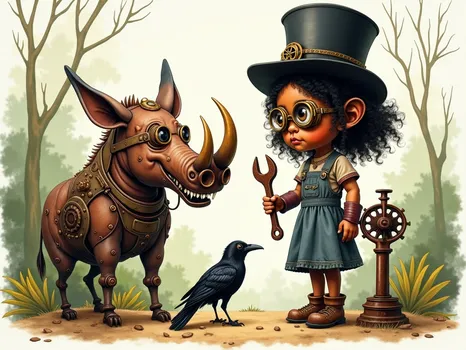
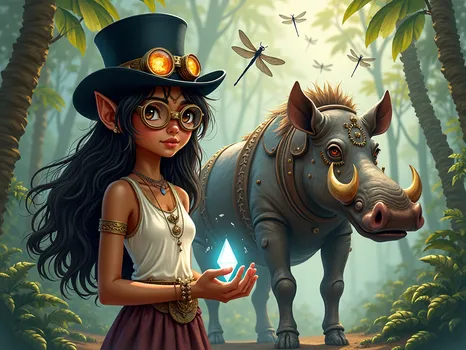
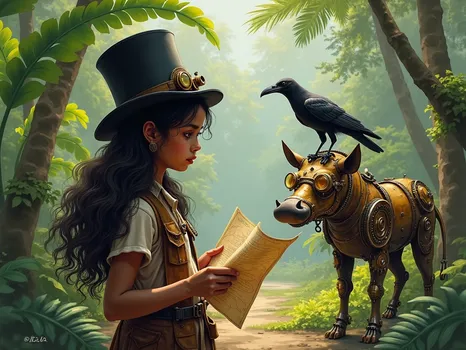
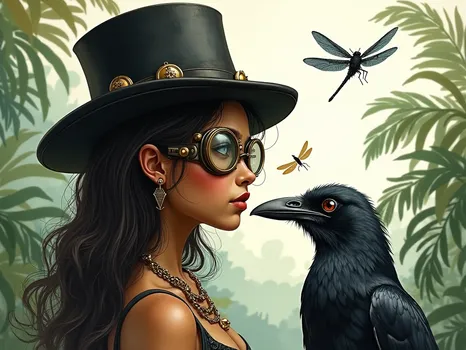
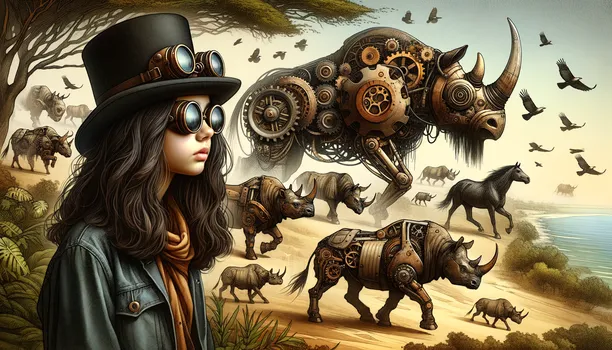
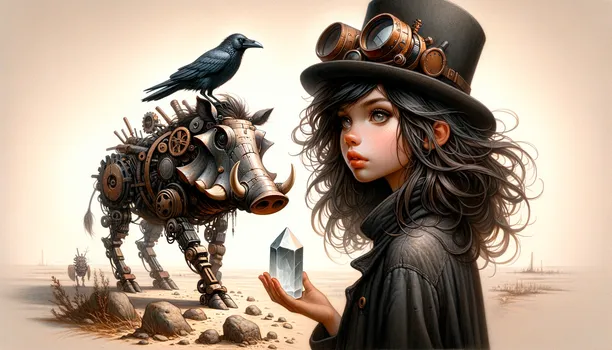
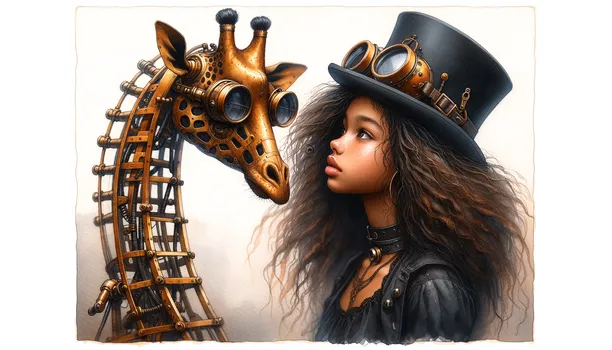
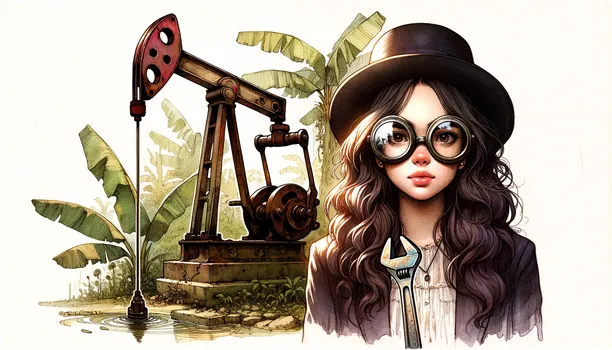
Steampunk Safari Dreamscape - Elysia, a medium brown-skin long shoulder length bouncy dark brown hair teenage black girl wearing a black top hat with steampunk big, goggled glasses over her brow as she stood watching a safari filled with mechanical animals such as bisons, rhinos, buffaloes, horses, and elephants made of brass, with gear wheels as she turns her head to see them roam the jungle.  - AI image generated with Photorealistic 2 - aquarelle, sketching, surrealismus

Steampunk Safari Dreamscape

Elysia, a medium brown-skin long shoulder length bouncy dark brown hair teenage black girl wearing a black top hat with steampunk big, goggled glasses over her brow as she stood watching a safari filled with mechanical animals such as bisons, rhinos, buffaloes, horses, and elephants made of brass, with gear wheels as she turns her head to see them roam the jungle.

Aquarelle
Sketching
Surrealismus
Watercolor
panoramic view
Photorealistic 2, Size: 1024 x 768
 0 Likes
 7 Views
⭐⭐⭐⭐⭐

Editing AI images is awesome!

You know how frustrating it is when the AI generates a beautiful image with a “tiny” defect like a 6th finger, right? Well, as frustrating as it is, I can now edit the image in Tangra to keep what I like and only generate what I don't. Pretty neat!

Similar AI-Generated Images

Discover more images created with similar styles, themes, and AI models


Frequently Asked Questions

Can I use the AI-generated images commercially?

Yes. All images created with Tangra AI are copyright-free and fully approved for commercial use, with no attribution required.

What AI models are used to create these images?

Tangra AI uses a curated mix of the best-performing industry models like Flux, DALL·E, Imagen, Nano Banana, and Stable Diffusion alongside our own proprietary models to deliver consistently high-quality, production-ready images.

Can I edit the images after they are generated?

Yes. Tangra AI includes powerful editing tools that let you refine and adjust your images after they're generated.