






Sweden Pulse Logo - AI Generated Image with Text

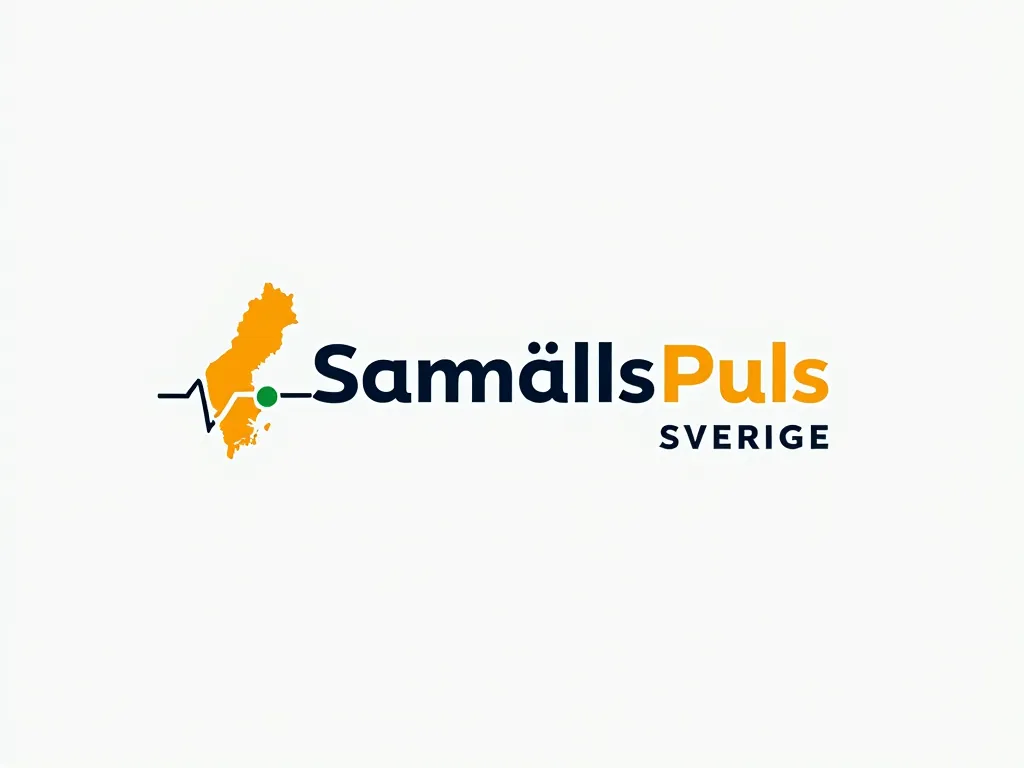
Sweden Pulse Logo - Logo Description for "SamhällsPuls_Sverige":**  

A modern, energetic logo symbolizing Sweden’s societal "pulse" through:  
- *Text*: "SamhällsPuls" (bold, dark blue) above "Sverige" (smaller, gray).  
- *Main Symbol: A stylized **ECG-like pulse line* shaped into Sweden’s outline, colored *sunset yellow* (#FFD700) for energy.  
- *Accents: A **green dot* (#00CC66) marking Stockholm (sustainability focus) and subtle *arrowheads* (progress).  
- *Colors*: Swedish blue (#004B87), yellow, green, and neutral gray.  
- *Font*: Clean sans-serif (e.g., Montserrat).  

*Variations*: Dark mode (white text on blue) or icon-only (pulse-Sweden shape).  

*Logo Maker Tips*:  
1. Merge a "pulse line" with a minimalist Sweden map.  
2. Add text layers and accent colors.  
3. Use tools like Canva/Looka for gradients or SVG shapes. - AI image generated with Text

Sweden Pulse Logo

Logo Description for "SamhällsPuls_Sverige":** A modern, energetic logo symbolizing Sweden’s societal "pulse" through: - *Text*: "SamhällsPuls" (bold, dark blue) above "Sverige" (smaller, gray). - *Main Symbol: A stylized **ECG-like pulse line* shaped into Sweden’s outline, colored *sunset yellow* (#FFD700) for energy. - *Accents: A **green dot* (#00CC66) marking Stockholm (sustainability focus) and subtle *arrowheads* (progress). - *Colors*: Swedish blue (#004B87), yellow, green, and neutral gray. - *Font*: Clean sans-serif (e.g., Montserrat). *Variations*: Dark mode (white text on blue) or icon-only (pulse-Sweden shape). *Logo Maker Tips*: 1. Merge a "pulse line" with a minimalist Sweden map. 2. Add text layers and accent colors. 3. Use tools like Canva/Looka for gradients or SVG shapes.

Text, Size: 1024 x 768
 4 Likes
 27 Views
⭐⭐⭐⭐⭐
I was creating poster designs on Canva and couldn't find the right images to use. I browsed through the App Store on there and found your app which is where I heard of you. I also used google to look up the best AI image generators.

Similar AI-Generated Images

Discover more images created with similar styles, themes, and AI models


Frequently Asked Questions

Can I use the AI-generated images commercially?

Yes. All images created with Tangra AI are copyright-free and fully approved for commercial use, with no attribution required.

What AI models are used to create these images?

Tangra AI uses a curated mix of the best-performing industry models like Flux, DALL·E, Imagen, Nano Banana, and Stable Diffusion alongside our own proprietary models to deliver consistently high-quality, production-ready images.

Can I edit the images after they are generated?

Yes. Tangra AI includes powerful editing tools that let you refine and adjust your images after they're generated.