Teal-Tressed Warrior - AI Generated Image with Photorealistic 2

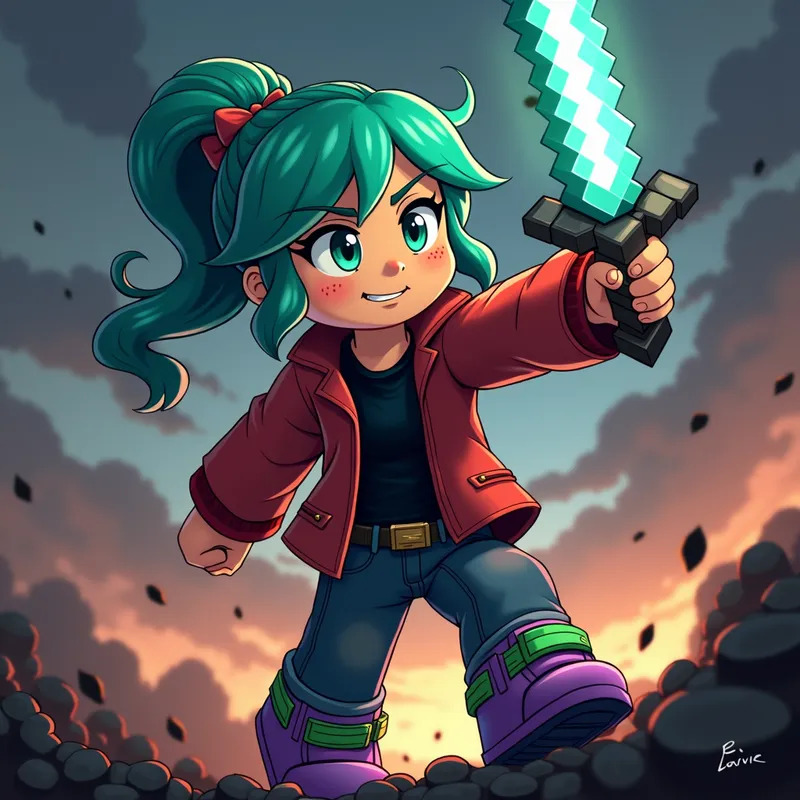
Teal-Tressed Warrior - Illustrate a female Minecraft character with tan skin and scattered freckles, piercing green eyes, and striking teal hair in a dynamic pose. She's clad in a black shirt beneath a bold red jacket and unique purple and green shoes. In the throes of an intense battle, she raises her diamond sword, showcasing pixelated graphics that reflect an action-packed 8-bit world with low-angle perspective and dark lighting for a dramatic effect, captivating gaming fans. - AI image generated with Photorealistic 2

More like this

Teal-Tressed Warrior

Illustrate a female Minecraft character with tan skin and scattered freckles, piercing green eyes, and striking teal hair in a dynamic pose. She's clad in a black shirt beneath a bold red jacket and unique purple and green shoes. In the throes of an intense battle, she raises her diamond sword, showcasing pixelated graphics that reflect an action-packed 8-bit world with low-angle perspective and dark lighting for a dramatic effect, captivating gaming fans.

Photorealistic 2, Size: 1024 x 1024
 1 Likes
 126 Views

Make your own version

Start from this image's prompt and change anything you like.

Photorealistic 2
⭐⭐⭐⭐⭐
“You can create something unseen.You can visualize Your fantasies . You want to draw a picture,but you don't have the talent? Tangra AI is the thing you were missing all your life.”
— Atsttr

Frequently Asked Questions

Can I use the AI-generated images commercially?

Yes. All images created with Tangra AI are copyright-free and fully approved for commercial use, with no attribution required.

What AI models are used to create these images?

Tangra AI uses a curated mix of the best-performing industry models like Flux, DALL·E, Nano Banana 2, and Stable Diffusion alongside our own proprietary models to deliver consistently high-quality, production-ready images.

Can I edit the images after they are generated?

Yes. Tangra AI includes powerful editing tools that let you refine and adjust your images after they're generated.