The Defender - AI Generated Image with Photorealistic 2

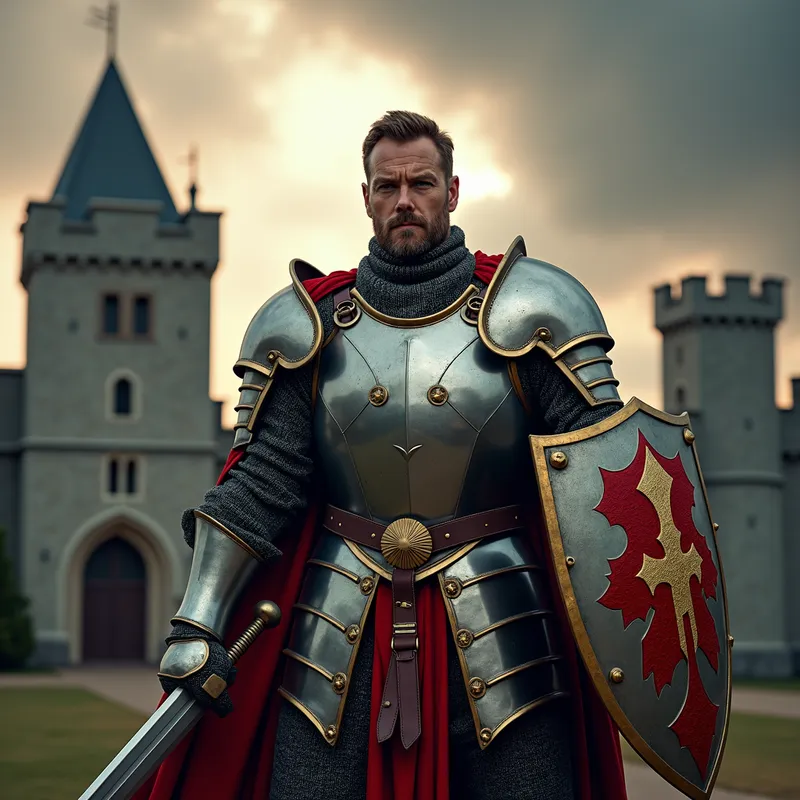
The Defender - An image of a powerful knight standing in front of a medieval castle, his armor gleaming under the sun. With a shield in one hand and a sword in the other, he exudes strength and determination. The castle behind him has high walls and a guarded gate, symbolizing protection and security. Dark clouds loom in the background suggesting an impending battle, highlighting the knight's readiness to defend. - AI image generated with Photorealistic 2

The Defender

An image of a powerful knight standing in front of a medieval castle, his armor gleaming under the sun. With a shield in one hand and a sword in the other, he exudes strength and determination. The castle behind him has high walls and a guarded gate, symbolizing protection and security. Dark clouds loom in the background suggesting an impending battle, highlighting the knight's readiness to defend.

Photorealistic 2, Size: 1024 x 1024
 0 Likes
 115 Views
⭐⭐⭐⭐⭐

Stunning photorealistic visuals

It takes only a few seconds of browsing through the images already created by others to see the quality. I was specifically interested in portraits that are super realistic, almost like photographs. And the ones I'm able to create in Tangra are amazing! Just search up “portrait” and you’ll see what I mean.
Jade

Similar AI-Generated Images

Discover more images created with similar styles, themes, and AI models


Frequently Asked Questions

Can I use the AI-generated images commercially?

Yes. All images created with Tangra AI are copyright-free and fully approved for commercial use, with no attribution required.

What AI models are used to create these images?

Tangra AI uses a curated mix of the best-performing industry models like Flux, DALL·E, Imagen, Nano Banana, and Stable Diffusion alongside our own proprietary models to deliver consistently high-quality, production-ready images.

Can I edit the images after they are generated?

Yes. Tangra AI includes powerful editing tools that let you refine and adjust your images after they're generated.