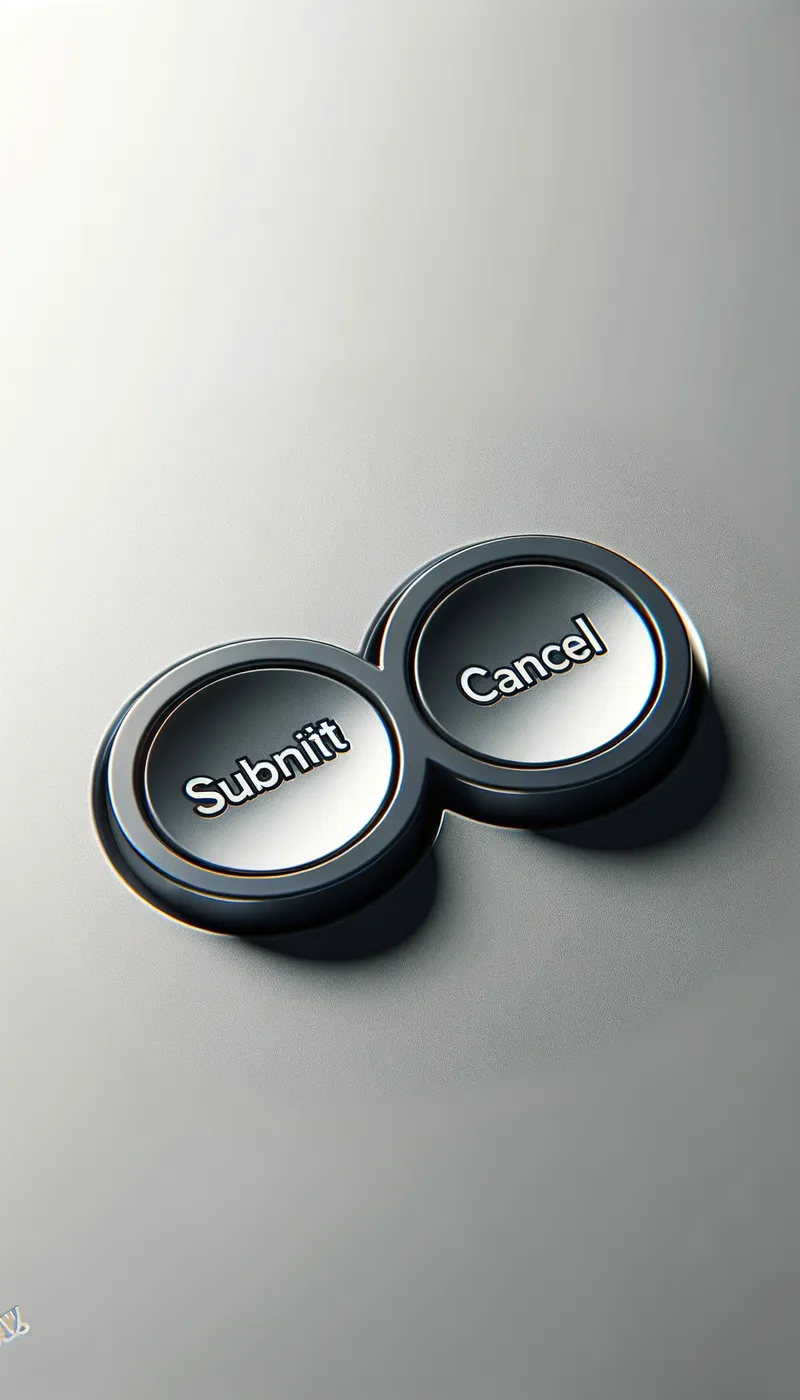

Two Button Interface - AI Generated Image with Art

Two Button Interface - A digital interface close-up showing a sleek and modern design with two distinct buttons. The first button is labeled 'Submit' and the second button is labeled 'Cancel'. The buttons are positioned side by side, with rounded edges and a slight shadow effect to give a sense of depth. The background is minimalist, ensuring that the buttons are the focal point of the image. - AI image generated with Art

Two Button Interface

A digital interface close-up showing a sleek and modern design with two distinct buttons. The first button is labeled 'Submit' and the second button is labeled 'Cancel'. The buttons are positioned side by side, with rounded edges and a slight shadow effect to give a sense of depth. The background is minimalist, ensuring that the buttons are the focal point of the image.

Art, Size: 1024 x 1792
 5 Likes
 126 Views
⭐⭐⭐⭐⭐

Editing AI images is awesome!

You know how frustrating it is when the AI generates a beautiful image with a “tiny” defect like a 6th finger, right? Well, as frustrating as it is, I can now edit the image in Tangra to keep what I like and only generate what I don't. Pretty neat!

Similar AI-Generated Images

Discover more images created with similar styles, themes, and AI models


Frequently Asked Questions

Can I use the AI-generated images commercially?

Yes. All images created with Tangra AI are copyright-free and fully approved for commercial use, with no attribution required.

What AI models are used to create these images?

Tangra AI uses a curated mix of the best-performing industry models like Flux, DALL·E, Imagen, Nano Banana, and Stable Diffusion alongside our own proprietary models to deliver consistently high-quality, production-ready images.

Can I edit the images after they are generated?

Yes. Tangra AI includes powerful editing tools that let you refine and adjust your images after they're generated.