Urban Cyberpunk Dystopia - AI Generated Image with Photorealistic 2

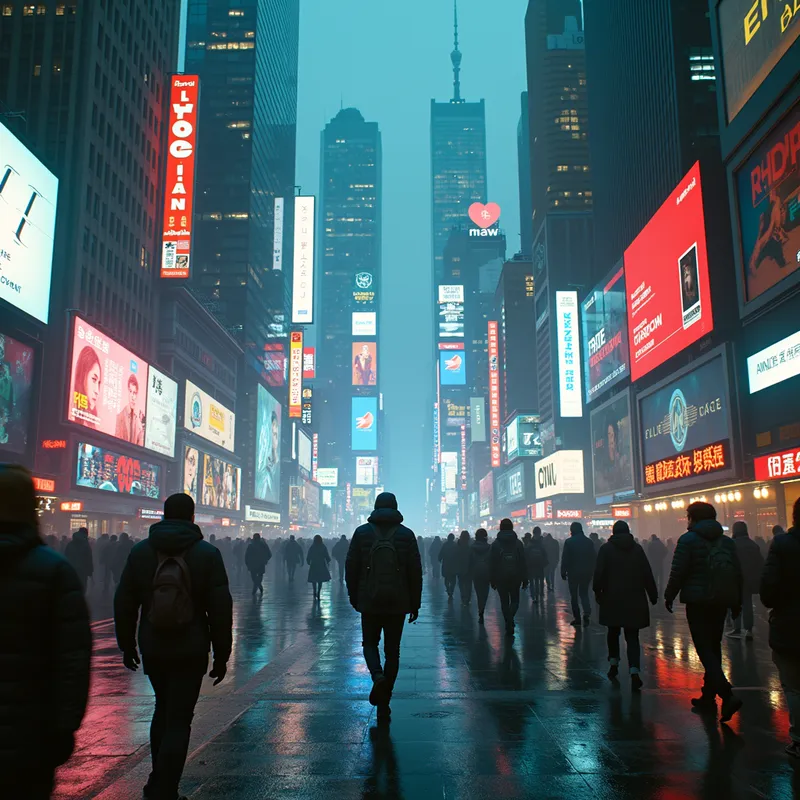
Urban Cyberpunk Dystopia - Opening Shot (10s): A bustling cyberpunk cityscape—neon signs, holograms, and flying cars dominate the skyline. Movement: Street-level view of a hacker walking briskly through the crowd. Effects: Holographic ads and digital rain fill the scene. Climax (45s): The hacker plugs into a terminal—data streams surge around. Final Frame (59s): The hacker disconnects, leaving behind a glitching digital trail. - AI image generated with Photorealistic 2

Urban Cyberpunk Dystopia

Opening Shot (10s): A bustling cyberpunk cityscape—neon signs, holograms, and flying cars dominate the skyline. Movement: Street-level view of a hacker walking briskly through the crowd. Effects: Holographic ads and digital rain fill the scene. Climax (45s): The hacker plugs into a terminal—data streams surge around. Final Frame (59s): The hacker disconnects, leaving behind a glitching digital trail.

Photorealistic 2, Size: 1024 x 1024
 1 Likes
 47 Views
⭐⭐⭐⭐⭐
This the app your looking for. It's simply to use, generates amazing art. Lots of options to utilize in the free version. If not the best it should be! Together we can rocket ship the app, the more support the developers receive the more we as consumers will benefit. It's a win win. Leave a 5 star review.

Similar AI-Generated Images

Discover more images created with similar styles, themes, and AI models


Frequently Asked Questions

Can I use the AI-generated images commercially?

Yes. All images created with Tangra AI are copyright-free and fully approved for commercial use, with no attribution required.

What AI models are used to create these images?

Tangra AI uses a curated mix of the best-performing industry models like Flux, DALL·E, Imagen, Nano Banana, and Stable Diffusion alongside our own proprietary models to deliver consistently high-quality, production-ready images.

Can I edit the images after they are generated?

Yes. Tangra AI includes powerful editing tools that let you refine and adjust your images after they're generated.