Whimsical Timekeeper's Haven - AI Generated Image with Photorealistic 2

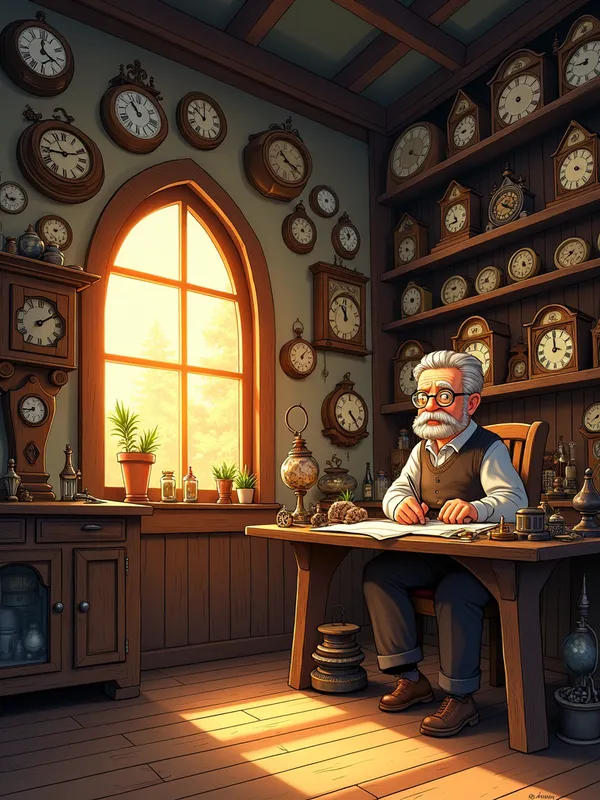
Whimsical Timekeeper's Haven - "A cozy, magical clock shop at sunset, filled with shelves of clocks of all shapes and sizes. The room glows with warm golden light, casting long shadows on the wooden floor. An elderly clockmaker with round glasses and a bushy mustache sits at a cluttered workbench, surrounded by tiny gears and tools. The atmosphere feels timeless and whimsical, like a place where time itself is alive." - AI image generated with Photorealistic 2 - sketching

More like this

Whimsical Timekeeper's Haven

"A cozy, magical clock shop at sunset, filled with shelves of clocks of all shapes and sizes. The room glows with warm golden light, casting long shadows on the wooden floor. An elderly clockmaker with round glasses and a bushy mustache sits at a cluttered workbench, surrounded by tiny gears and tools. The atmosphere feels timeless and whimsical, like a place where time itself is alive."

Photorealistic 2, Size: 768 x 1024
 1 Likes
 119 Views

Make your own version

Start from this image's prompt and change anything you like.

Photorealistic 2
⭐⭐⭐⭐⭐
“I am somewhat new to using AI image generators and have been searching to find a simple but good one to use for my prompts. I was happy to find that I use this one from right within Canva. So far it is producing my images beautifully and I think I've found the one! Thanks.”
— Rhonda, Character Creator

Frequently Asked Questions

Can I use the AI-generated images commercially?

Yes. All images created with Tangra AI are copyright-free and fully approved for commercial use, with no attribution required.

What AI models are used to create these images?

Tangra AI uses a curated mix of the best-performing industry models like Flux, DALL·E, Nano Banana 2, and Stable Diffusion alongside our own proprietary models to deliver consistently high-quality, production-ready images.

Can I edit the images after they are generated?

Yes. Tangra AI includes powerful editing tools that let you refine and adjust your images after they're generated.