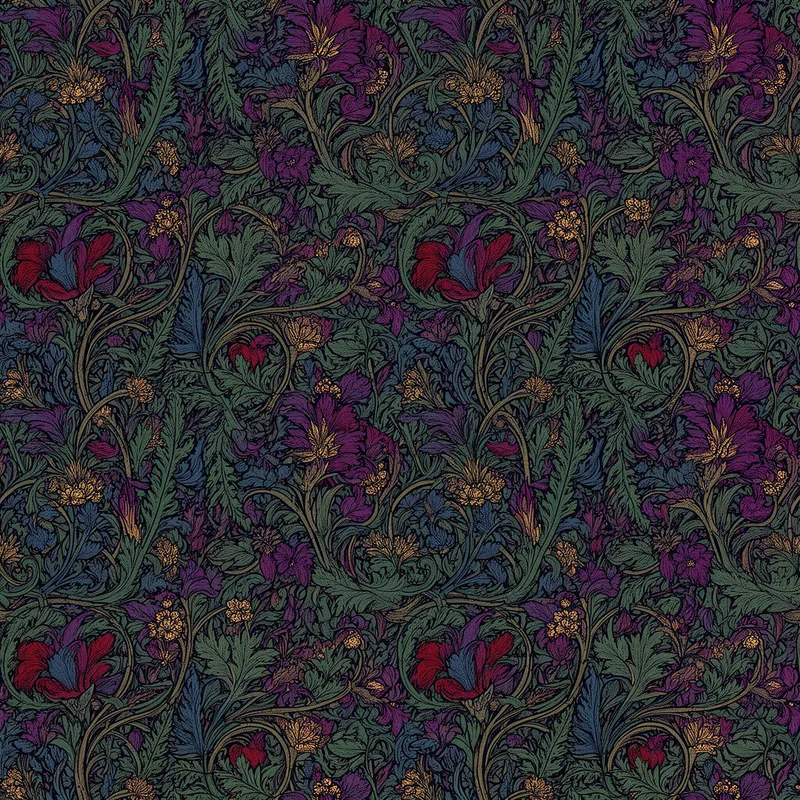
Amethyst Fern Wallpaper Repeat - AI Generated Image with Flux 2

Amethyst Fern Wallpaper Repeat - Illustrate a seamless repeat pattern in a dense botanical folk art style, combining lush overlapping ferns, flowing vines, and wild blossoms into a fully packed decorative composition. Use a luxurious palette of deep emerald green, sapphire blue, ruby red, and amethyst purple with burnished gold accents and strong ink outlines. Keep the design flat, highly detailed, and evenly distributed across the entire canvas without gaps or open space. Ensure the tile repeats perfectly for wallpaper and textile design. Output should evoke the craftsmanship of William Morris and the ornamental elegance of Alphonse Mucha, at 6500x6500 pixels and 300 DPI. - AI image generated with Flux 2

More like this

Amethyst Fern Wallpaper Repeat

Illustrate a seamless repeat pattern in a dense botanical folk art style, combining lush overlapping ferns, flowing vines, and wild blossoms into a fully packed decorative composition. Use a luxurious palette of deep emerald green, sapphire blue, ruby red, and amethyst purple with burnished gold accents and strong ink outlines. Keep the design flat, highly detailed, and evenly distributed across the entire canvas without gaps or open space. Ensure the tile repeats perfectly for wallpaper and textile design. Output should evoke the craftsmanship of William Morris and the ornamental elegance of Alphonse Mucha, at 6500x6500 pixels and 300 DPI.

Flux 2, Size: 1024 x 1024
 0 Likes
 11 Views

Make your own version

Start from this image's prompt and change anything you like.

Flux 2
⭐⭐⭐⭐⭐

The easiest to use GenAI app

“Love that it's super easy to get started. No complicated UI or overwhelming screens. Just entered my prompt, added a few of the predefined effects, and that was it. I got several ideas to choose from, selected a few of the prompts and created beautiful images.”
— Naomi

Frequently Asked Questions

Can I use the AI-generated images commercially?

Yes. All images created with Tangra AI are copyright-free and fully approved for commercial use, with no attribution required.

What AI models are used to create these images?

Tangra AI uses a curated mix of the best-performing industry models like Flux, DALL·E, Nano Banana 2, and Stable Diffusion alongside our own proprietary models to deliver consistently high-quality, production-ready images.

Can I edit the images after they are generated?

Yes. Tangra AI includes powerful editing tools that let you refine and adjust your images after they're generated.