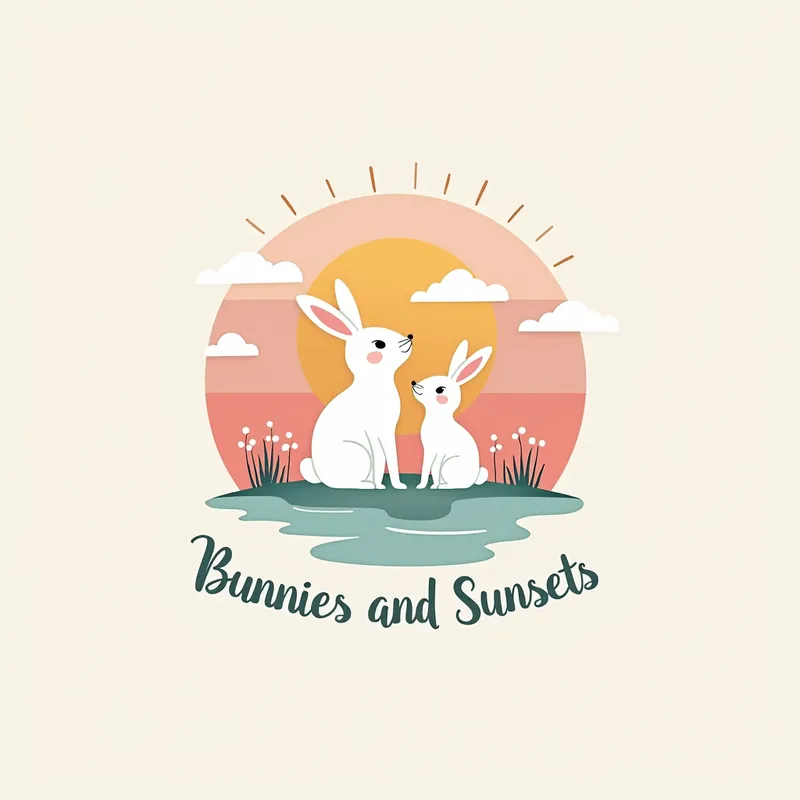
Bunnies & Sunsets Pastel Logo - AI Generated Image with Text

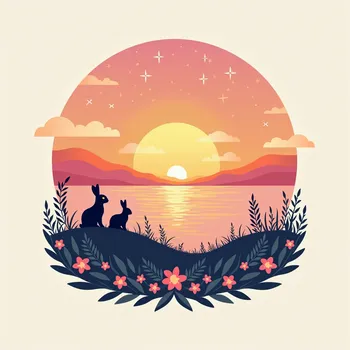
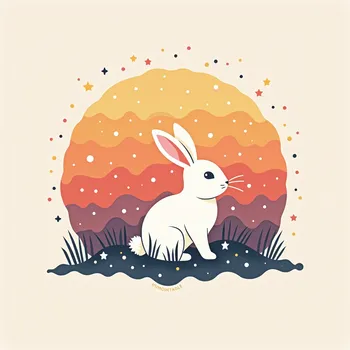
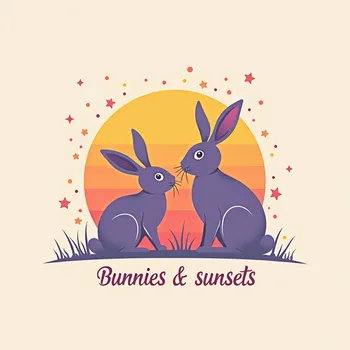
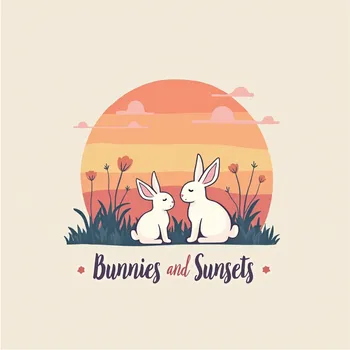
Bunnies & Sunsets Pastel Logo - design a logo for your Instagram page “Bunnies and Sunsets” that has pastel colors and an artsy vibe. Here’s a step-by-step idea:

1. Color Palette:
	•	Pastel Shades: Soft pinks, lavender, peach, baby blue, mint green, and light yellow. These colors will create a calm, dreamy feel.

2. Elements:
	•	Bunny Illustration: A simple, delicate line art or silhouette of a bunny or bunnies. Think of bunnies sitting or looking up towards the sky with soft, curved lines.
	•	Sunset Motif: Use a minimal, abstract sunset with a gradient of pastel colors. You could have a soft, circular sun with rays that fade into the horizon.

3. Design Style:
	•	Artsy and Fluid: Go for flowing, organic lines, and gentle curves. The illustration should feel whimsical and relaxed.
	•	Minimalist Approach: Keep the design simple and clean. Avoid too many details that might overcrowd the look.

4. Typography:
	•	Font Style: Choose a soft, handwritten or script font for the text “Bunnies and Sunsets.” Ensure it’s legible but also flowing, to match the artsy vibe.
	•	Text Placement: Place the text either below or wrapped around the bunny and sunset illustration.

	•	Incorporate subtle touches like clouds to enhance the dreamy feel.
	•	You could also create a circular logo with the bunny and sunset forming a subtle frame.

 - AI image generated with Text

Bunnies & Sunsets Pastel Logo

design a logo for your Instagram page “Bunnies and Sunsets” that has pastel colors and an artsy vibe. Here’s a step-by-step idea: 1. Color Palette: • Pastel Shades: Soft pinks, lavender, peach, baby blue, mint green, and light yellow. These colors will create a calm, dreamy feel. 2. Elements: • Bunny Illustration: A simple, delicate line art or silhouette of a bunny or bunnies. Think of bunnies sitting or looking up towards the sky with soft, curved lines. • Sunset Motif: Use a minimal, abstract sunset with a gradient of pastel colors. You could have a soft, circular sun with rays that fade into the horizon. 3. Design Style: • Artsy and Fluid: Go for flowing, organic lines, and gentle curves. The illustration should feel whimsical and relaxed. • Minimalist Approach: Keep the design simple and clean. Avoid too many details that might overcrowd the look. 4. Typography: • Font Style: Choose a soft, handwritten or script font for the text “Bunnies and Sunsets.” Ensure it’s legible but also flowing, to match the artsy vibe. • Text Placement: Place the text either below or wrapped around the bunny and sunset illustration. • Incorporate subtle touches like clouds to enhance the dreamy feel. • You could also create a circular logo with the bunny and sunset forming a subtle frame.
Text, Size: 1024 x 1024
 1 Likes
 5 Views
⭐⭐⭐⭐⭐

Offers unlimited generations and downloads

Other tools I've tried count credits, allocate daily “budgets” or restrict generations in one way or another. Not Tangra AI - when they say “unlimited generations”, they mean it. I’ve created hundreds of pictures already and plan on creating many, many more. ;)

Similar AI-Generated Images

Discover more images created with similar styles, themes, and AI models


Frequently Asked Questions

Can I use the AI-generated images commercially?

Yes. All images created with Tangra AI are copyright-free and fully approved for commercial use, with no attribution required.

What AI models are used to create these images?

Tangra AI uses a curated mix of the best-performing industry models like Flux, DALL·E, Imagen, Nano Banana, and Stable Diffusion alongside our own proprietary models to deliver consistently high-quality, production-ready images.

Can I edit the images after they are generated?

Yes. Tangra AI includes powerful editing tools that let you refine and adjust your images after they're generated.