Resource Management Venn Diagram - AI Generated Image with Photorealistic

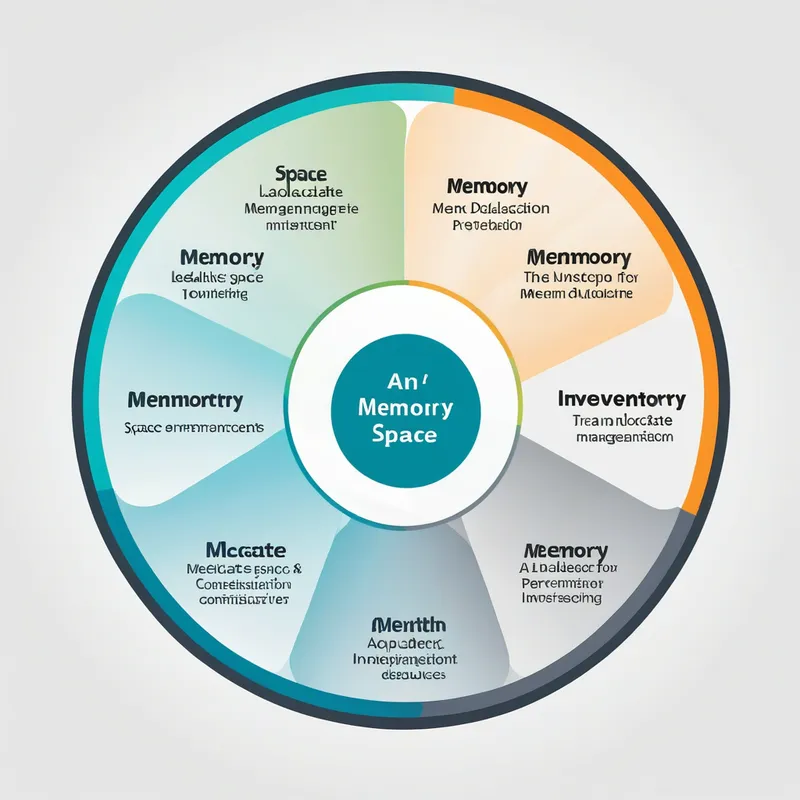
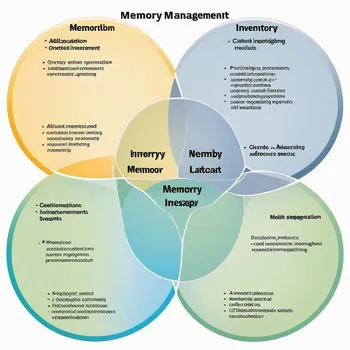
Resource Management Venn Diagram - Craft a Venn diagram to compare the aspects of memory management and inventory management. Allocate space for Memory Management topics such as Allocation and deallocation, Tracking and monitoring systems, Optimization strategies, Resource constraints, and Performance issues. Similarly, allocate space for Inventory Management with equivalent concepts. Highlight shared areas in the diagram where resource allocation, tracking, and optimization overlap. - AI image generated with Photorealistic

Resource Management Venn Diagram

Craft a Venn diagram to compare the aspects of memory management and inventory management. Allocate space for Memory Management topics such as Allocation and deallocation, Tracking and monitoring systems, Optimization strategies, Resource constraints, and Performance issues. Similarly, allocate space for Inventory Management with equivalent concepts. Highlight shared areas in the diagram where resource allocation, tracking, and optimization overlap.

Photorealistic, Size: 1024 x 1024
 0 Likes
 19 Views
⭐⭐⭐⭐⭐

Great Product

Very nice program especially for a beginner like me. Many option to narrow down editing of pictures, love that feature. Appreciated the initial credits to try it out first.

Similar AI-Generated Images

Discover more images created with similar styles, themes, and AI models


Frequently Asked Questions

Can I use the AI-generated images commercially?

Yes. All images created with Tangra AI are copyright-free and fully approved for commercial use, with no attribution required.

What AI models are used to create these images?

Tangra AI uses a curated mix of the best-performing industry models like Flux, DALL·E, Imagen, Nano Banana, and Stable Diffusion alongside our own proprietary models to deliver consistently high-quality, production-ready images.

Can I edit the images after they are generated?

Yes. Tangra AI includes powerful editing tools that let you refine and adjust your images after they're generated.