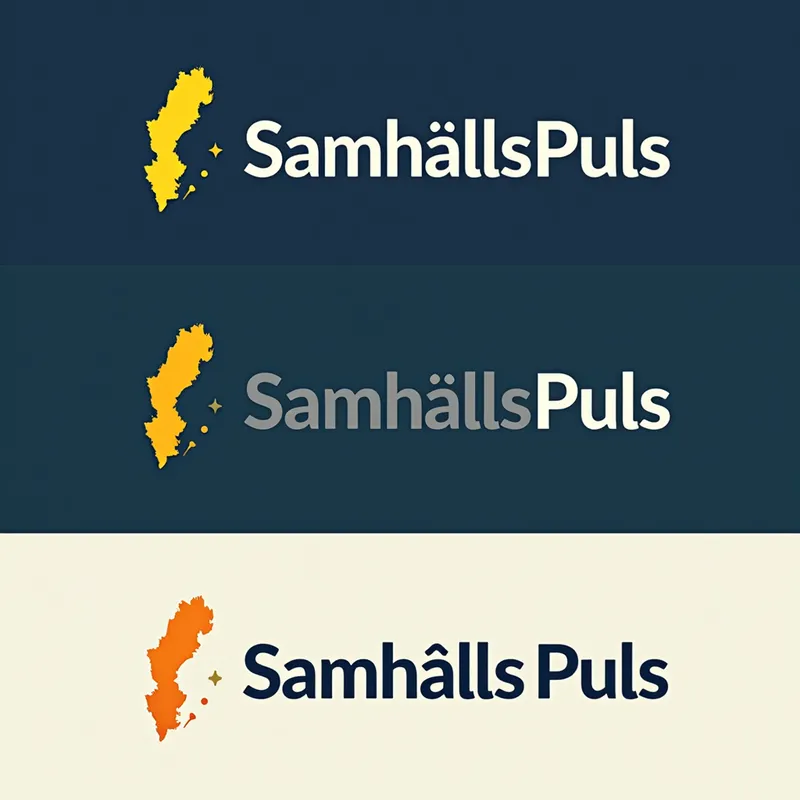
Sweden Pulse Logo - AI Generated Image with Text

Sweden Pulse Logo - Logo Description for "SamhällsPuls_Sverige":**  

A modern, energetic logo symbolizing Sweden’s societal "pulse" through:  
- *Text*: "SamhällsPuls" (bold, dark blue) above "Sverige" (smaller, gray).  
- *Main Symbol: A stylized **ECG-like pulse line* shaped into Sweden’s outline, colored *sunset yellow* (#FFD700) for energy.  
- *Accents: A **green dot* (#00CC66) marking Stockholm (sustainability focus) and subtle *arrowheads* (progress).  
- *Colors*: Swedish blue (#004B87), yellow, green, and neutral gray.  
- *Font*: Clean sans-serif (e.g., Montserrat).  

*Variations*: Dark mode (white text on blue) or icon-only (pulse-Sweden shape).  

*Logo Maker Tips*:  
1. Merge a "pulse line" with a minimalist Sweden map.  
2. Add text layers and accent colors.  
3. Use tools like Canva/Looka for gradients or SVG shapes. - AI image generated with Text

More like this

Sweden Pulse Logo

Logo Description for "SamhällsPuls_Sverige":** A modern, energetic logo symbolizing Sweden’s societal "pulse" through: - *Text*: "SamhällsPuls" (bold, dark blue) above "Sverige" (smaller, gray). - *Main Symbol: A stylized **ECG-like pulse line* shaped into Sweden’s outline, colored *sunset yellow* (#FFD700) for energy. - *Accents: A **green dot* (#00CC66) marking Stockholm (sustainability focus) and subtle *arrowheads* (progress). - *Colors*: Swedish blue (#004B87), yellow, green, and neutral gray. - *Font*: Clean sans-serif (e.g., Montserrat). *Variations*: Dark mode (white text on blue) or icon-only (pulse-Sweden shape). *Logo Maker Tips*: 1. Merge a "pulse line" with a minimalist Sweden map. 2. Add text layers and accent colors. 3. Use tools like Canva/Looka for gradients or SVG shapes.

Text, Size: 1024 x 1024
 2 Likes
 130 Views

Make your own version

Start from this image's prompt and change anything you like.

Text
⭐⭐⭐⭐⭐
“I love this app and have been playing with it for 5 hours straight. It is the perfect inspiration.”
— Angela

Frequently Asked Questions

Can I use the AI-generated images commercially?

Yes. All images created with Tangra AI are copyright-free and fully approved for commercial use, with no attribution required.

What AI models are used to create these images?

Tangra AI uses a curated mix of the best-performing industry models, alongside our own proprietary models to deliver consistently high-quality, production-ready images.

Can I edit the images after they are generated?

Yes. Tangra AI includes powerful editing tools that let you refine and adjust your images after they're generated.

Can I generate images in a specific brand style?

Yes. You can guide the AI with brand logos, reference images, brand colors and visual aesthetics to produce images that align with a brand's identity.

Can I generate images in different styles and formats?

Absolutely. Tangra AI supports a wide range of styles, from realistic to futuristic, and you can choose from various formats to suit your needs.

Can I generate images in different resolutions?

Yes. Tangra AI allows you to generate images in various resolutions, including high-resolution options suitable for print and digital media.

Do I need design experience to create professional-quality images?

No. Tangra AI is designed for marketers, entrepreneurs, and business users. Simply describe what you want, and the AI generates professional-quality visuals from your instructions.

Are there any restrictions on the types of images I can generate?

Tangra AI has guidelines to ensure responsible use. You cannot generate content that is illegal, harmful, or violates the rights of others.