At a glance
- Public Christmas cards on Tangra
- 1,972 as of November 28, 2026
- Most used models
- Art 41%, Photorealistic 2 21%, Photorealistic 14%
- Typical prompt
- 31 words
- On this page
- 32 examples, picked by our team
Christmas cards made with Tangra AI
Each one shows the prompt and the model it was made with. Open an image to see it full size, or start from its prompt.
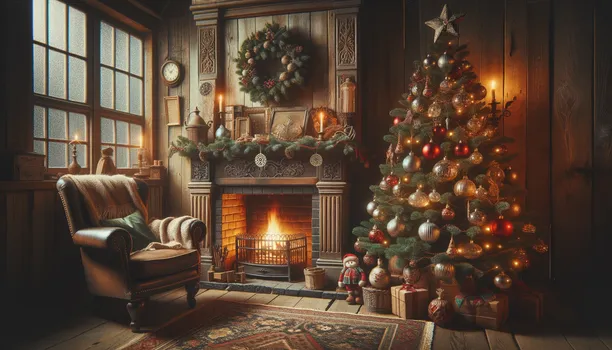
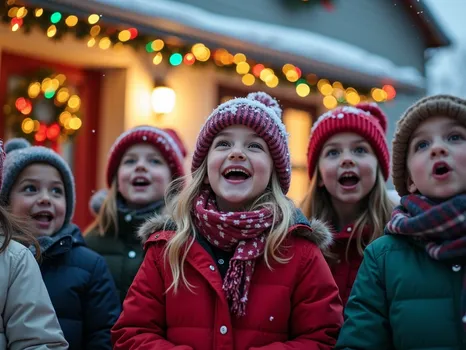
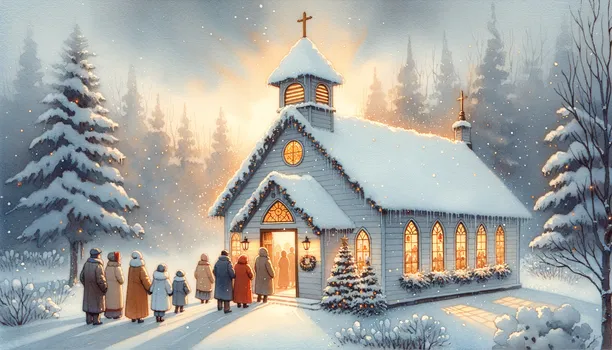
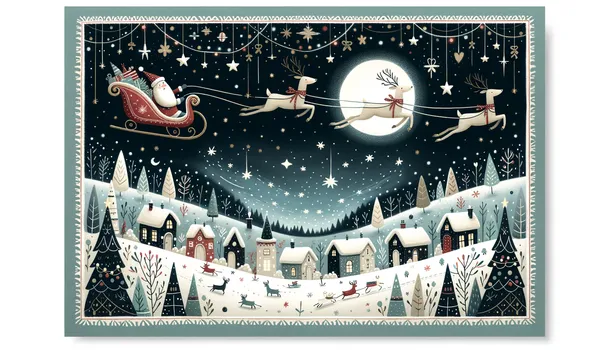
Classic Christmas cards
Fireplaces, carolers and snowy villages: the scenes people send most.
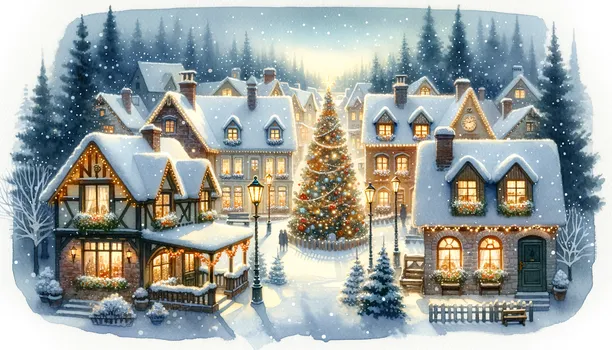
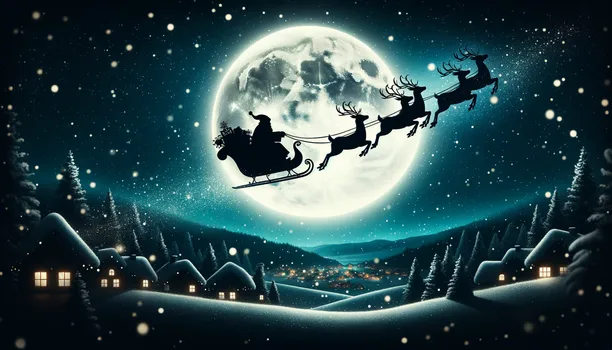
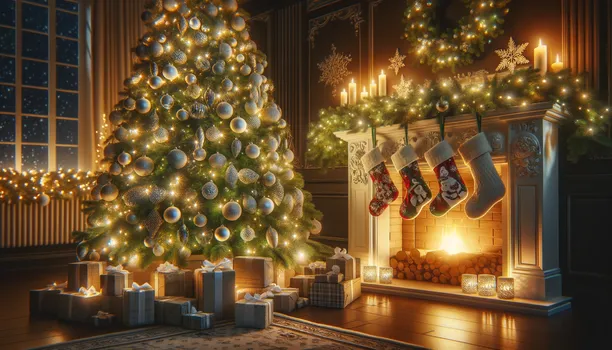
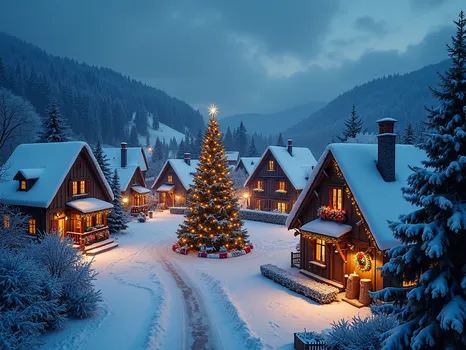
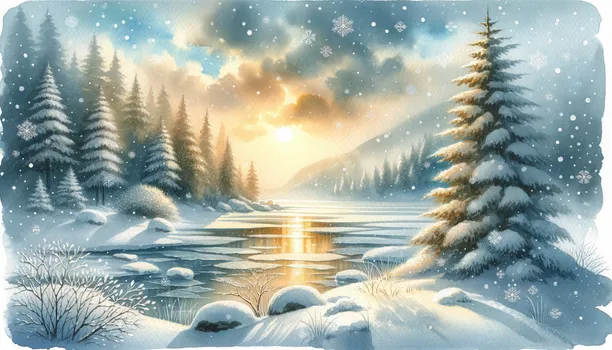
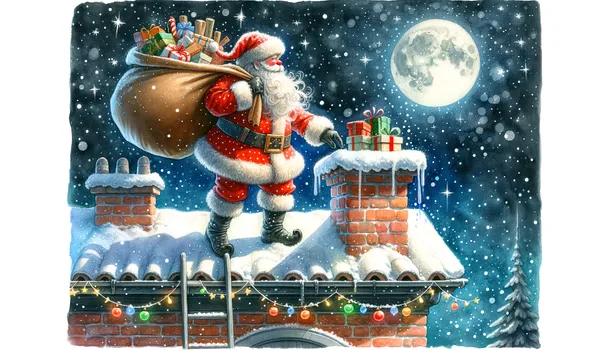
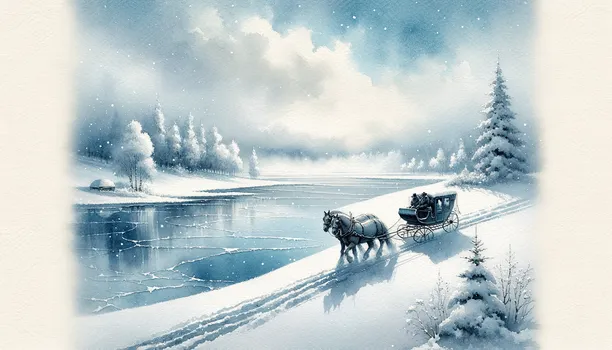
Watercolor Christmas cards
Say "watercolor" in the prompt for soft washes and paper texture.
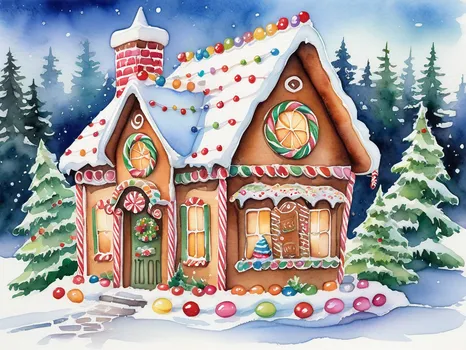
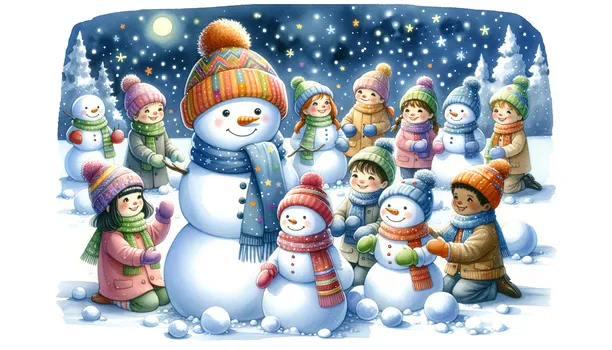
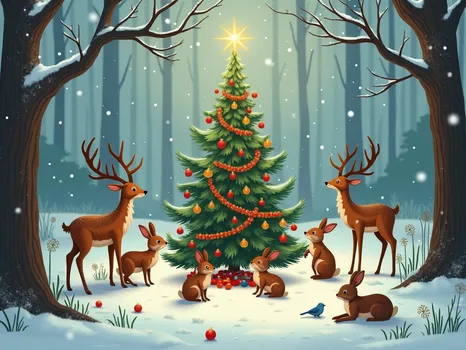
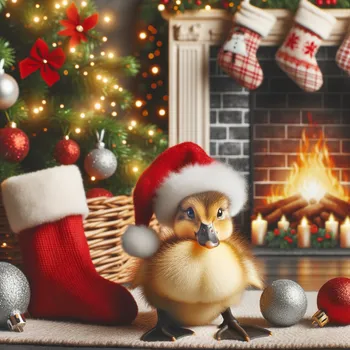
Christmas cards for kids
Snowmen, woodland animals and Santa in bright, friendly styles.

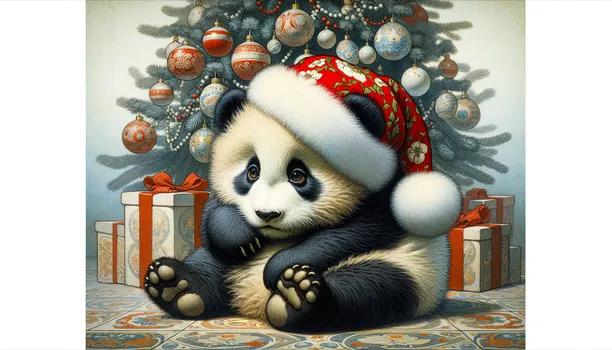
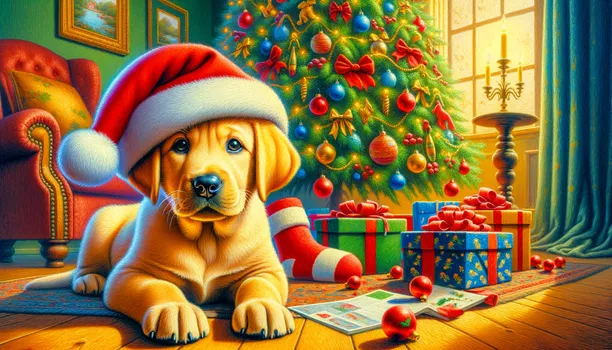
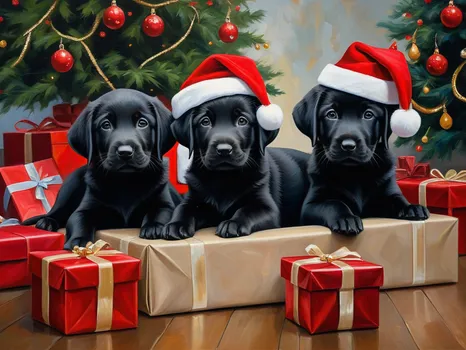
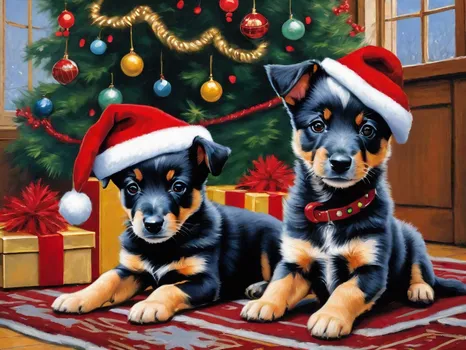
Christmas pets
Puppies, kittens and a panda cub in Santa hats, painted like oil portraits.
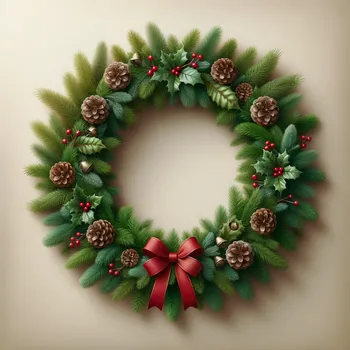
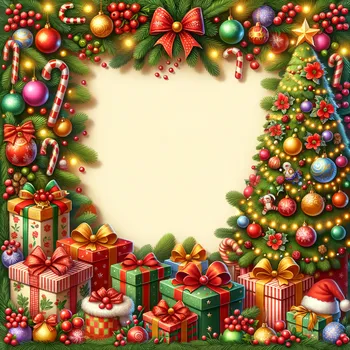
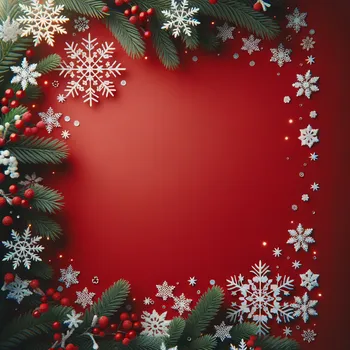
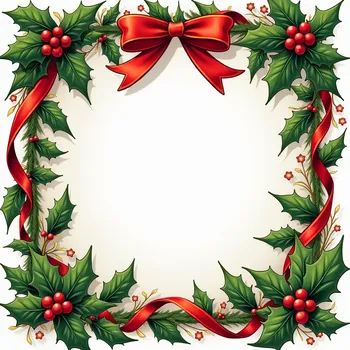
Christmas card frames
Empty frames of holly, ornaments and snowflakes, with room for your own message or photo.

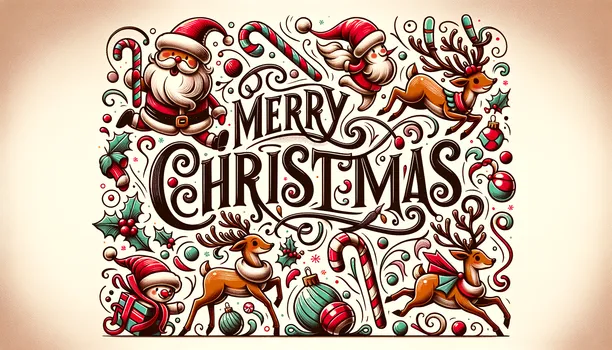
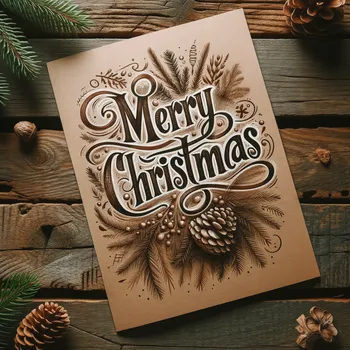
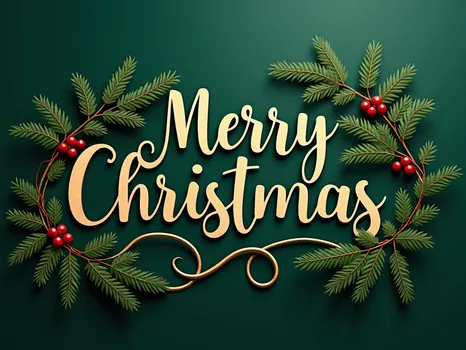
Christmas calligraphy
Merry Christmas lettered in script, gold and rustic styles.




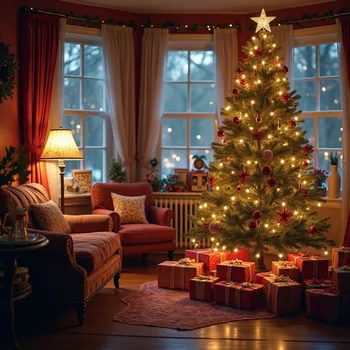
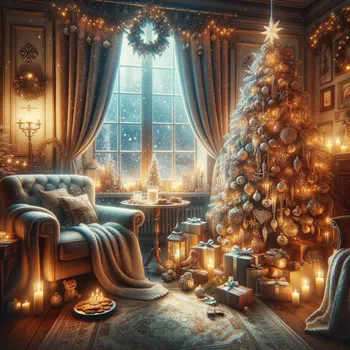
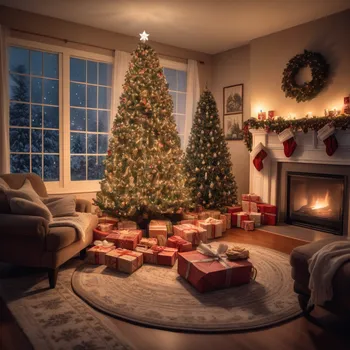
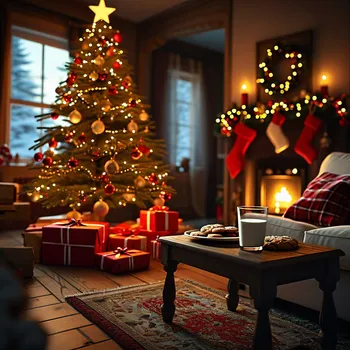
One prompt, 5 models
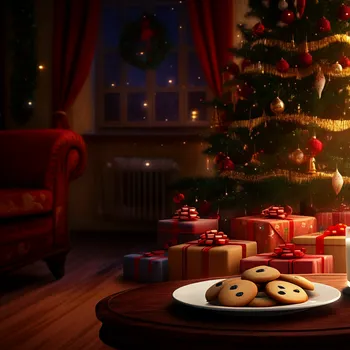
The same prompt was run on 5 models on Tangra AI. Only the model changed, so this is how each one reads it.
A magical Christmas fantasy scene featuring the inside of a cozy living room. The room is warmly decorated for Christmas, with a beautifully adorned Christmas tree standing tall. Underneath the tree, there are many wrapped Christmas packages. The room is dimly lit, creating a warm and inviting atmosphere. On an end table, there is a plate of cookies and a glass of milk, ready for Santa.
How to create AI Christmas cards
- 1Describe the cardName the scene, the style and the greeting, such as "rustic Christmas card of a cabin by the fire with the words Merry Christmas". Leave Advanced Mode off and Tangra writes the full prompt from a few keywords.
- 2Pick a model and a card shapeChoose the Text model when the card carries words, and a landscape or portrait size that matches the card you will print or send.
- 3Create and downloadPress Create, keep the version you like and download it as a high-resolution PNG to print, email or post.
The prompt formula
A cozy watercolor Christmas card of a snowy village at dusk, warm lights in the windows, the words "Merry Christmas" in gold script, wide card layout with a white border
Tips that make the difference
Frequently asked questions
How do I make a Christmas card with AI?
Describe the scene, the style and the greeting in one sentence, pick a model and press Create. On Tangra AI the Text model handles short greetings such as "Merry Christmas", and you can download the finished card as a high-resolution PNG to print or send.
Can the AI write "Merry Christmas" on the card?
Yes. Put the words in quotes in your prompt and pick the Text model, which is made for lettering and works best with short text. Check the spelling before you print, or ask for an empty frame and add the text yourself.
What size should a Christmas card image be?
Pick a landscape or portrait size that matches your card, such as 4:3 or 3:4. Custom sizes go up to 2048 pixels on most models, and some models offer resolutions up to 4K for large prints.
Can I put my family photo on an AI Christmas card?
Yes. Models such as GPT Image, Nano Banana 2 and Seedream accept a reference image, so you can upload a photo and ask for it in a festive scene, or create an empty Christmas frame and place the photo in it.
Can I print and sell the cards I make?
Yes. Tangra claims no ownership of the images you create and asks for no attribution, so you can use them in personal and commercial projects.