At a glance
- Public logos on Tangra
- 4,484 as of November 28, 2026
- Most used models
- Text 42%, Photorealistic 2 21%, Art 16%
- Typical prompt
- 30 words
- On this page
- 23 examples, picked by our team
Logos made with Tangra AI
Each one shows the prompt and the model it was made with. Open an image to see it full size, or start from its prompt.
Business and brand logos
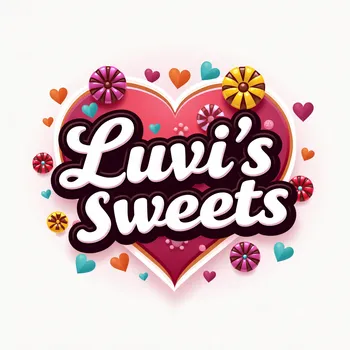
Bakeries, engineers, groomers and online shops, with the name lettered in.


Gaming, esports and sports logos
Mascots and badges for teams, streamers and YouTube channels.


Emblems and crests
Shields, animals and symbols for clubs, families and brands that want a classic mark.

School, club and channel logos
Class groups, choirs and channels: the most visited logo on Tangra is a school class logo.

One prompt, 5 models
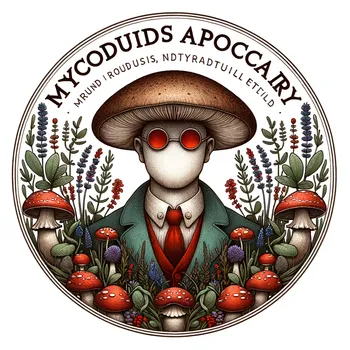
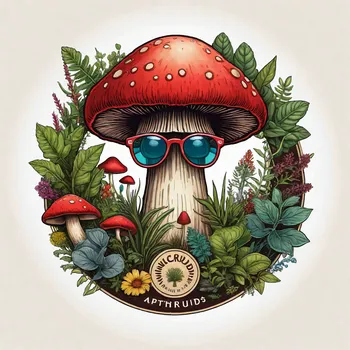
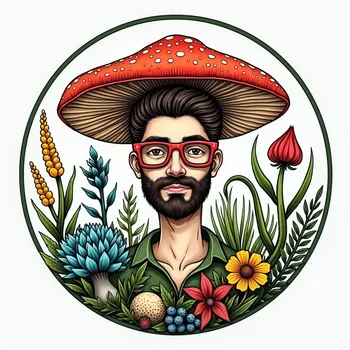
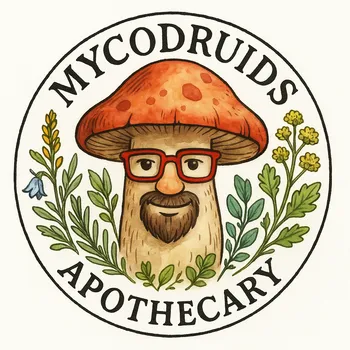
The same prompt was run on 5 models on Tangra AI. Only the model changed, so this is how each one reads it.
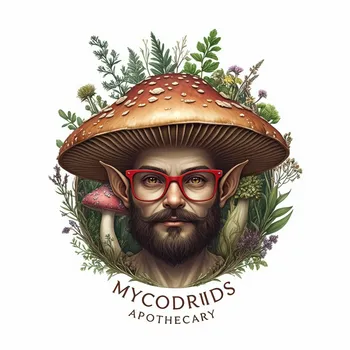
Design a circular logo for Mycodruids Apothecary that includes a humanoid mushroom with dark brown short stubble and rectangular red glasses. The mushroom should be surrounded by an assortment of plants and herbs. Use a white background with a realistic hand-drawn art style. The primary colors should be red, green, blue, and yellow, with black line art.
How to create AI logos
- 1Describe the brandGive the exact name in quotes, what the business does, one symbol and two or three colors: "a minimalist logo for 'Surface Survey', a civil engineering company, bridge and buildings, green and gold".
- 2Use the Text model for the nameThe Text model is made for lettering and works best with short names. Create several versions and compare the spelling.
- 3Refine and downloadUse AI Edit to change a color or a detail, then download a high-resolution PNG. Remove the background in Tangra AI Photo Editor if you need it on a plain color.
The prompt formula
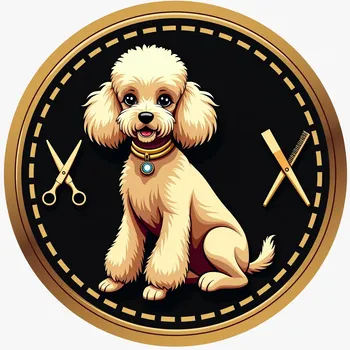
A round, modern logo for the pet grooming shop "Golden Paws", an elegant poodle in the center, gold and black, clean lines, white background
Tips that make the difference
Frequently asked questions
Can AI make a logo with my business name in it?
Yes. Put the name in quotes in your prompt and choose the Text model, which is made for lettering and works best with short names. Create a few versions, check the spelling, and keep the cleanest one.
Which AI model is best for logos?
On Tangra, 42% of the 4,484 public logos were made with the Text model, the one made for lettering. The comparison on this page runs one logo prompt on five models so you can see how each handles the name.
Can I trademark a logo made with AI?
Tangra claims no ownership of the images you create and asks for no attribution, so you can use them in personal and commercial projects. Whether a logo can be registered as a trademark depends on the rules where you file, so check with a trademark professional before you register it.
Can I get my logo on a transparent or plain background?
Ask for a plain white background in the prompt, then open the logo in Tangra AI Photo Editor and ask it to remove the background or replace it with a plain color.
How do I change the colors of a logo I made?
Open the logo and use AI Edit to describe the change, or create it again with the same prompt and a fixed seed and change only the colors.