
Consultation Services Overview
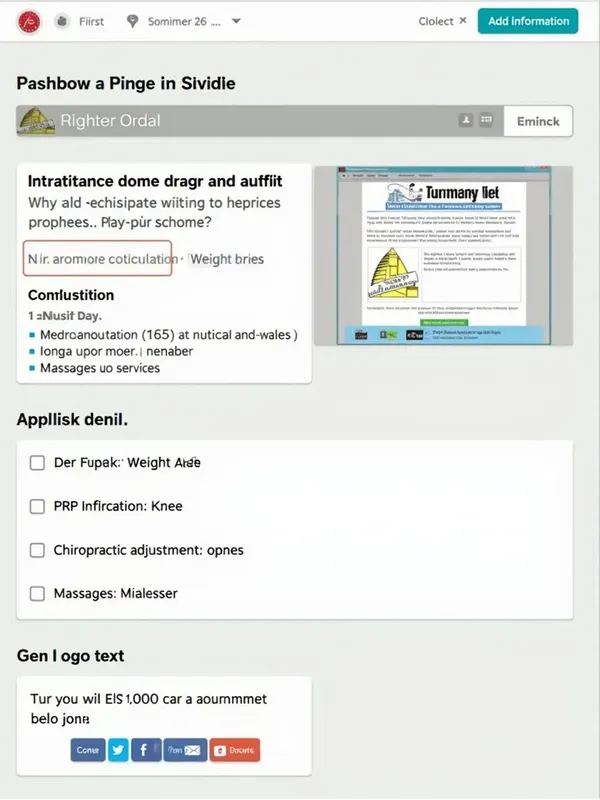
1. Neutral background: In the left sidebar, go to "Backgrounds" and select a neutral background (it can be a light gradient or a textured background). If you want to use a photo of an office or professional, upload an image (option "Upload files") and adjust the opacity (around 50%) so it doesn't compete with the text. --- 3. Add header 1. Main text: Select the text tool ("Text" in the left bar) and write "January 26". Use a large and readable font, such as Montserrat Bold or Playfair Display, with a prominent size. Apply effects like shadow or glow to make it stand out. 2. Subtitles: Add an optional subtitle like "Natural consultation and more..." below the header with a smaller font. --- 4. List the services 1. Create a clear list: Add a text box for each service (natural consultation, weight loss, etc.). Use a readable font like Open Sans and a moderate size. Place a related icon next to each service: Natural consultation: Leaf or plant. Weight loss: Scale. PRP infiltration: Knee or medical symbol. Chiropractic adjustment: Spine. Massages: Hands. To find icons, go to "Elements" in Canva and search for the key terms (e.g., "leaf", "knee"). --- 5. Add call to action 1. Create an eye-catching button: Use a rectangle or circle from the "Elements" section. Write "Schedule your appointment" inside the button. Use contrasting colors like blue or green to grab attention. --- 6. Contact information 1. Add a block with: Phones (2941279975 and 2941075360). Address (R/a Arroyo Polo, etc.). Reference. Use a phone, house, or location icon for each piece of information. 2. Align the texts or place them inside boxes for greater clarity. --- 7. Logo and social media 1. Upload the business logo from "Upload files" and place it in the top or bottom corner. 2. Add the Facebook icon from "Elements". 3. Write the page name: Orion "Comalcalco without stress". --- 8. Adjust colors and style 1. Use a professional color palette: Blue and white for trust. Green for freshness and health. 2. Make sure the text is always readable and has good contrast with the background.