
What people make
Projects Tangra users told us they are working on.
Covers
Portrait covers with space for the title, or with a short title lettered into the art.
Characters and scenes
See the people in your story, then keep them the same from scene to scene.
Children's picture books
Watercolor, pencil or cartoon styles, page after page.
Coloring books
Clean black-and-white line art for coloring pages.
Book trailers and reels
A narrated video from your blurb or a chapter, or a cover brought to life.
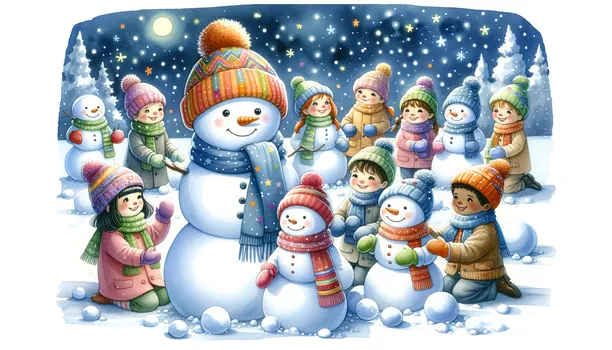
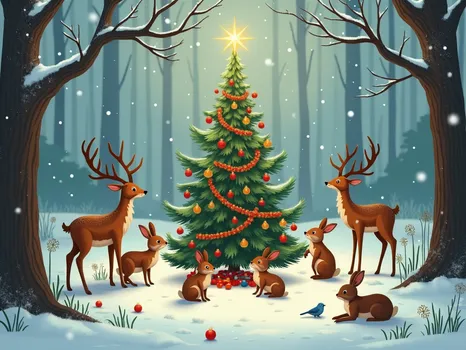
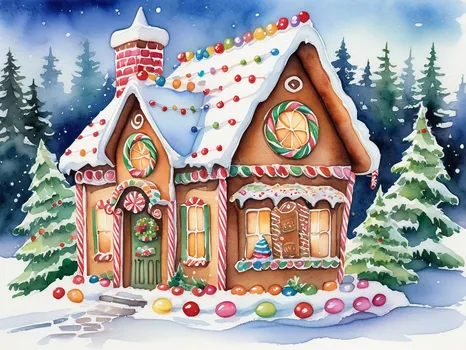
Picture-book illustrations made in Tangra AI
Watercolor scenes of the kind picture-book authors ask for, created in Tangra AI. Open one to see how it was made.
How to create a book cover and illustrations
- 1Describe the cover or the sceneType a few keywords and Tangra writes the full prompt, or switch on Advanced Mode and describe it in up to about 2,000 characters.
- 2Choose a model and a portrait sizeFlux works well for portraits and covers, the Art model for illustration, and the Text model for lettering. Pick a portrait ratio such as 2:3.
- 3Keep characters consistentAttach earlier images as references on models such as Nano Banana, GPT Image or Seedream, so the same faces carry through the book.
- 4Download high-resolution PNGsOpen the image full-screen and download it, at up to 4K on the models that offer it.
- 5Make a trailerPaste your blurb into Storyteller for a narrated video with images and music, or animate the cover in the Video Generator.
Tools you will use
Step-by-step guides for every tool are in the help center.
Tips that make the difference
Frequently asked questions
Can I use AI images on my book cover and sell the book?
Yes. The images you create with Tangra are yours to use, reprint or sell without Tangra's permission or attribution, including on the covers and pages of books you publish. Some publishing platforms ask authors to say when artwork was made with AI, so check the rules of the one you use.
How do I keep a character looking the same in every illustration?
Use a model that accepts reference images, such as Nano Banana, GPT Image or Seedream, and attach earlier pictures of the character. In Storyteller, on the Pro and Ultra tiers, you can attach a reference image to each recurring character, and it is used when every scene is rendered.
Can Tangra put the title on the cover?
The Text model is made for lettering and handles a short title. For long titles or exact typography, create the art with space for the text and set the title in your design tool.
What sizes and formats can I create?
Square, landscape and portrait, with ratios such as 2:3, 3:4 and 16:9 depending on the model, custom sizes up to 2048 pixels, and resolution tiers up to 4K on select models. Images download as high-resolution PNG files.
Can I make coloring pages?
Yes. In Advanced Mode, describe black and white line art with thick outlines and no shading. Creating several pages with the same style words keeps the book consistent.
Can I make a book trailer?
Yes. Storyteller turns a written story into scenes, images, a voiceover and music in one guided flow, and exports an MP4 for Instagram, TikTok or YouTube. For a shorter clip, animate your cover with image-to-video in the Video Generator.
More things people make
Designs for the products you sell
Create designs for t-shirts, stickers, greeting cards, wall art and laser engraving. Download high-resolution PNGs, and sell the products you make with them.
Turn your lyrics or poem into a finished song
Paste your lyrics or a poem and hear it sung. Choose the genre, the mood and the voice. No singing, instruments or studio needed, and your words stay yours.
Social media content for your small business
Create posts, product photos, short videos and music for a bakery, a travel agency or a youth sports club, with no designer or film crew. You own all of it.