
What people make
Projects Tangra users told us they are working on.
T-shirts and apparel
Graphics and short slogans for shirts, hoodies and tote bags.
Stickers
Bold, simple artwork on a plain background that is easy to cut.
Greeting cards and card decks
Holiday cards, tarot and oracle decks, or a set for a niche market.
Wall art and home decor
Prints, murals, mouse pads and other decor.
Laser engraving
High-contrast black-and-white artwork that engraves cleanly.
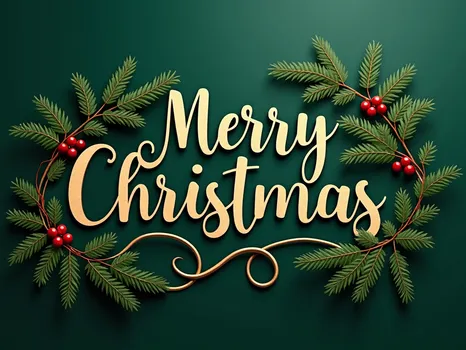
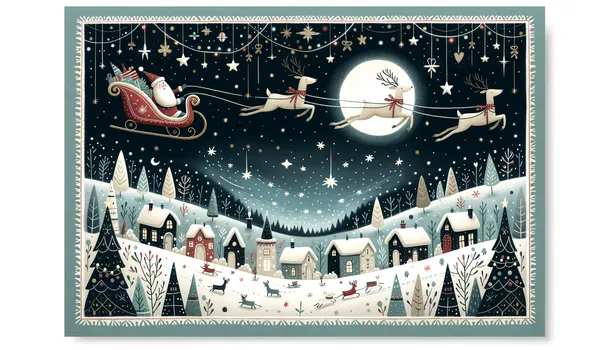
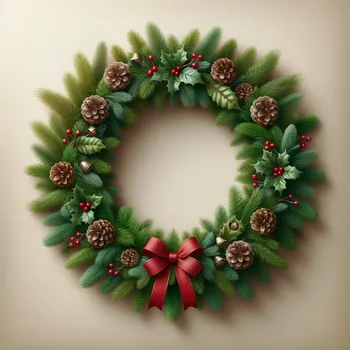
Greeting-card designs made in Tangra AI
From the Christmas card collection, created in Tangra AI. Open one to see how it was made.
How to create print-on-demand designs
- 1Describe the designSay what it is for: a sticker, a shirt graphic, a card or a pattern for engraving. Style buttons add looks such as watercolor or line art.
- 2Match the size to the productSquare for stickers, portrait for posters and cards. Custom sizes go up to 2048 pixels, and some models offer tiers up to 4K.
- 3Refine itUse AI Edit on any image to change details, or attach your own sketch or product photo as a reference on models that accept one.
- 4Clean up the backgroundIn the Photo Editor, ask to remove the background or replace it with a plain color.
- 5Download and upload to your shopDownload high-resolution PNGs and add them to your print provider or marketplace listing.
Tools you will use
Step-by-step guides for every tool are in the help center.
Tips that make the difference
Frequently asked questions
Can I sell products with designs I made in Tangra?
Yes. The images you create are yours to use, reprint or sell without Tangra's permission or attribution. Avoid prompts that copy logos, trademarks or characters you do not own, because your marketplace's rules still apply.
What resolution are the downloads?
Images download as high-resolution PNG files. Depending on the model you can set custom sizes up to 2048 pixels or choose resolution tiers up to 4K.
Can I remove the background from a design?
Yes. Upload the design to the Photo Editor and ask it to remove the background or replace it with a plain color, then download the result.
Can I create text designs like slogans?
Yes. The Text model is made for lettering and works best with short text, such as a slogan or a greeting. Check the spelling before you print.
Can I start from my own sketch or photo?
Yes. Models such as GPT Image, Nano Banana and Seedream accept uploaded reference images, so you can restyle a sketch or build on a product photo.
How many designs can I make?
Paid plans include unlimited images on Tangra's own image models. Premium models from other providers use credits, and each one shows its price on the Create button before you confirm.
More things people make
Book covers, illustrations and trailers for your book
Create book covers, scene illustrations, coloring pages and book trailers. Keep your characters consistent with reference images. The artwork is yours.
Social media content for your small business
Create posts, product photos, short videos and music for a bakery, a travel agency or a youth sports club, with no designer or film crew. You own all of it.
Old family photos, restored for the next generation
Repair faded, scratched and black-and-white family photos, add color, and turn them into albums, slideshows, holiday cards or pages for your family tree.