
What people make
Projects Tangra users told us they are working on.
Music channels
Original songs in any genre, each with its own video.
Relaxing and ambient channels
Calm instrumentals over slow, beautiful visuals.
Story videos for songs
Visuals that follow the story you give the song.
Animated stories
Narrated story videos: your pets as characters, fables, a whole series.
Videos for your own music
Upload a track you recorded and give it a video.
Music videos made in Tangra AI
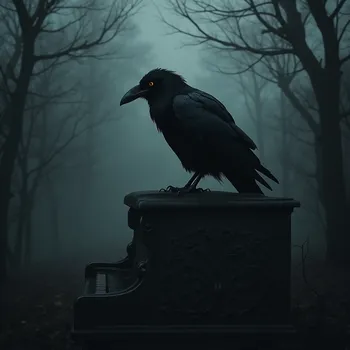
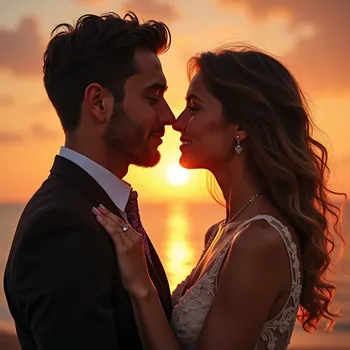
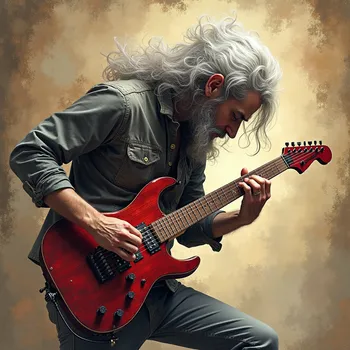
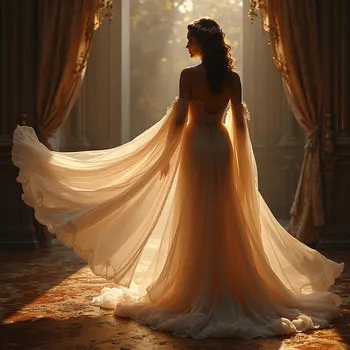
Every frame and every note below was made in Tangra AI and published on YouTube. Press play.


How to make a music video for YouTube
- 1Create or upload the songMake a full-length song in the Music Generator, or upload your own audio to your library.
- 2Pick the video sizeOpen the Music Video creator and choose 16:9 for YouTube, 9:16 for Shorts and Reels, square or 4:5.
- 3Choose the track and shape the storySelect the song, then answer a few questions about the story and the look you want.
- 4Refine the storyline and createEdit the scenes of the storyline, then create the images for every scene.
- 5Export and postAdd your logo if you want it on every scene, then export the video from the timeline editor and upload it.
Tools you will use
Step-by-step guides for every tool are in the help center.
Tips that make the difference
Frequently asked questions
Can I use Tangra music and videos on a monetized YouTube channel?
Tangra claims no ownership of the songs and videos you create and asks for no attribution, so you can use them in personal and commercial projects, including YouTube. YouTube's own policies still apply, including its rules on disclosing realistic AI-generated content.
Can I make a music video for a song I recorded myself?
Yes. Upload your audio to your library, then choose it in the Music Video creator like any song you made in Tangra.
What sizes can the video be?
Widescreen 16:9 up to 4K, vertical 9:16 for Shorts, Reels and TikTok, square 1:1 and portrait 4:5.
How long is the music video?
The video runs the length of the song you choose. Only full-length songs can drive a music video, so short clips do not appear in the track list.
Can I edit the video afterwards?
Yes. The music video is saved as a timeline project, so you can open it in the editor to trim, reorder and add clips, text and effects, then export an MP4 or WebM.
Do I need video editing skills?
No. The Music Video creator walks you through size, song, story, storyline and scenes, and the timeline editor is there when you want more control.
More things people make
Turn your lyrics or poem into a finished song
Paste your lyrics or a poem and hear it sung. Choose the genre, the mood and the voice. No singing, instruments or studio needed, and your words stay yours.
Personalized song gifts, written from your memories
Turn a birthday, an anniversary or a family memory into an original song with your own words. Choose the style and the voice, then download it to give.
Social media content for your small business
Create posts, product photos, short videos and music for a bakery, a travel agency or a youth sports club, with no designer or film crew. You own all of it.